Photography Tips
Best AI Property Photo Tools for Listings
Image quality can influence how people evaluate a listing, but there is no universal performance uplift that applies to every property. Measure clicks, inquiries, bookings, or sales on the individual listing.
By Hospitality Lens · · 7 min read
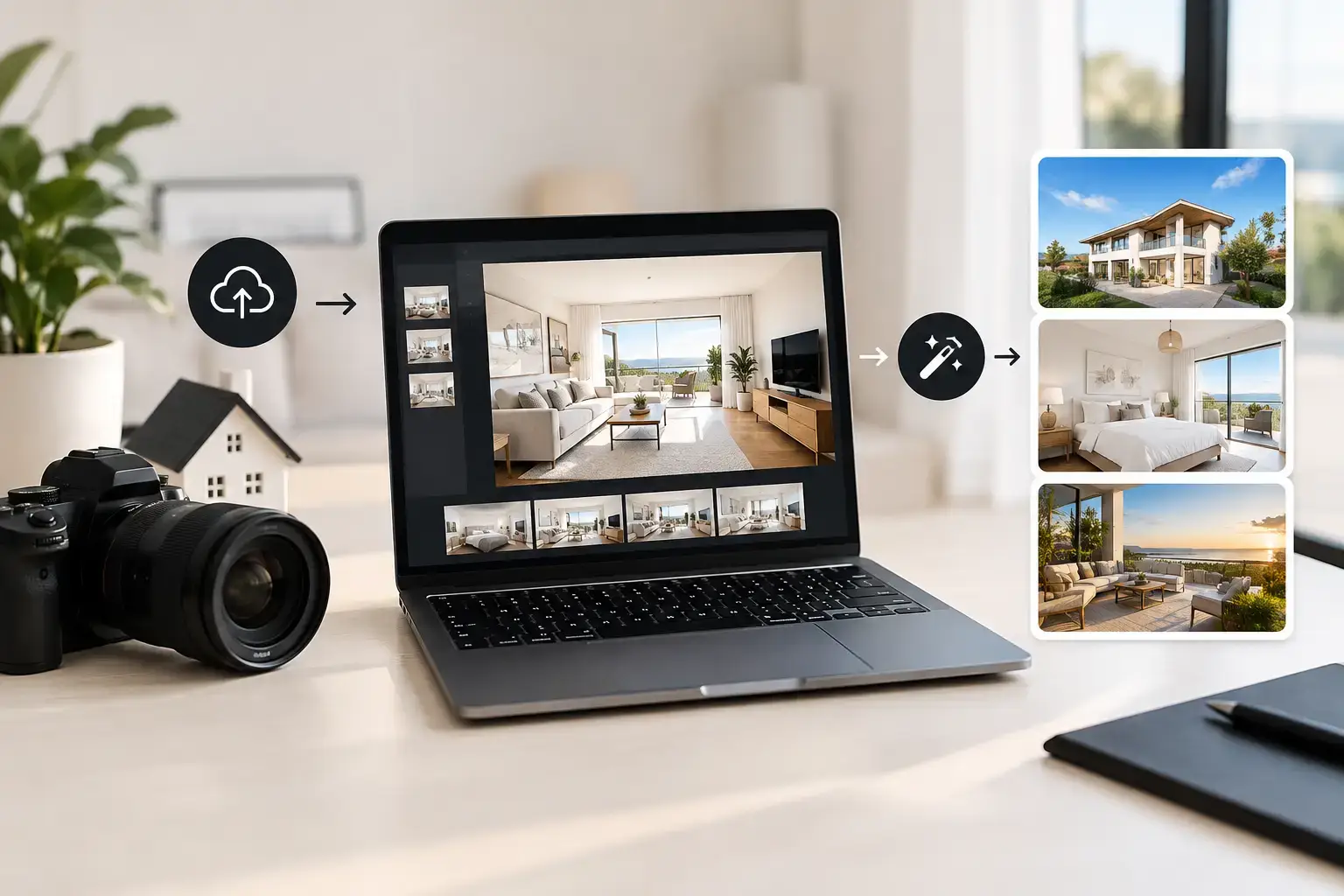
A dark living room, a tilted horizon, or a cleaner’s cart in the hallway can make an otherwise solid property feel less considered online. For operators working with owner photos, phone images, and older listing photography, the best AI property photo tools are not the ones that create the most dramatic transformation. They are the ones that make usable images look credible, polished, and true to the stay a guest will actually book.
That distinction matters for short-term rental managers, co-hosting agencies, serviced-apartment teams, boutique hotels, and real estate operators. A listing image needs to earn attention, but it also needs to set accurate expectations. The right tool depends on the source photos, the purpose of the update, and whether the property needs a refresh or a complete new shoot.
What makes an AI property photo tool worth using?
Property imagery has a narrower margin for error than many other marketing images. Over-bright windows can look artificial. Aggressive object removal can leave warped edges. A room that has been digitally redesigned may look attractive, but it may no longer represent what a guest or buyer finds on arrival.
The most useful AI property photo enhancement tools focus on correction rather than invention. They improve exposure, color balance, vertical lines, composition, and visual distractions while preserving the room, furniture, amenities, and view. The outcome should be professional-looking property photos that still feel like the property.
For an operations team, a good tool also needs to fit the workflow. It should accept the images already available, work at portfolio scale when needed, and offer clear pricing instead of forcing a new photoshoot for every seasonal change or listing refresh.
The best AI property photo tools by use case
There is no single best option for every listing. These tool categories solve different problems, and selecting the wrong one can waste time or create images that are unsuitable for a live property listing.
1. AI photo enhancement services
An AI enhancement service is often the best fit when you have usable source photos but need a cleaner, more consistent final result. This category is designed for practical issues such as uneven lighting, dull colors, crooked horizons, converging walls, small visual distractions, and general lack of polish.
It is especially useful for owner photos to booking-ready images, cleaner-taken photos, and existing listing images that no longer match the quality of the rest of a portfolio. The best services combine AI-assisted improvement with a quality-focused review process, rather than applying the same heavy filter to every room.
HospitalityLens fits this use case by creating truthful photo enhancement from usable existing images. It can correct lighting, color, perspective, and clutter while avoiding fake rooms, views, amenities, or property features. That makes it a practical property photographer alternative for a listing refresh without a new photoshoot, not a substitute for photography when the source material is fundamentally poor.
2. Self-serve AI editing apps
Self-serve editors can be useful for an individual host or a small team making quick adjustments to a handful of images. They typically offer automatic exposure correction, cropping, color controls, sharpening, and basic cleanup tools.
Their main advantage is speed and direct control. A manager can make a small edit immediately without sending files elsewhere. The trade-off is consistency. Different team members may edit images differently, and automated presets can push whites, blues, and shadows too far if nobody reviews the result carefully.
These apps work best for minor corrections when someone on the team has a reliable eye for photography. They are less ideal for a 50-unit portfolio that needs images to share a consistent visual standard across multiple channels.
3. Object-removal tools
Object removal is valuable when a photo is otherwise strong but includes something temporary or distracting: a cleaning supply, a loose cable, a trash bin, a parked vehicle, or a person accidentally caught in the frame. Removing those distractions can make an image feel calmer and more deliberate.
This is also where judgment is essential. Removing a mop bucket is different from removing fixed infrastructure, changing a neighboring building, or concealing a permanent feature of the property. The most responsible use is cleanup, not concealment.
Review every edited area at full size before publishing. Poor removal can produce repeated textures, strange shadows, or missing edges around furniture and fixtures. Those details are easy to miss in a thumbnail and obvious in a full-screen gallery.
4. Perspective and horizon correction tools
Wide-angle phone photos often make walls lean, kitchen counters slope, and room proportions feel distorted. Perspective correction can have an outsized effect because it makes a space look orderly without changing anything about it.
For apartments, hotel rooms, and compact vacation rentals, realistic lighting and perspective correction are often more valuable than dramatic stylistic edits. Straightening vertical lines helps rooms read more naturally, particularly in bathrooms, hallways, kitchens, and exterior shots.
The limitation is that software cannot recover a composition that never showed the room clearly. If the photographer stood too close, used an extreme lens, or cut major features out of the frame, correction may help but will not turn the image into a true wide interior photograph.
5. Batch enhancement platforms
Batch tools appeal to operators managing frequent onboarding, seasonal image changes, or large portfolio updates. They can standardize baseline exposure, color, and sizing across many images quickly.
The operational gain can be meaningful, but batch processing should not mean blind processing. A sunset exterior, a white-on-white bedroom, and a dark wood cabin interior require different treatment. The best workflow uses batch tools to reduce repetitive work, then includes a review step for rooms with difficult lighting or unusual color palettes.
This category is most useful when the portfolio needs visual consistency, not when every image requires complex cleanup or individualized correction.
6. Virtual staging and image-generation tools
These are often grouped with AI photo tools, but they serve a different purpose. Virtual staging can add furnishings, while image-generation systems can create or substantially alter scenes. They may be useful in certain design, concept, or marketing contexts, but they are not the right answer for a truthful occupied property listing when the edit changes what a guest will encounter.
For hospitality operators, clarity is usually more commercially useful than novelty. A clean, well-lit image of the actual room builds a more reliable listing than an image with furnishings, views, or features that do not exist. If a room is unfurnished, poorly photographed, or under renovation, it may be better to wait for accurate photography than to publish a misleading representation.
7. A professional property photographer
A professional photographer remains the strongest choice when a property has no usable photos, has been renovated substantially, needs new exterior or amenity coverage, or deserves a full visual repositioning. A photographer can control composition, lighting, timing, and room preparation at the source. AI cannot recreate missing angles or correct a room that was photographed in unusable conditions.
A new shoot is also appropriate for distinctive, premium properties where visual storytelling is central to the listing. Architectural detail, large grounds, dramatic views, and luxury interiors benefit from intentional capture rather than post-production alone.
The practical question is not whether AI is better than photography. It is whether the listing’s current images already contain enough truthful visual information to improve. If they do, enhancement may be faster and more economical. If they do not, schedule the shoot.
How to choose between the best AI property photo tools
Start with the condition of the original image. A clear phone photo with decent framing can often become booking-ready with professional enhancement. A grainy, poorly framed image taken at night with major areas missing usually cannot.
Next, define the job. If your priority is portfolio consistency, look for controlled color and exposure correction across a set. If one otherwise useful image has a visible distraction, seek precise object cleanup. If an underperforming listing needs a visual reset but the rooms have not changed, a targeted enhancement service may be enough.
Finally, judge edits against the real property, not against a dramatic before-and-after. Ask whether the image now communicates the room more clearly, whether the colors look believable, and whether a guest could reasonably expect to find what is shown. Those questions prevent AI from becoming a source of avoidable listing risk.
A practical workflow for listing refreshes
Collect the best existing images first, including owner-submitted photos and earlier listing assets. Remove obvious duplicates, screenshots, and photos with severe blur. Then prioritize the images that affect a guest’s decision most directly: exterior, main living area, primary bedroom, kitchen, bathrooms, and any genuine differentiator such as a balcony, pool, or workspace.
Apply enhancement selectively, then compare the completed images as a gallery. A strong portfolio should feel coherent from room to room. It should not look as though every image came from a different filter or a different property.
For teams testing an enhancement provider, a single-image preview is a sensible way to assess the editing style. HospitalityLens offers a watermarked free preview through its “Try one photo free” option. Free watermarked preview. Pay only if you like it. No card is required to create the free watermarked preview.. See current pricing
The best property photo tool is the one that improves what is already true, fits the scale of your operation, and tells guests what they can genuinely expect when they arrive.