Short-Term Rentals
Digital Staging vs Photo Enhancement for Rental Portfolios
Learn how choosing the right photo editing strategy helps property managers maximize listing appeal while protecting guest trust and preventing costly misrepresentation disputes.
By Hospitality Lens · · 14 min read

For a furnished vacation rental, photo enhancement is the safer default and digital staging is the exception. Enhancement fixes how a real room is captured: dark exposure, crooked lines, color cast, clutter. Digital staging changes what the room appears to contain. A furnished rental already has its furniture, so staging adds risk without adding much, and the guest who arrives to a different room is the one who files the complaint.
This guide is for teams with recurring photo work: new-property onboarding, owner- or cleaner-taken phone photos, seasonal refreshes and consistency across 10 or more listings. It covers what each approach does, how to tell a realistic result from a misleading one, when to hire a photographer, and whether a monthly plan or a one-time pack fits.
TL;DR
- Digital staging adds or swaps furniture and decor in a picture. Photo enhancement corrects light, color, straightening and perspective, and removes clutter, while the real property stays as it is.
- In a furnished rental, the furniture and amenities are part of what the guest books. Anything that adds them digitally has to match what is actually there.
- Use a photographer when you need new angles, a flagship shoot, architectural work, or when the originals are unusable.
- Use a monthly plan for steady onboarding and refresh work, and a one-time pack for an isolated job.
- You can start with a free watermarked preview of one photo and pay only if you unlock the finished image.
Table of Contents
- What each approach actually changes
- Why furnished rentals change the question
- The rules you should know before editing any rental photo
- Side by side: workflow fit for a multi-listing team
- How to tell whether an enhancement is realistic
- When a photographer is the better answer
- A decision path for your team
- Onboarding, refreshes and approvals: a worked portfolio example
- Subscription or one-time pack
- Our perspective
- Try it on one of your own photos
- FAQ
- Sources
What each approach actually changes
The two terms get mixed up because both happen after the shutter clicks. They do different jobs.
Digital staging (also called virtual staging) places furniture, rugs, art or decor into a photo, usually of an empty room. It exists because vacant homes for sale photograph poorly and buyers struggle to picture a layout. The product is a room that never existed in that form.
Photo enhancement works on what is already in the frame. It brightens a dim bedroom, neutralizes the yellow cast from mixed bulbs, straightens a tilted horizon or leaning walls, corrects lens distortion, and cleans up a stray trash bin, a cable or a person in the shot. The sofa in the picture is the sofa in the living room.
That difference sets the risk. Enhancement should leave a guest’s first look at the room and their arrival matching. Staging, by design, shows something that will not be there.
Why furnished rentals change the question
Most of the staging conversation is about home sales. A vacant listing needs help imagining furniture. A rental is different: the listing is a description of a stay, and the furniture, bedding, sofa bed, kitchen and view are the product. A guest counts beds and checks the workspace photo before booking.
A furnished portfolio therefore rarely has the problem staging solves. What it usually has is a different one: photos taken by an owner on a phone at dusk, a cleaner’s quick snaps with the lights off, or a three-year-old set that no longer shows the refreshed living room. Those are capture problems, and enhancement is built for capture problems.
There is also a trust issue that extends beyond the booking. Guests who arrive to a place that looks like its photos leave better reviews, and how photo edits shape guest expectations is worth understanding before you set a team standard for edits.
The rules you should know before editing any rental photo
Platform and legal rules are moving, and nothing here is legal advice. Talk to your attorney for your own markets. The direction is clear, though.
Airbnb search and ranking systems use multiple signals that can change over time. Treat image quality as one part of listing quality and rely on current first-party guidance rather than a guaranteed ranking effect. Reporting on that statement notes that AI editing is not banned, but misrepresentation is. That is the line your team policy should follow: correcting how the real place looks is one thing, changing what it contains is another.
State law is starting to put the same line on paper. California’s AB 723, in effect since January 1, 2026, covers digitally altered images in sale advertising by brokers and salespeople. According to a professional summary, it excludes routine adjustments such as lighting, white balance, color correction, cropping and exposure. For rentals, California’s general false-advertising provisions still apply to anyone, with civil penalties up to $2,500 per violation, so the cautious policy there is to label altered images and link the original.
A further California law is on the way. AB 2025 adds Civil Code § 1940.11, effective January 1, 2027, and requires anyone advertising a rental with a digitally altered image to post a conspicuous disclosure and make the unaltered original available. Routine lighting, sharpening, white balance, color correction, straightening and cropping are excluded as long as they do not change how the property is represented.
Read those two together and you get a practical sorting rule. Corrections to light, color, angle and straightness are the routine kind. Anything that adds, removes or reshapes something a guest would care about belongs in a different category with a different level of review.
Side by side: workflow fit for a multi-listing team
| Question | Digital staging | Photo enhancement |
|---|---|---|
| What it changes | Adds or swaps furniture and decor | Light, color, straightening, perspective, cleanup |
| Best starting point | Empty or nearly empty room | Existing, usable photo of the real room |
| Main risk | Guest arrives to a room that looks different | Over-editing that hides flaws such as wear or damage |
| Review needed | Every image checked against the room, often with disclosure | Quick check that nothing real was changed |
| Consistency across 10+ listings | Style choices vary per room and per tool | Same corrections applied across the portfolio |
| Fit for owner or cleaner photos | Poor: the problem is capture, not furniture | Strong: the usual problems are dark, crooked, cluttered |
For a team, the table’s last two rows matter most. Digital staging multiplies decisions: which style, which pieces, does it match the property’s tone, did the owner approve it. Enhancement mostly standardizes: brighter, straighter, cleaner, and the same across the portfolio. Fewer decisions per photo means a smaller approval queue.
How to tell whether an enhancement is realistic
“Realistic” is often treated as a taste question. For a rental it is a checkable one. Put the original and the edited image side by side and run these questions before anything goes live.
First, count the features. Beds, windows, appliances, outlets, view and amenities should be the same in both pictures. A pool, a balcony or an ocean glimpse that was not in the original is a hard stop.
Second, check the room’s condition. Cleanup should remove temporary clutter, such as a laundry basket or a charger, not permanent wear like a stained ceiling, a scuffed floor or a cracked tile. If a flaw is part of the room, the guest will see it on arrival.
Third, check geometry. Straightening a tilted shot is a correction. Stretching a room to look wider is not. Walls should look vertical, but the room should not feel bigger than it is.
Fourth, check light and color. Brighter is fine. A bedroom that was dark at 7 p.m. should not suddenly look like noon with a blue sky outside a window that faces a wall. Wall colors and wood tones should look like the real paint and floor.
Fifth, compare across the set. A portfolio looks trustworthy when photos feel like one consistent standard, not when each listing has been pushed to a different level of polish.
This is the review step your team keeps whichever tool it uses. Our enhancement is designed to preserve the real property, never invent rooms, views, amenities or architecture, and the free preview lets you run this comparison on a real photo from your own portfolio before you decide.
When a photographer is the better answer
Enhancement works on a usable source photo. It cannot create a shot that was never taken. A professional photographer is the right call in these cases:
You need new angles. If the only photos show one corner of the living room, no edit will reveal the rest of it.
The property is architecturally demanding or is a flagship. A signature villa, a boutique hotel’s lobby or a property with a dramatic exterior deserves a planned shoot with lighting and composition worked out on site.
The originals are unusable. Heavily blurred, extremely dark or badly framed images leave nothing true to improve.
The property has changed. After a renovation or a furniture replacement, the set must show the new room, and only new photography does that.
For teams, the economical pattern is to send a photographer to the few properties that justify it and enhance the usable photos for everything else. If you want to compare the two paths in more depth, our guide on AI edits versus reshoots for rental listings walks through the decision, and you can find local photographers in our directory, for example ARC Property Studios in New York City or Prime Property Imaging in Orlando.
A decision path for your team
Think of each listing as moving through three questions.

Is there a usable photo set that covers the rooms guests care about? If yes, enhancement is the first move. If no, schedule a photographer.
Is the problem how the photo was captured, or what is in the room? Dark, crooked, cluttered and color-shifted are capture problems. Enhancement handles them. A genuinely sparse or dated room is a property problem, and the fix is in the property, not the picture.
Who signs off? Owners and cleaners often send the photos, and owners often want a say in what goes live. A before-and-after pair in front of the approver keeps the conversation concrete. For the workflow side, see our page for property managers.
Where does digital staging fit in this path? Mainly in vacant properties for sale or in marketing cases where the room is truly empty and the image is clearly disclosed. For a furnished rental portfolio, it is a narrow tool and usually the wrong first one. Our comparison of virtual staging and photo enhancement goes into the sale-versus-rental distinction further.
Onboarding, refreshes and approvals: a worked portfolio example
Take a hypothetical agency adding a 12-unit building to its portfolio. This is an illustration of the workflow, not a customer story or a result.
The owner sends phone photos: several are dim, two are tilted, one shows a pile of boxes by the sofa. The team sorts them first. Anything that covers the room and is in focus goes forward for enhancement. Rooms with no usable shot go on a list for a photographer.
The enhanced images come back brighter and straighter, and the boxes are gone. The reviewer compares each pair against the checklist above, confirms that the room still shows the same bed count and view, and sends the set to the owner for approval. Six months later, in spring, the team swaps in refreshed shots for the seasonal change, and the process repeats with the same standard.
The repeatable part is the value. The same set of corrections, the same review, the same approval path, applied to every unit, is what makes a portfolio look consistent. You can see genuine before-and-after material on our examples page.
Subscription or one-time pack
The choice depends on how often you have photo work, not on how many properties you manage.
If you onboard properties regularly and refresh seasonally, monthly plans match the pattern. They are $49 a month for 10 photos, $99 a month for 25 and $299 a month for 100, with three revisions per photo. Extra subscriber photos cost $5, $4 or $3 respectively, depending on the plan.
If you have an isolated job, such as a single building or one batch of replacement photos, a one-time pack fits better. The packs are 10 photos for $59, 25 for $129 and 100 for $399, with two revisions per photo. A single photo is $12 at the standard catalogue price.
A quick way to size it: count the photos you expect to enhance in a typical month across onboarding and refreshes. If that number recurs, pick the plan that covers it. If it is a one-off, buy the pack. Prices change, so confirm them on our pricing page before you budget.
Our perspective
We built HospitalityLens around one idea: a rental photo should make the real place easier to say yes to, not make it look like somewhere else.
Teams that manage many listings rarely have a staging problem. They have a volume problem: owner photos that are dim, cleaner photos that are crooked, and a portfolio that does not look like it belongs to one company. Lighting and color correction, straightening, perspective correction and appropriate cleanup address exactly that, and they do it without adding a single thing the guest will not find on arrival.
We also say plainly when a new shoot is the better choice: new angles, architectural work, a flagship property or originals that cannot be saved. Knowing where enhancement stops is part of using it well.
That is why we offer a free watermarked preview first, and why monthly plans suit recurring onboarding and refresh work while one-time packs suit isolated jobs.
The HospitalityLens Team
Try it on one of your own photos
Pick a dim or crooked photo from a listing you manage and run it through our free preview. The preview is watermarked, so you can judge the result against the original, and you pay only if you decide to unlock the finished image. Eligibility and first-photo terms can vary, so use what the app shows.
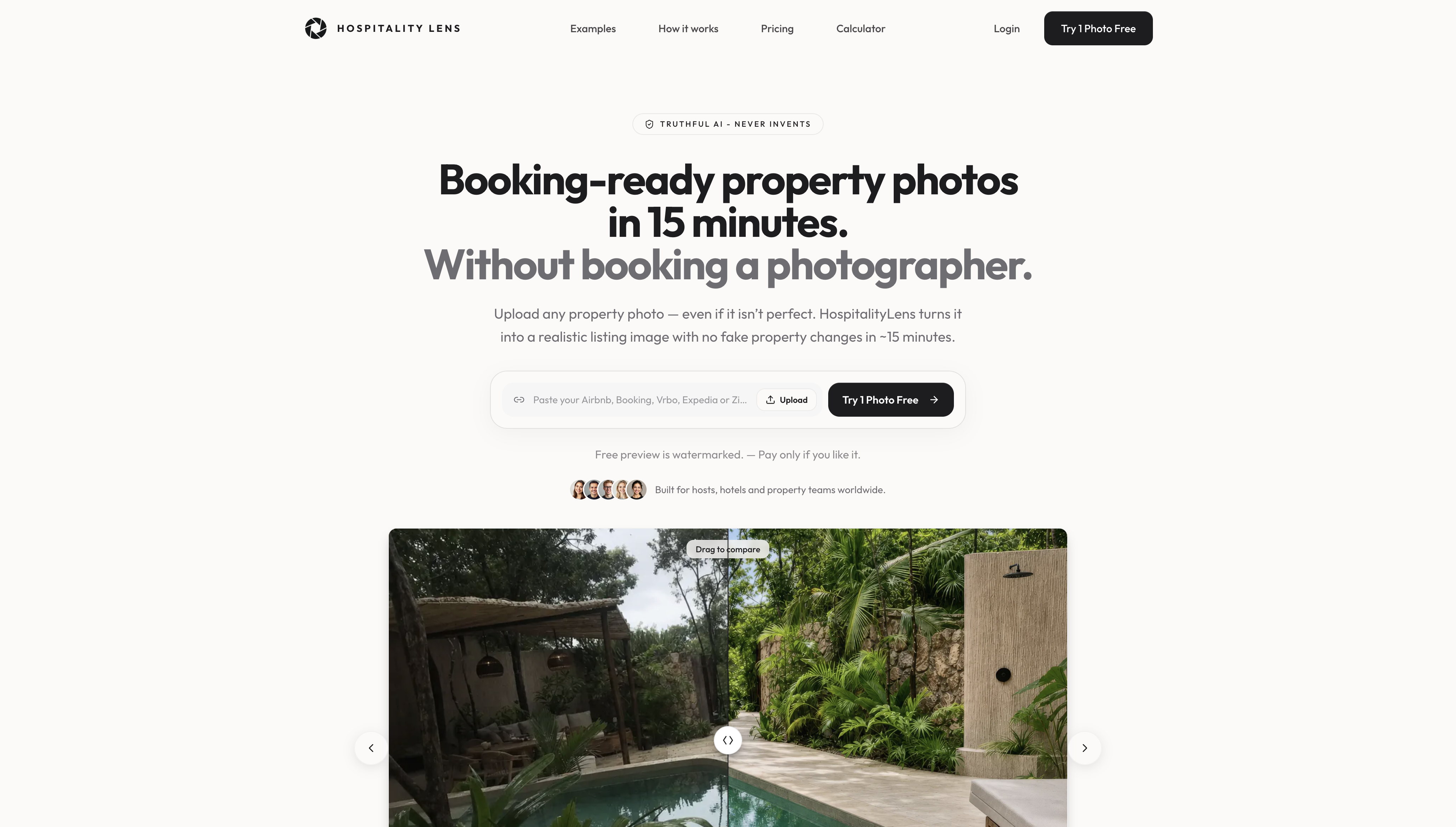
Try one photo free to see the result on a real room, or look at the current one-time and monthly options if you already know your volume.
FAQ
Is digital staging allowed on Airbnb and Vrbo listings?
Airbnb has said listings must be accurately represented and that it may ask hosts to remove content that adds amenities or attributes that are not part of the listing. Read each platform’s current content policy for your own listings. Whatever tool you use, make sure every item shown is in the property.
Do I have to disclose edits to rental photos?
It depends on the state and the type of edit. California’s AB 2025 takes effect January 1, 2027 and requires a disclosure and access to the original for digitally altered rental images, with routine lighting, color, straightening and cropping adjustments excluded. If you operate there or elsewhere, ask your attorney about your markets.
Can enhancement fix photos that are already bad?
It can improve usable photos: dim light, color cast, tilt, perspective and temporary clutter. It cannot supply angles that were never shot or rescue images that are unusable. In those cases a photographer is the better route.
Is a monthly plan worth it for a small portfolio?
It is worth it when you have photo work most months, such as onboarding new units or running seasonal refreshes. For a single building or a one-time replacement, a one-time pack is the better fit.
Sources
- Does California AB 723 Apply to Apartment Rentals?
- New California landlord laws for 2027
- How Venue Choice Shapes Your Event Photo Ops