Hotels
Hotel Booking Website Photo Best Practices in 2026
Elevate your hotel's online presence with optimal photo strategies, boosting guest bookings and revenue through stunning and accurate visual representation.
By Hospitality Lens · · 11 min read

TL;DR:
- Professional hotel photos increase bookings and revenue by accurately reflecting property quality. Meeting platform standards, staging spaces, and updating images regularly are essential for effective listing presentation. Optimizing images for web delivery protects load speed and enhances guest trust and satisfaction.
Hotel booking website photo best practices are defined as the technical, compositional, and staging standards that produce images accurate enough to set guest expectations and compelling enough to drive bookings. Professional-grade photography leads to up to 40% higher earnings and 24% more frequent bookings compared to self-shot or low-quality images. That gap is not about aesthetics alone. It reflects the fact that a photo is the first decision point a potential guest reaches before reading a single word of your listing. Getting these images right is the most direct lever you have on revenue.
1. What are the essential hotel booking website photo best practices?
Every effective hotel photography strategy starts with meeting platform requirements. Booking.com requires photos in JPEG format, sRGB color space, and a minimum resolution of 2048 x 1536 pixels, with 4000 x 3000 pixels recommended for high-DPI displays. These are not suggestions. Listings that fail these specs get filtered, compressed badly, or rejected outright.
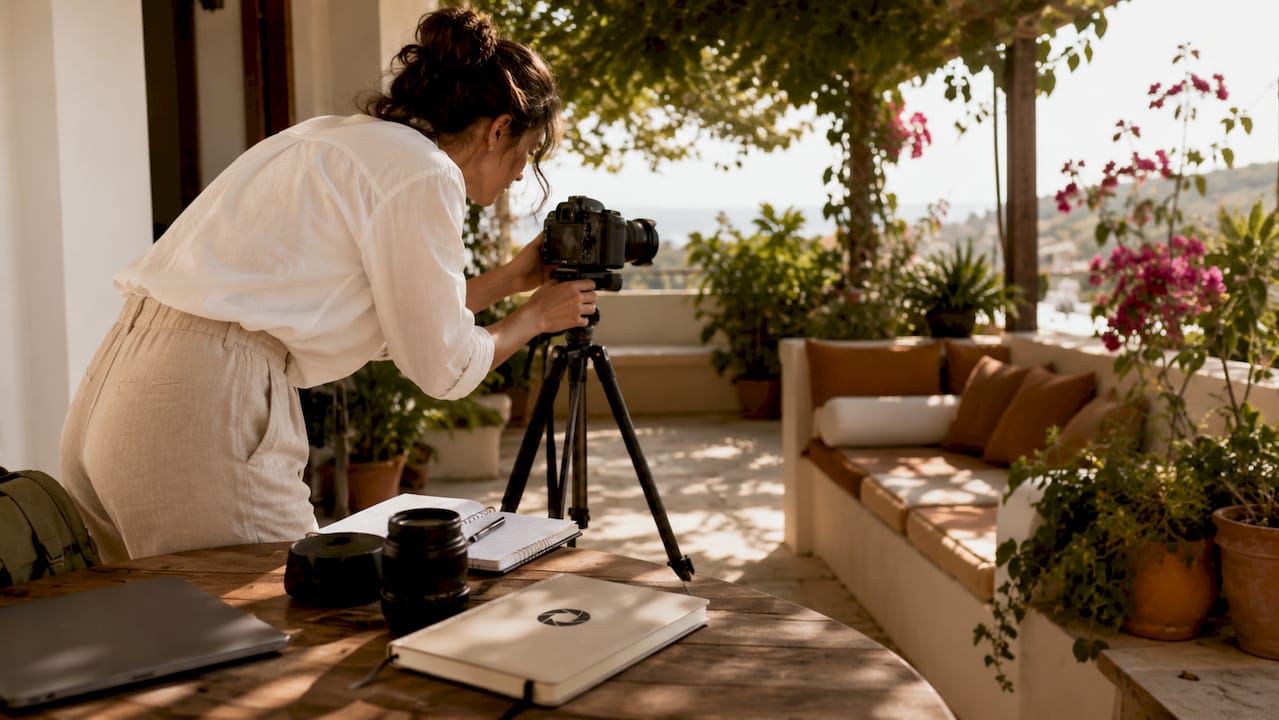
The platform also sets minimum photo counts: at least 10 photos total, with a minimum of 4 per room type and at least 1 bathroom photo. That floor exists because listings with fewer images consistently underperform on click-through rates. Think of it as the baseline, not the goal.
Beyond format and count, the image itself must meet quality standards that no compression setting can fix after the fact:
- Landscape orientation only. Portrait images are cropped or rejected.
- No watermarks, logos, or text overlays on listing photos.
- No grainy, blurry, or heavily processed images.
- File size kept under 400 KB for web delivery to protect page load speed.
- No collages or multi-image panels in a single file.
These rules apply across major OTAs. Meeting them is the starting point for any hotel booking site photo best practices conversation.
2. How to prepare and stage hotel spaces before shooting
Preparation is where most properties lose ground before the camera is even raised. Pre-shoot prep of 15–20 minutes per room including removing non-essential items and arranging linens directly boosts conversion. That means remotes, charging cables, door hangers, extra pillows stacked in corners, and any signage that dates the image.
Linens must be fresh and wrinkle-free. Pillows should be aligned symmetrically. Curtains should be open unless the view is unflattering, in which case diffused natural light through sheer panels works better than harsh direct sun or flat artificial light.
Camera position matters as much as the room itself. Shoot from room corners at a height of 39–63 inches to mimic the natural viewing angle a standing guest would have. Use a focal length no wider than 24mm equivalent to avoid the barrel distortion that makes rooms look larger than they are and creates an expectation gap at check-in.
Pro Tip: Stage one “hero” detail per room: a tray with a coffee cup, an open book on the nightstand, or a folded towel with a small amenity. These details signal care without fabricating anything.
3. Which spaces and amenities to photograph for full coverage
A complete gallery covers every bookable space and every feature that influences a guest’s decision. Photographing all key property spaces including rooms, bathrooms, pool, spa, restaurant, exterior facade, and aerial views is the standard for properties that compete effectively on OTAs. The role of room photos in hotel bookings is well established, but the supporting spaces carry more weight than most hosts realize.
The role of kitchen photos in rental bookings is particularly significant for apartment-style hotels and extended-stay properties. A clean, well-lit kitchen signals self-sufficiency and value. Guests booking for longer stays filter specifically for this.
The role of outdoor space photos in bookings follows the same logic. A terrace, garden, or pool area photographed in good light with a clear sense of scale gives guests a reason to choose your property over one with identical room specs.
Here is a recommended coverage framework:
| Space Category |
Minimum Shots |
Priority Level |
| Guest rooms (each type) |
4–6 per type |
High |
| Bathrooms |
1–2 per room type |
High |
| Kitchen or kitchenette |
2–3 |
High for extended stay |
| Pool and outdoor areas |
3–4 |
High for leisure properties |
| Restaurant and bar |
2–3 |
Medium |
| Lobby and common areas |
2–3 |
Medium |
| Exterior and facade |
2–3 |
High |
| Spa and fitness center |
2 |
Medium |
A gallery of 20 or more images is the recommended minimum for comprehensive coverage. Properties with 24 or more high-quality photos show significantly higher click-through and conversion rates.
4. How booking website photos influence guest choices
The listing photo is emotional before it is rational. A guest scanning search results does not read descriptions first. They react to images. Outdated photography creates an expectation gap that results in negative reviews and lower satisfaction scores, even when the property itself is well maintained. The photo made a promise the room could not keep.
Accuracy is the foundation of trust. Images that show the real size, real lighting, and real condition of a space build confidence. Guests who book based on accurate photos arrive with calibrated expectations and leave satisfied. That satisfaction shows up in review scores, which feed back into OTA ranking algorithms.
Human-context images such as a hand reaching for a coffee cup or feet on a bathmat create emotional engagement and improve click-through rates. These images outperform empty room photos but work best as secondary images or website headers, not as the primary listing thumbnail.
“The question every photo must answer is simple: Will I want to be here? If the image does not answer yes clearly, the guest moves on.”
Pro Tip: Review your own listing photos from a mobile screen, not a desktop monitor. Most guests browse on phones. If the image looks flat or dark at 375 pixels wide, it will cost you bookings.
5. How to keep photos current and accurate
Properties should update photos immediately after any significant renovation, with a full review every two years and targeted seasonal updates more frequently. This is one of the most overlooked areas in hotel photo guidelines. A lobby that was photographed three years ago and has since been repainted and refurnished is now misleading, not just outdated.
Seasonal updates matter for properties with outdoor spaces. A pool area photographed in peak summer looks very different from the same space in early spring. Guests booking for summer expect the summer version. Showing them a gray, empty terrace in the off-season suppresses bookings even when the season they are booking for is warm and vibrant.
The practical cadence is this: schedule a full photo review every 24 months, update immediately after any renovation or significant furniture change, and refresh outdoor and seasonal shots at least once per year. Treat your photo gallery as a living asset, not a one-time project.
6. What optimization techniques protect image quality and page speed
High-resolution images and fast page load times are not in conflict if you manage the workflow correctly. Keeping room images under 400 KB for web delivery using compression tools or CDNs improves page load time and conversion. Large uncompressed JPEGs directly suppress conversion by slowing pages, particularly on mobile connections.
The right approach separates your master files from your web delivery files. Keep full-resolution originals at 4000 x 3000 pixels for OTA uploads and print use. Create compressed web versions at 2048 x 1536 pixels, exported at 80–85% JPEG quality, for your direct booking website. Tools like Squoosh allow you to compress images in the browser without installing software, and most CDN providers apply automatic compression on delivery.
Key optimization practices for your workflow:
- Export web images at 80–85% JPEG quality to balance sharpness and file size.
- Use a CDN to serve images from servers geographically close to your visitors.
- Avoid uploading uncompressed TIFFs or PNGs to booking engines.
- Name image files descriptively (e.g., deluxe-king-room-ocean-view.jpg) for SEO benefit.
- Test page load speed after uploading new images using tools like Google PageSpeed Insights.
Coordination with your property management system matters here. Some PMS platforms automatically resize images on upload. Know what your system does so you are not double-compressing or losing resolution unnecessarily.
Key takeaways
Effective hotel photography requires meeting OTA technical standards, staging spaces honestly, covering every bookable area, and keeping images current after renovations or seasonal changes.
| Point |
Details |
| Meet platform specs first |
JPEG, sRGB, minimum 2048 x 1536 pixels, and at least 10 photos are the baseline for OTA compliance. |
| Stage rooms before every shoot |
15–20 minutes of prep per room, including fresh linens and cleared surfaces, directly improves conversion. |
| Cover all spaces, not just rooms |
Kitchens, outdoor areas, bathrooms, and amenities each influence a different segment of booking decisions. |
| Accuracy builds trust |
Outdated or misleading images create expectation gaps that produce negative reviews and suppress repeat bookings. |
| Compress for the web |
Keep web delivery images under 400 KB using compression tools or CDNs to protect page load speed and conversion. |
What I have learned from watching properties get photos wrong
The most common mistake I see is not poor lighting or a bad camera. It is overconfidence in images that were good three years ago. A property invests in a professional shoot, the photos look great at launch, and then nothing changes. The lobby gets new furniture. The pool deck gets resurfaced. The restaurant rebrands. But the photos stay the same. Guests arrive and feel a quiet disconnect they cannot name but absolutely feel.
The second mistake is treating the gallery as a checklist rather than a story. Hosts photograph every room type, tick the box, and upload. What they miss is the connective tissue: the view from the window, the texture of the bedding, the light at 7 a.m. through the curtains. Those images are what make a guest feel they have already been there before they book.
Effective hotel photography is not about making a property look better than it is. It is about showing it clearly enough that the right guest recognizes it as exactly what they want. That specificity is what converts browsers into bookings. Properties that get this right do not just see higher click-through rates. They see better reviews, fewer complaints, and guests who return.
The practical advice I give every property owner is this: look at your photos the way a stranger would, on a phone, in 30 seconds. If you cannot tell what makes your property worth choosing, neither can your guests.
— Greg
How HospitalityLens helps you get booking-ready photos fast
Getting your photos to meet OTA standards and convert browsers into guests does not require scheduling a full professional shoot and waiting weeks for delivery. HospitalityLens enhances any property photo you already have, regardless of the original quality, and returns booking-ready images within 15 minutes.
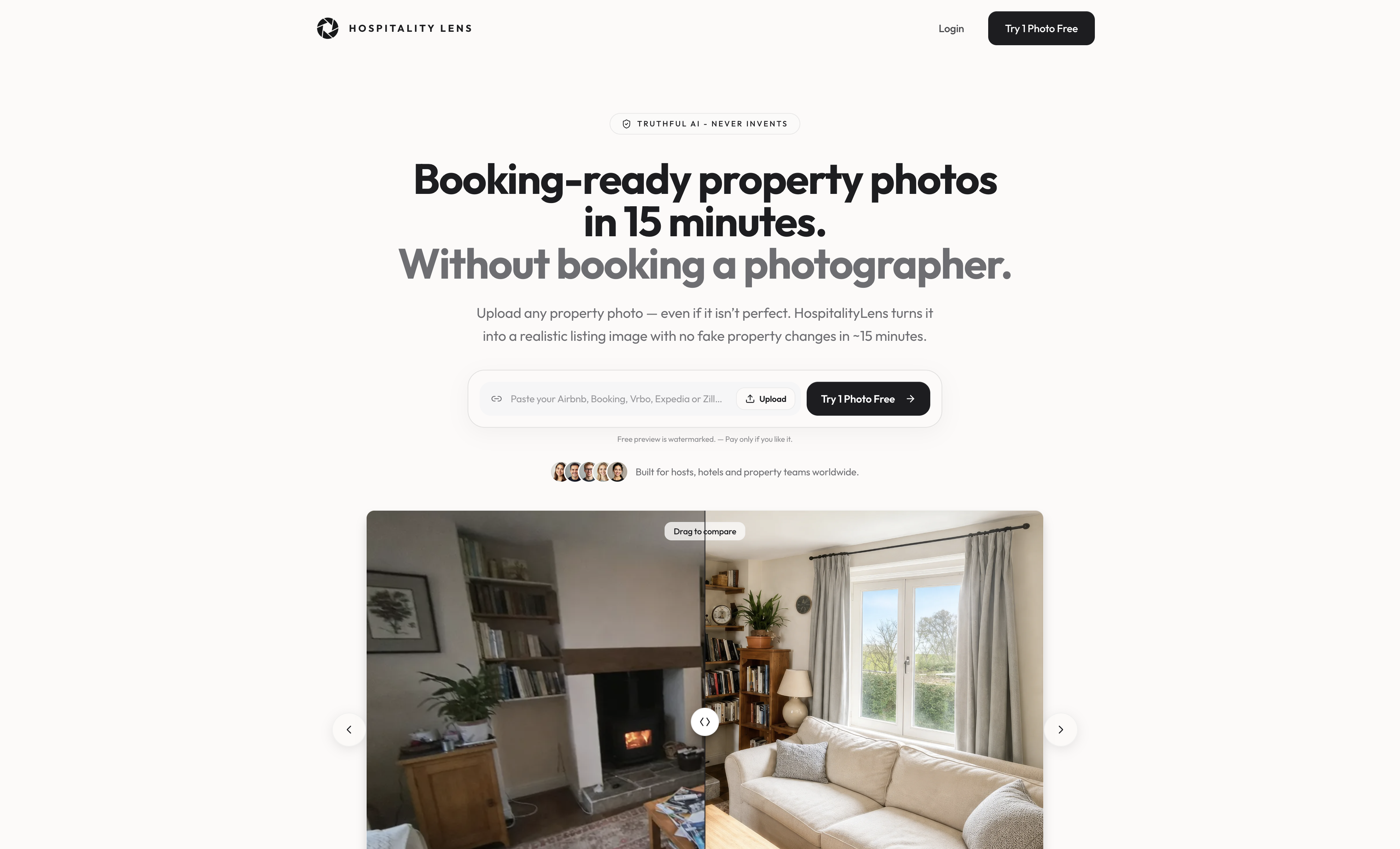
The process is straightforward. You upload your existing photos, HospitalityLens applies AI enhancement to meet platform resolution and quality standards, and you receive commercial-use images with no hidden fees. Properties using professional-grade photos report revenue increases of up to 15%. HospitalityLens backs every enhancement with a 100% refund guarantee if you are not satisfied. Whether your property is in New York, London, or Dubai, the platform covers your location. You can also follow the step-by-step guide to get started with your first room today.
FAQ
How many photos does a hotel listing need on Booking.com?
Booking.com requires a minimum of 10 photos total, with at least 4 per room type and 1 bathroom photo. Listings with 24 or more high-quality images show significantly higher click-through and conversion rates.
What resolution do hotel booking website photos need to be?
The minimum accepted resolution is 2048 x 1536 pixels in JPEG format with sRGB color space. A resolution of 4000 x 3000 pixels is recommended for high-DPI displays and OTA feature placements.
How often should hotel photos be updated?
Properties should update photos immediately after any significant renovation and conduct a full gallery review every two years. Seasonal outdoor spaces benefit from targeted updates at least once per year.
Do outdated hotel photos affect guest reviews?
Outdated photography creates an expectation gap between what guests see online and what they experience on arrival. That gap directly produces negative reviews and lower satisfaction scores, even when the property itself is well maintained.
What file size should hotel website photos be?
Web delivery images should be kept under 400 KB using compression tools or CDNs. Large uncompressed files slow page load times and suppress booking conversion, particularly on mobile devices.
Recommended
Article generated by BabyLoveGrowth