Hotels
Hotel Listing Photos That Attract More Clicks
Learn how to strategically compose, structure, and edit your hotel listing photos to significantly boost clicks and increase booking conversions.
By Hospitality Lens · · 9 min read
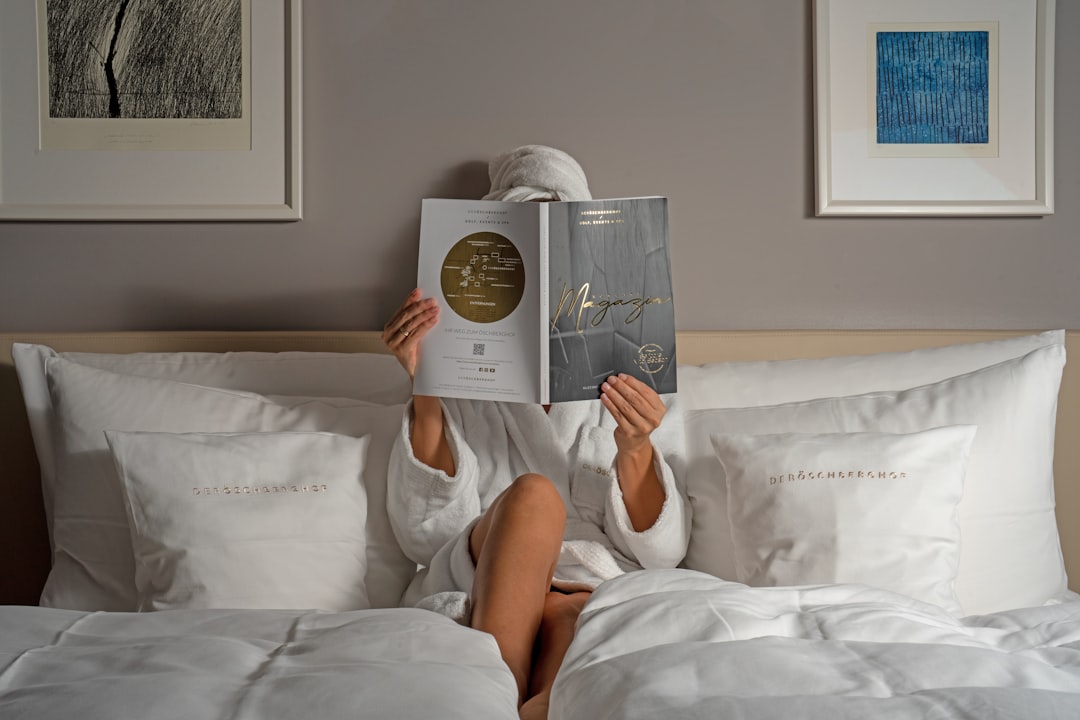
Listing photos are one of the first ways guests evaluate a hotel online. Strong images can make rooms, amenities, atmosphere, and condition easier to understand before a guest reads every detail. This guide focuses on composition, gallery structure, and editing practices that improve presentation without assuming a universal booking or revenue uplift.
What types of photos attract the most clicks on hotel listings?
The hero shot is the most important photo in any listing. It appears as the thumbnail on OTAs like Booking.com and in search results, and it determines whether a guest clicks through at all. A strong hero shot shows the most aspirational space in your property, typically the best bedroom or a dramatic exterior, with excellent natural light and a clean, staged composition.
Beyond the hero shot, photo type diversity drives engagement. Guests want to see bedrooms, bathrooms, common areas, amenities, and the exterior before they commit. Listings that show only rooms leave guests guessing about the full experience.
Human-context images can help communicate how a space is used, while empty-room images can make layout and condition easier to inspect. Published hotel-image research finds human presence is one of several visual properties associated with booking decisions, so use people only when they add truthful context rather than treating them as a guaranteed conversion tactic.
Composition technique matters as much as subject choice. The doorway-to-corner technique maximizes perceived room size by positioning the camera at a corner and shooting toward the opposite wall, capturing both floor and ceiling in the frame. This approach makes even modest rooms feel open and inviting.
-
Hero shot: Most aspirational space, shot in natural light with a clean, staged setup
-
Room interiors: Every room type, using the doorway-to-corner method
-
Amenities: Pool, gym, spa, restaurant, lobby, and any unique features
-
Exterior: Daytime and dusk shots showing the building and surroundings
-
Human-context images: People enjoying the space to trigger mental projection
-
Detail shots: Bedding texture, bathroom fixtures, welcome amenities, and views
Pro Tip: Place a human-context image as your secondary hero, right after the lead thumbnail. Guests who click through see it immediately, and it reinforces the emotional appeal before they read a single line of your listing description.
How does photo quantity affect hotel booking conversions?
A complete gallery reduces uncertainty because guests can inspect the room types, bathrooms, common areas, amenities, exterior, and relevant details before booking. But there is no universal photo-count threshold that guarantees a particular hotel conversion rate.
Use enough strong images to explain the property without padding the gallery with near-duplicates. Quality and coverage matter together: a smaller set that accurately answers guest questions can be more useful than a larger set of weak or repetitive images.
Peer-reviewed hospitality research has found that visual properties such as shooting time, color scheme, human presence, and shooting angle are associated with hotel booking decisions. That supports treating image selection and composition as meaningful marketing inputs, but it does not justify a universal percentage uplift from adding a fixed number of photos. See the published hotel-image study.
Practical rule: cover every guest-relevant space accurately, remove near-duplicates, keep the strongest image first, and follow the current photo guidance of each booking channel rather than optimizing toward an unsupported conversion-rate benchmark.
How to prepare, shoot, and edit hotel photos step by step
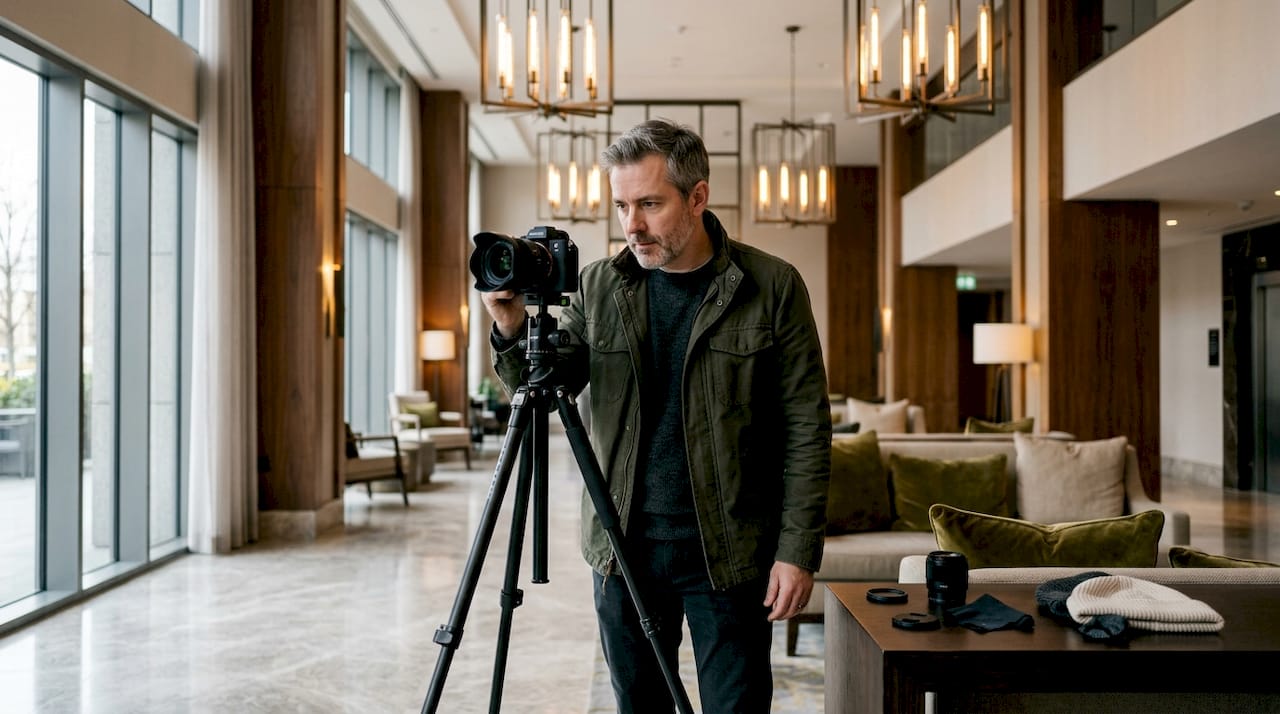
Preparation is where most property owners lose the most ground. A poorly staged room with wrinkled bedding and a cluttered nightstand will look bad regardless of the camera used. Spend 30 minutes staging before you shoot and you will recover hours of editing time.
Preparation checklist
-
Remove all personal items, charging cables, and toiletries from surfaces
-
Make beds with crisp, wrinkle-free linens and arrange pillows symmetrically
-
Set the thermostat display to a neutral position and hide remotes
-
Place a single decorative element on each surface, such as a book, a plant, or a tray
-
Turn on all interior lights to warm the space
-
Set curtains to 50–70% open
That last point on curtains is worth emphasizing. Partially closing curtains softens harsh daylight, prevents blown highlights on windows, and creates a soft, even light across the room. Fully open curtains in direct sunlight blow out the window entirely and leave the rest of the room underexposed.
Shooting steps
-
Set up your camera or phone at tripod height, roughly 5 feet from the floor
-
Position yourself at the doorway-to-corner vantage point for room shots
-
Use a focal length of 24mm or longer. Lenses wider than 24mm distort room geometry, making walls bow and furniture look warped. Guests recognize distortion and trust the listing less.
-
Shoot during daylight hours for interiors and at dusk for exterior shots
-
Take multiple frames at each position and select the sharpest, best-exposed result
-
Capture detail shots last: close-ups of the shower head, the coffee station, the view from the window
Editing essentials
Editing should correct, not fabricate. Adjust exposure to recover shadow detail without blowing highlights. Correct white balance so whites look white, not yellow or blue. Increase clarity slightly to sharpen textures in bedding and upholstery. Do not use HDR presets that make rooms look like video game environments. Guests who arrive and find a room that looks nothing like the photos leave negative reviews, and those reviews cost you far more than a bad photo would.
Pro Tip: Keep a consistent editing preset across your entire gallery. Inconsistent color grading makes a gallery feel disjointed and reduces the sense of a cohesive, well-managed property.
What photo mistakes reduce listing clicks and how do you fix them?
Poor lighting is the most common and most damaging mistake in hotel photography. Blown highlights on windows, dark corners, and mixed color temperatures all signal an amateur effort to guests scanning listings at speed.
The following mistakes consistently reduce click-through rates and booking conversions:
-
Ultra-wide lens distortion: Rooms photographed below 24mm look stretched and unnatural. Guests feel misled when they arrive and the room is smaller than it appeared.
-
Cluttered staging: Visible toiletries, unmade beds, and personal items make a room look lived-in rather than welcoming.
-
Outdated photos: A lobby renovation that is not reflected in listing photos creates a mismatch between expectation and reality. Updating galleries after renovations is a direct credibility signal to both guests and OTA ranking algorithms.
-
Missing room types: Listings that show only the best room and omit standard rooms create distrust. Guests assume the standard rooms are being hidden for a reason.
-
No exterior shots: Guests want to know what the building looks like and where it sits in its surroundings.
Low click-through rates and high page-exit rates on OTA analytics are the clearest signals that your photos are underperforming. If guests click your listing and leave within seconds, the photos are not holding their attention. The fix is almost always a combination of better staging, better lighting, and more photo variety.
Guest feedback is another diagnostic tool. Reviews that mention “smaller than expected” or “not as shown” point directly to distortion or misleading angles. Reviews that mention “dated” or “tired-looking” suggest your gallery has not kept pace with property updates.
Key takeaways
| Point | Practical takeaway |
|---|
| Lead image matters | Use a clear, representative hero image that communicates the property at thumbnail size. |
| Coverage matters more than a magic count | Show every guest-relevant room and amenity without relying on a universal photo-count conversion benchmark. |
| Composition affects perception | Keep verticals natural, avoid exaggerated wide-angle distortion, and frame rooms so layout remains understandable. |
| Human presence is context-dependent | Use people when they genuinely help explain the experience; do not assume lifestyle shots always outperform empty rooms. |
| Keep galleries current | Refresh photos when renovations, furnishings, amenities, or material seasonal conditions make the existing gallery inaccurate. |
Photos as a living asset, not a one-time task
A hotel gallery should stay aligned with the property. Renovations, changed furnishings, new amenities, or materially different seasonal conditions are good reasons to review the image set and replace photos that no longer represent what guests will receive.
That does not mean every property needs a fixed annual reshoot or that a refreshed gallery automatically earns higher OTA ranking. Treat photo maintenance as an accuracy and merchandising process: keep strong images, replace outdated ones, test lead-image changes when you have enough data, and follow each platform’s current published guidance.
Authenticity and aspiration are compatible. The strongest listing photos present a real space clearly and attractively without inventing features, changing proportions, or hiding guest-relevant conditions.
HospitalityLens: professional photo quality without the wait
Getting professional-quality listing photos used to mean scheduling a photographer weeks out and spending hundreds of dollars per shoot. That timeline and cost kept many hosts and smaller properties stuck with mediocre images that hurt their click-through rates.
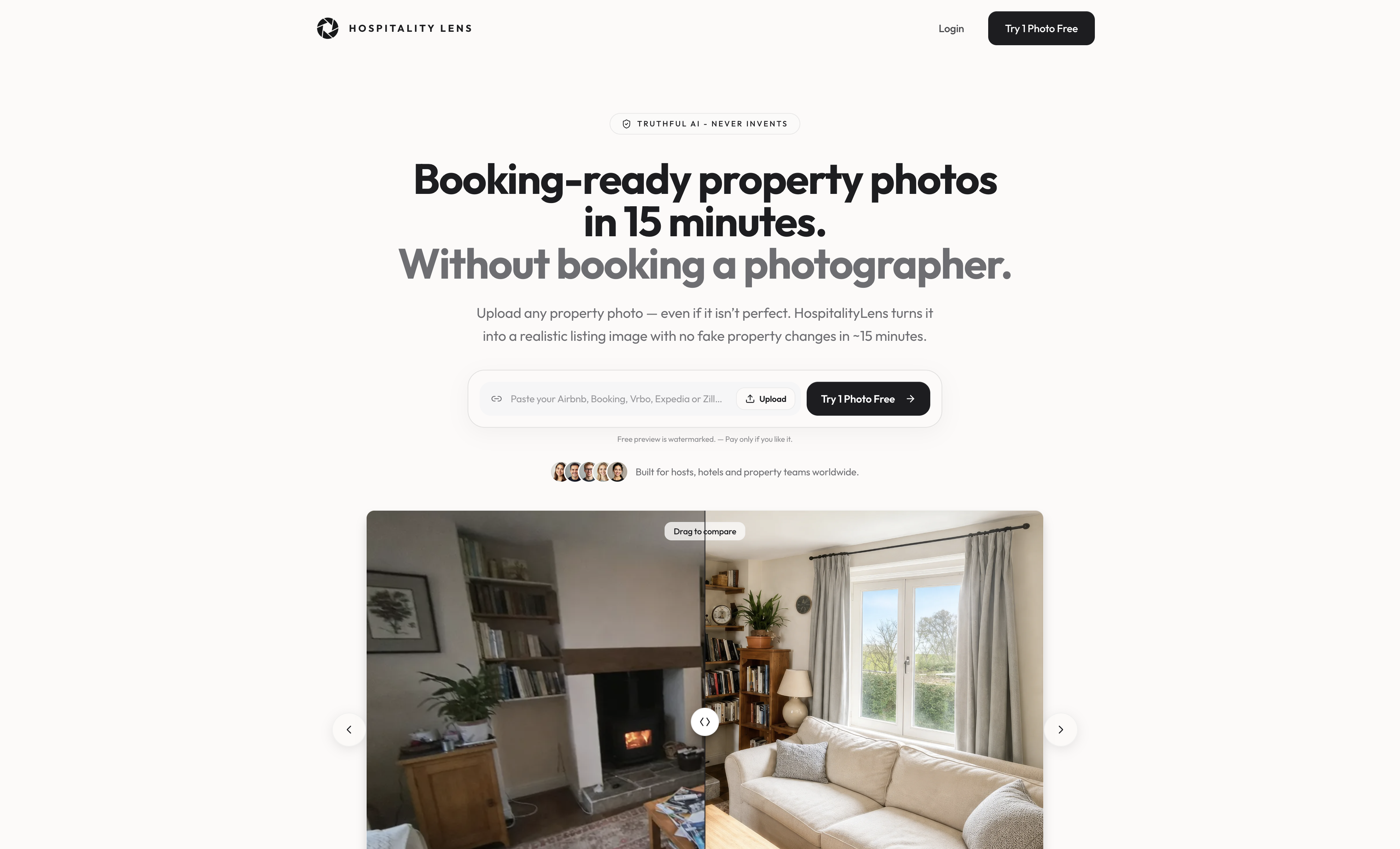
HospitalityLens changes that equation. You upload your existing property photos, regardless of quality, and the platform returns enhanced, commercially usable images within 15 minutes. Color correction, exposure, and clarity are all addressed without altering the physical space. HospitalityLens covers properties across dozens of cities, from New York to Cabo San Lucas, . You can create a free watermarked preview and judge the result on your own property before deciding whether to unlock it.
FAQ
How many photos should a hotel listing have?
There is no universal hotel conversion rate tied to a fixed photo count. Use enough high-quality images to cover the room types, bathrooms, amenities, common areas, exterior, and other guest-relevant spaces without filling the gallery with near-duplicates.
What is the doorway-to-corner technique?
The doorway-to-corner technique positions the camera at a corner of the room and shoots toward the opposite wall, capturing both floor and ceiling to maximize perceived space. It consistently outperforms mid-room shots in guest engagement.
What focal length should I use for hotel room photos?
Use a focal length of 24mm or longer. Lenses wider than 24mm distort room geometry, making spaces look unnatural and misleading, which reduces guest trust and increases negative reviews.
How often should I update my hotel photo gallery?
Update your gallery after every renovation, room refresh, or seasonal change. Outdated photos harm guest trust and can lower your property’s visibility in OTA search rankings.
Do human-context images really improve bookings?
Yes. Photos showing people enjoying the space outperform empty room shots in both click-through rates and conversions by enabling guests to mentally project themselves into the experience.
Recommended
Article generated by BabyLoveGrowth