Hotels
Hoteliers: Hybrid Hotel Photo Editing With One Free Test
Optimize your hotel's visual appeal with strategic photo editing, leveraging AI for efficient refreshes and professional shoots for flagship images, ensuring your listings always shine.
By Hospitality Lens · · 11 min read
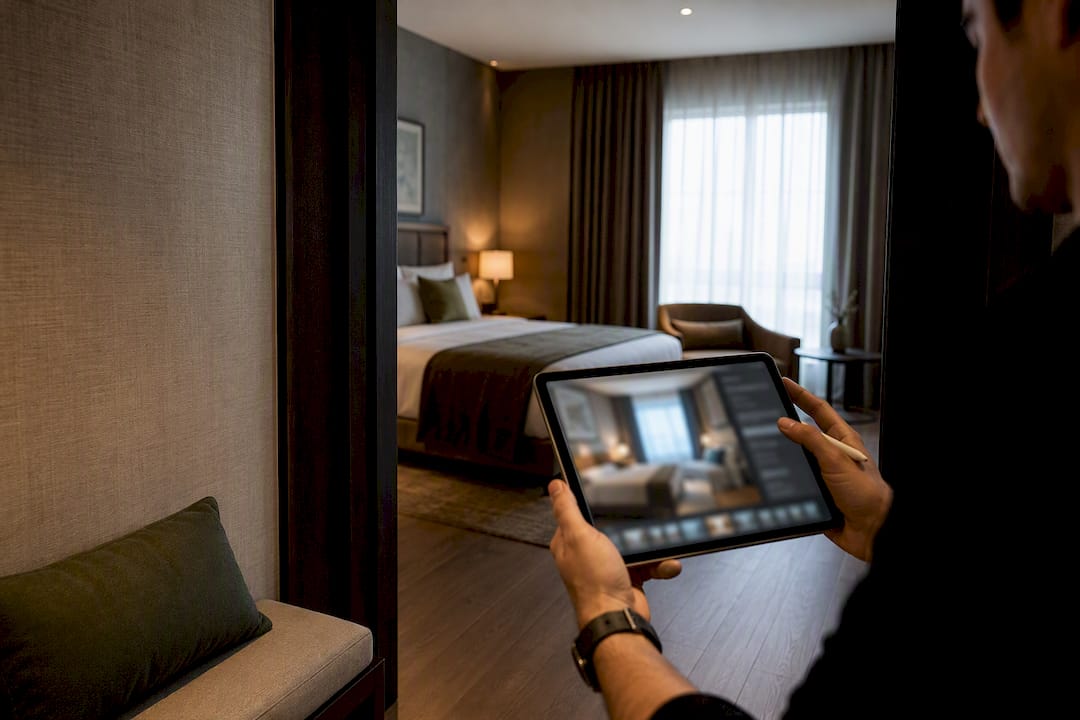
For a fast, truthful gallery refresh, use an AI enhancement service. For a flagship launch or architectural showcase, hire a photographer. Reach for DIY apps only if you have editing skill and time to spare. Most properties need a mix: pro shots for the hero images, enhanced phone or existing photos for everything else.
TL;DR:
- AI enhancement is ideal for quick, cost-effective photo refreshes but cannot replace the quality of a professional photographer for architectural or flagship images.
- DIY editing apps require skill and time, making them suitable only for hosts with editing experience and a manageable volume of photos.
- Professional photographers deliver the highest quality images but involve longer schedules and higher costs, making them best for new launches or major renovations.
- Proper hotel photo editing follows a step-by-step process: stage, shoot deliberately, select the best images, correct exposure and perspective, and ensure consistency across the gallery.
- Image quality can influence how people evaluate a listing, but there is no universal performance uplift that applies to every property. Measure clicks, inquiries, bookings, or sales on the individual listing.
Table of Contents
What’s the Best Way to Approach Hotel Photo Editing?
Hotel photo editing isn’t one job. It’s three different jobs wearing the same trench coat, and picking the wrong one wastes your money or your time.
An AI enhancement service fixes lighting, color, perspective, and clutter on photos you already have, whether they came from a phone, a cleaner, or an old listing. It’s fast and cheap per image, but it can’t invent a better camera angle or a room that photographs badly to begin with.
DIY editing apps (think Lightroom, Snapseed, or the free desktop option GIMP) give you full manual control. That control is only useful if you know what you’re adjusting. Most operators either overcorrect or undercorrect, and the time cost per photo adds up fast across a 40-image gallery.
Professional photographers deliver the best raw material: wide dynamic range, proper lighting rigs, and compositional judgment no algorithm replicates yet. That quality comes with a real reshoot process. You are scheduling a shoot day, not uploading a folder tonight.
Here’s how the three stack up on the factors that actually matter:
- Speed: AI enhancement, hours. DIY apps, hours to days depending on your skill. Professional shoot, days to weeks including scheduling.
- Cost per image: AI enhancement, low and predictable. DIY, “free” if you ignore your own time. Professional, high per session but amortized across every photo taken.
- Control: Photographer, highest. DIY, high if you know the tools. AI enhancement, moderate, since it improves what exists rather than reshoots it.
- Best for: AI enhancement for refreshes and onboarding. DIY for hosts with genuine editing skill and time. Photographer for brand launches and architectural detail.
How Do You Edit Hotel Photos Step by Step?
The order matters more than the tools. Skip a step and you’ll be re-editing later.
- Tidy and stage first. Clear countertops, straighten linens, open curtains for natural light. No edit fixes clutter better than not photographing it.
- Shoot the hero images deliberately. Get the room’s best angle, usually from a corner near eye level, before you worry about lighting fixes later.
- Select before you edit. Pick your strongest 15 to 25 images per property. Editing a mediocre shot wastes time a better selection would have saved.
- Correct exposure and white balance. Mixed lighting (window daylight plus lamp warmth) is the most common flaw in owner-submitted photos.
- Fix perspective and horizon. Crooked verticals in a hallway or window frame instantly signal an amateur photo. Straighten them.
- Balance color across the whole gallery, not photo by photo, so the property reads as one consistent space.
- Make advanced edits carefully. Pulling exposure on a blown-out window or removing a stray cord is fine. Adding furniture that isn’t there is not.
- Export at the right specs. Save as JPEG at web-friendly compression, sized for both OTA upload requirements and your website’s responsive image needs.
Pro Tip: Before you publish any edited image, stand in the actual room and compare it to the photo on your phone. If the color, layout, or lighting reads as a different space, you’ve crossed from enhancement into misrepresentation, and that’s the fastest way to earn a “not as pictured” review.
Property Photo Enhancement Best Practices for 2026 covers this workflow in more depth if you’re setting up a repeatable process across a portfolio.
What Are OTA Photo Requirements and How Do You Optimize for Them?
Booking.com’s own photography guidance prohibits watermarks and text overlays outright, and recommends images as large as 2,560 by 1,707 pixels for best display quality. Smaller files get compressed harder by the platform and lose sharpness on mobile.
Beyond raw resolution, a few habits separate galleries that convert from galleries that get scrolled past:
- Lead with your strongest exterior or hero room shot; OTAs weight the first thumbnail heavily in search results.
- Order the gallery logically: hero, exterior, lobby, room types, bathroom, amenities.
- Use descriptive file names (“oceanview.king.suite.jpg” beats “IMG_4821.jpg”) and real alt text for your own website’s SEO.
- Serve responsive images with proper width and height attributes so pages load fast and don’t shift layout.
Booking-platform search and ranking systems use multiple signals that can change over time. Treat image quality as one part of listing quality and rely on current first-party guidance rather than a guaranteed ranking effect. That baseline tells you whether the new photos actually moved bookings or just looked nicer.
What Does Hotel Photo Editing Cost and How Long Does It Take?
Cost and turnaround swing hard depending on which route you pick.
- AI enhancement services typically run a few dollars per photo, with per-image cost dropping further at bulk or subscription volume. Turnaround is usually same-day to a few hours per batch.
- Professional photographers range widely, often $1,500 to $10,000 or more depending on property size, room count, and deliverables, with larger properties sometimes billed at day rates. Scheduling adds days to weeks before the shoot even happens.
- DIY editing has no direct cost beyond your software subscription, but the real cost is your own hours, which scale badly across a 50 room property.
Whatever route you choose, confirm the revision policy and usage rights up front. A cheap per-photo rate means little if unlimited revisions cost extra or the license restricts where you can use the images.
When Should You Hire a Photographer vs. Enhance What You Have?
Run this checklist per property before deciding.
Favor a professional shoot when you’re launching a new flagship property, need architectural or twilight exterior shots, or your existing photos are too dark, blurry, or badly composed to fix. Mews recommends a full reshoot every 2 to 4 years and an immediate refresh after any renovation.
Favor enhancement when your existing photos are usable but flat: correct exposure, straight lines, decent framing, just poor lighting or color. This covers most seasonal refreshes, new-property onboarding from owner photos, and portfolio-wide consistency projects.
The strongest pattern for most portfolios is hybrid: hire a photographer for hero shots once every few years, then use enhancement for the bulk gallery, seasonal swaps, and any property that doesn’t justify a dedicated shoot budget, as explained in guest experience design. Prostay’s guidance on gallery composition backs this same combination as the most cost-efficient path to brand consistency.
| Situation |
Recommended route |
| New flagship property launch |
Professional photographer |
| Existing photos usable but dark or crooked |
AI enhancement |
| Multi-property portfolio refresh |
Hybrid: pro hero shots + enhancement |
| Post-renovation update |
Professional photographer for changed spaces |
| Seasonal or amenity swap |
AI enhancement |
For a deeper breakdown of this decision, Hotel Photography vs Enhanced Photos: When to Use Each walks through more property-type scenarios.
What Can HospitalityLens Actually Do for Hotel Listing Photos?
HospitalityLens enhances photos you already have. It doesn’t generate rooms, views, or amenities that don’t exist, and it doesn’t replace a photographer for architectural or launch photography.
What it does handle reliably:
- Lighting and color correction across mixed indoor/outdoor light
- Perspective and horizon straightening
- Clutter cleanup and removal of people or stray objects
- Overall polish that keeps the room recognizably the room
Free watermarked preview. Pay only if you like it. No card is required to create the free watermarked preview. See current pricing for unlocks, one-time packs, and subscriptions.
Why the Photo Editing Conversation Misses the Point
Most advice on hotel photo editing focuses on tools and technique, which is useful but misses the actual failure pattern we see: over-editing. Operators push saturation and HDR too far trying to compensate for a mediocre original, and the result reads as fake, which erodes guest trust faster than a slightly dim photo ever would.
The second most common mistake is ignoring OTA specs entirely, uploading whatever size the phone produced and letting the platform’s compression algorithm mangle it. The third is a stale photo library nobody has touched since a renovation two years ago.
A workable starter plan takes three steps: audit your current gallery against OTA size and watermark rules, replace anything more than two years old or visibly outdated, and re-edit anything usable but flat before reshooting anything usable. Build a single folder per property with original files and web-exports, named descriptively, so nobody edits the wrong version twice.
— The HospitalityLens Team
Try One Photo Free: How to Test HospitalityLens
If you’ve got a folder of decent but unremarkable listing photos sitting on your phone right now, that’s the exact situation HospitalityLens was built for. Upload one photo and see the enhanced version as a watermarked preview at no cost, before you spend a dollar.

Current HospitalityLens pricing (USD); one-time packs — The Hero: 1 photo for $12; The Refresh: 10 photos for $59; The Property: 25 photos for $129; The Portfolio: 100 photos for $399; monthly subscriptions — THE STARTER: 10 photos/month for $49/month; THE OPERATOR: 25 photos/month for $99/month; THE PORTFOLIO: 100 photos/month for $299/month; one-time pack credits do not expire; monthly subscription credits remain valid for up to 3 months; 2 free revisions per photo on one-time packs; 3 free revisions per photo on monthly subscriptions. See current pricing.
Sources
For the technical specifics referenced throughout this guide, Booking.com’s photography guide for hotels remains the clearest primary source on resolution and watermark rules. ExpertPhotography’s hotel photography guide covers lens choice and staging in more depth than fits here.
Inside HospitalityLens’s own resources, Guide to Hospitality Image Standards for Listings breaks down platform-by-platform compliance, and 7 Best Hotel Photo Improvement Tools Compared is a useful next stop if you’re still weighing DIY software against a service.
FAQ
How Much Does It Cost to Pay Someone to Edit My Photos?
Current HospitalityLens pricing (USD); one-time packs — The Hero: 1 photo for $12; The Refresh: 10 photos for $59; The Property: 25 photos for $129; The Portfolio: 100 photos for $399; monthly subscriptions — THE STARTER: 10 photos/month for $49/month; THE OPERATOR: 25 photos/month for $99/month; THE PORTFOLIO: 100 photos/month for $299/month; one-time pack credits do not expire; monthly subscription credits remain valid for up to 3 months; 2 free revisions per photo on one-time packs; 3 free revisions per photo on monthly subscriptions. See current pricing.
What Is the 20-60-20 Rule in Photography?
The 20-60-20 rule refers to a lighting ratio guideline used in portrait and product photography, not a documented standard in hotel or real estate photography specifically. For hotel interiors, the more relevant practice is consistent white balance and exposure across the whole gallery rather than a fixed lighting ratio.
Can ChatGPT Edit Photos?
ChatGPT can generate or describe image edits through connected tools, but it isn’t built for the precise, non-destructive corrections hotel listings need, like perspective straightening or targeted exposure fixes on a specific window. Purpose-built enhancement services and photo editors remain the more reliable choice for booking-ready results.
Can I Do a Photoshoot in a Hotel?
Yes, hotels regularly schedule photoshoots for marketing and listing photos, either through an in-house photographer or a hired professional. Coordinate timing around guest privacy, housekeeping schedules, and natural light windows, and confirm any usage rights for the resulting images before the shoot.
Recommended