Short-Term Rentals
Photo Editing Subscriptions for Property Managers: How to Compare
Discover how to evaluate editing services and size your monthly plan to keep rental listings consistently polished while controlling portfolio costs.
By Hospitality Lens · · 13 min read

If your team handles recurring photo work across 10 or more listings, a monthly plan usually beats paying per job, as long as the plan matches your real onboarding and refresh volume. HospitalityLens is built for that situation: it improves the owner-taken and cleaner-taken photos you already have, keeps the property real, and offers monthly allowances of 10, 25 or 100 photos. This guide compares the kinds of services you can subscribe to and shows how to size an allowance from your own workload.
TL;DR
- Three kinds of provider compete for this work: real estate editing services priced per image or credit, editing software you run yourself, and photo enhancement built for rental portfolios, like HospitalityLens.
- HospitalityLens plans run current pricing, current pricing and current pricing a month for 10, 25 and 100 photos. One-time packs ($59, $129, $399) suit isolated jobs. See current pricing
- Size a plan from two numbers: photos per new property times properties onboarded per month, plus the refresh photos you spread across the year.
- Editing improves usable photos. It does not replace a photographer when you need new angles, architectural work or a flagship shoot.
- You can try one photo free. The preview is watermarked, and you pay only if you unlock the finished image.
Table of Contents
- What a photo editing subscription actually buys a property team
- The three kinds of options compared
- What HospitalityLens plans include
- Why realism is the criterion that matters most
- How to size your monthly allowance
- When a one-time pack is the better choice
- Where editing ends and a photographer begins
- A workflow that fits a portfolio
- Try one photo free
- Our perspective
- FAQ
- Sources
What a photo editing subscription actually buys a property team
A subscription is a monthly allowance of edited photos. You send in what you have: the owner’s phone shots from a new onboarding, the cleaner’s turnover photos, last summer’s dark living room. You get back images that are brighter, straighter and cleaner. You are not buying a photographer’s day, and you are not buying software you must learn.
For a team with recurring work, the appeal is predictability. Onboarding a new property needs a full set of images within days, not weeks. A seasonal refresh touches a dozen listings at once. Portfolio consistency means a guest browsing three of your properties sees the same standard of light and framing. Those jobs arrive every month, so a monthly allowance fits them better than a fresh purchase decision each time.
The fit is weaker for a single, isolated job, such as one underperforming listing. For that, a one-time pack is the better match, and we say so plainly below.
The three kinds of options compared
The search results for this keyword mostly cover real estate photo editing, built for agents who shoot with a camera and want editing outsourced. Rental portfolios have a different starting point: the source photos are often phone images from people who are not photographers. That changes which option fits.
| HospitalityLens | Per-image editing services (PhotoUp, BoxBrownie and similar) | DIY software (Lightroom, Photoshop) | |
|---|---|---|---|
| Built for | Rental and hospitality portfolios with owner- or cleaner-taken photos | Real estate photographers outsourcing edits | Individual editors with time and skill |
| Billing | Monthly allowance (10, 25, 100 photos) or one-time packs | Per image or credits | Software subscription plus your own hours |
| Start | Free watermarked preview of one photo | Varies by provider | Install, learn, edit |
| Revisions | Two per photo on packs, three on subscriptions | Varies by provider | Unlimited, but your time |
| Realism rule | Preserves the real property; no invented rooms, views or amenities | Varies by provider | Whatever the editor decides |
| Who does the work | The service | The provider’s editors | Your team |
The real estate editors publish low per-image rates. PhotoUp, for example, states $1.50 per on-demand credit on its pricing page, and BoxBrownie lists per-image pricing starting around $1.60. Those rates are attractive, but they are priced for a photographer’s workflow: bracketed exposures from a proper camera, uploaded with notes, delivered in about 24 hours by the providers’ own statements. If your raw material is a crooked phone photo from a cleaner, you are asking a service designed for a different input to rescue it, and extras such as item removal are typically charged on top.
Software is the third path. Lightroom and Photoshop are capable, and a trained editor on staff can do excellent work. For a manager with 10 or more listings, though, the cost is hours: every photo needs exposure, white balance, vertical lines and clutter handled, then consistent treatment across properties. That is the recurring workload a monthly allowance takes off your desk. If you are weighing the staffing side, our guide on outsourced versus in-house photo editing for property managers goes deeper.
What HospitalityLens plans include
The monthly subscriptions, as published at the time of writing, are:
| Plan | Price | Photos per month | Revisions per photo | Extra photos |
|---|---|---|---|---|
| THE STARTER | $49/month | 10 | 3 | See current pricing |
| THE OPERATOR | $99/month | 25 | 3 | See current pricing |
| THE PORTFOLIO | $299/month | 100 | 3 | See current pricing |
One-time packs are for work that is not recurring: The Refresh is 10 photos for current pricing, The Property is 25 for current pricing and The Portfolio is 100 for $299, each with two revisions per photo. A single photo, The Hero, is $12. Confirm the current figures on the pricing page before you budget, since prices can change.
The edits themselves are lighting and color correction, straightening, perspective correction and appropriate cleanup, including clutter, people and object removal. The principle behind all of them is that the result must still be the property a guest will walk into.
Why realism is the criterion that matters most
A listing photo that flatters a space beyond recognition costs you in guest reviews and platform trouble. Airbnb’s ground rules say photos and descriptions should accurately represent the space provided, as summarized in this host guide to Airbnb listing photos. That standard should shape how you compare providers.
Ask of any service you consider: will it add a view that does not exist, change a sofa, or remove a fixed feature? HospitalityLens does none of that. Corrections are limited to what a good photographer would do in editing: fix the light, level the horizon, remove a stray bin or a person in the frame, and polish the overall look. The real rooms, views and amenities stay as they are.
Our article on AI editing versus traditional retouching for rentals covers where that line sits in more detail.
How to size your monthly allowance
Most teams pick a plan by feel and end up paying for photos they never use, or paying overage every month. A better method takes ten minutes and two lists.
Step 1: Count onboarding photos
Multiply the number of properties you onboard in a typical month by the photos you publish per listing. Include every image you would put live: living areas, bedrooms, bathrooms, kitchen, exterior and any distinctive amenity.
Step 2: Count refresh photos
List the listings due a refresh this year: tired seasonal shots, owner photos that underperform, properties where the cleaner’s images are still live. Pick how many photos each needs and divide the total across twelve months. Refreshes tend to cluster before peak season, so be honest about whether you will spread them or batch them.
Step 3: Add revisions headroom
Revisions are included per photo, so they do not eat your allowance. That makes a plan with three revisions a sensible fit for approval workflows, where an owner or a director asks for one more tweak to a bedroom image.
Step 4: Compare against the break-even points
Because extra subscriber photos are priced per image, you can compare plans with simple arithmetic. THE STARTER at current pricing plus current pricing per extra photo equals THE OPERATOR’s current pricing at 20 photos. THE OPERATOR at current pricing plus current pricing per extra photo equals THE PORTFOLIO’s current pricing at 75 photos. Below those volumes the smaller plan is cheaper even with overage. Above them, move up. See current pricing
A hypothetical worked example
This example is hypothetical, built only to show the arithmetic. It is not a customer story and carries no claim about savings.
Imagine a co-host agency managing 30 listings. It onboards 3 new properties a month at 12 photos each: 36 photos. It refreshes 20 listings once a year at 6 photos each, which is 120 photos, or 10 per month on average. The monthly need is about 46 photos.
On THE OPERATOR, the agency uses its 25 included photos and pays current pricing for each of the other 21: current pricing plus current pricing is current pricing. On THE PORTFOLIO, 100 photos are included for $299, which would leave more than half the allowance unused. For this hypothetical team, THE OPERATOR with overage is the closer fit, and a quarter where onboarding doubles to 6 properties (72 plus 10 is 82 photos) is the point where THE PORTFOLIO becomes the cheaper choice. Run your own numbers the same way, using the live prices. See current pricing

We do not describe rollover or contract terms here, because the point is to size the plan on what you can see on the pricing page.
When a one-time pack is the better choice
A subscription earns its place through repetition. If you are fixing the photos for one portfolio acquisition, one seasonal push or a single underperforming listing, a one-time pack is the honest recommendation: The Refresh for a handful of photos, The Property for a full property set across a few listings, The Portfolio for a large cleanup of up to 100 images.
Nothing about a one-time project requires a subscription. If the work recurs later, you can move to a monthly plan then. Our guide to photo editing subscriptions for property teams lays out how teams make that call.
Where editing ends and a photographer begins
Editing works when the source photo has the right content and the wrong execution. It is the correct answer to a dark room, a tilted frame, an off-color white balance, a person walking through the shot or a pile of laundry in the corner.
A photographer is the better choice when:
- The originals do not show the space well. A bedroom shot from the doorway with a closed door and a single wide angle cannot be edited into a good photo.
- You need new angles, a missing room or a detail shot of an amenity that was never photographed.
- The property has architectural features, or a flagship status, that deserve a proper shoot with lighting equipment.
- The photos are too blurry, too small or too dark to recover truthfully.
That is a rule we apply to our own recommendations, and it is why we describe editing as a practical alternative to a shoot only when usable photos exist. Our comparison of AI edits versus reshoots for rental listings works through typical cases. When a reshoot is the right call, the property photographer directory lists photographers by city, for example in Austin and San Diego.
A workflow that fits a portfolio
Here is how the pieces work for a team with recurring work.
At onboarding, you ask the owner for phone photos following a simple shot list: every room, daylight, lights on, surfaces cleared. Those photos go through enhancement, you check them against the real property, and you publish. Where a room is unusable, you flag it for a photographer instead of forcing the edit.
For refreshes, you pull the listings whose images are oldest or weakest, send them through in a batch before the season, and use revisions to settle any feedback from owners.
For consistency, you apply the same standard to every property, so a guest comparing your listings sees a uniform level of light and framing. The details of this workflow are on our photo editing for property managers page. For capture habits that make editing easier, see these vacation rental photo tips.
If you are also looking at where a booking stay brings value in practice, a partner-neutral example of the photo planning behind a managed cabin portfolio is described in how to book vacation rentals for professional photography.

Try one photo free
The lowest-risk way to judge the output is to run one of your own photos through it. HospitalityLens offers a free watermarked preview: you see the improved photo with a watermark, and you pay only if you choose to unlock the finished image. The standard single-photo price is $12, and first-photo promotions and eligibility can vary, so use the price and terms shown in the app.
Pick a photo that represents your usual input, such as a dark owner-taken living room, so the preview tells you something about your real workload.
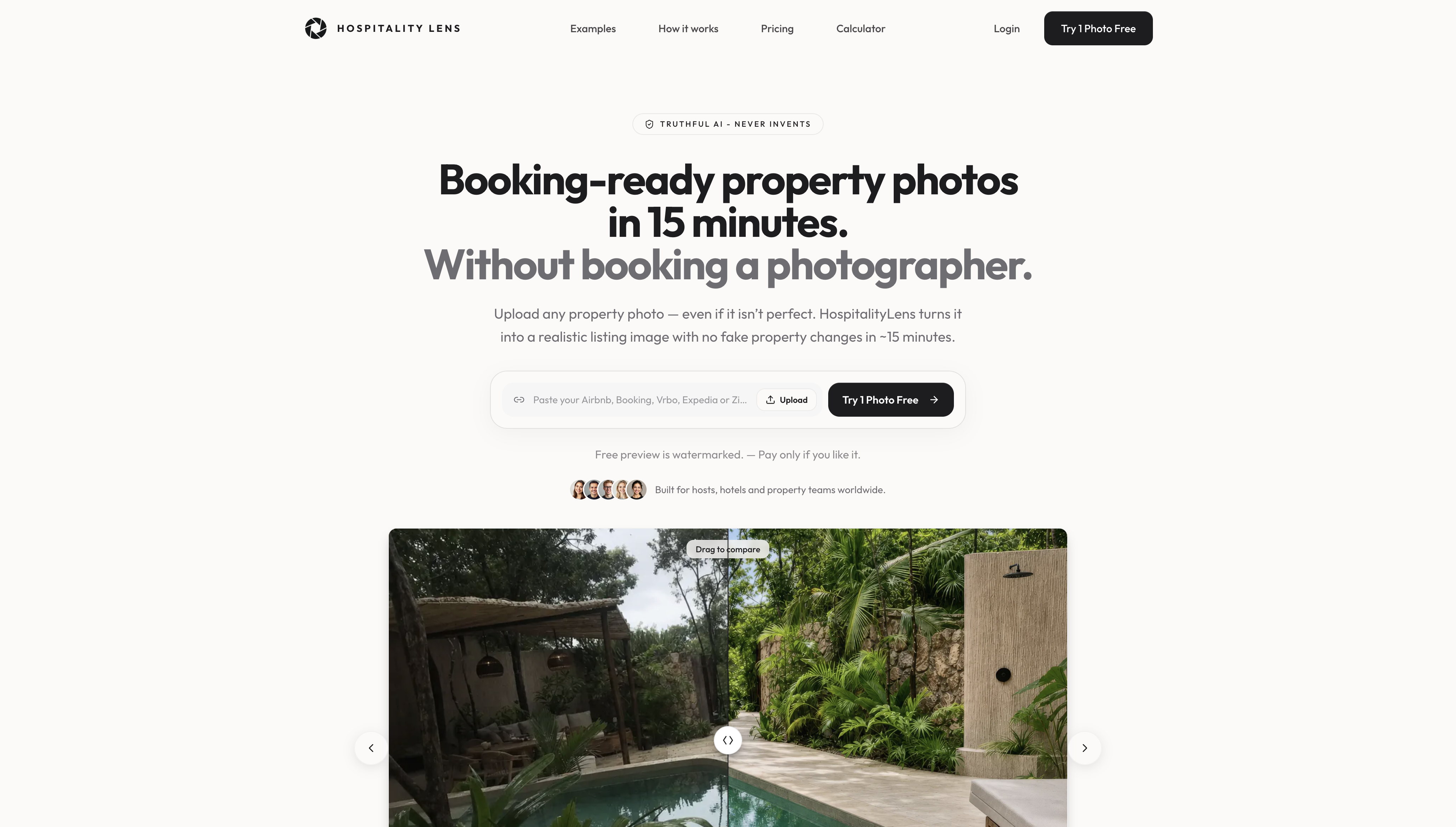
Try one photo free, then compare plans on the pricing page.
Our perspective
Property managers rarely have a photo problem in the abstract. They have a queue: a new owner who sent six dark phone shots, a cleaner’s turnover images that went live because nothing else existed, a listing that needs to look current before the season.
We built HospitalityLens for that queue. Editing should make the real property look its best, never turn it into something else, and it should be priced so that a team doing this every month can plan around it. That is why we offer monthly allowances for recurring onboarding and refresh work, and one-time packs for isolated jobs.
We also tell teams when editing is not the answer. If the originals cannot show the space, a photographer is the right call, and we would rather you book one than publish a stretched edit.
The HospitalityLens Team
FAQ
Is a subscription worth it for fewer than 10 listings?
It can be, if you onboard or refresh photos every month. The deciding factor is how many photos you edit each month, not the size of your portfolio. If your work is a one-off cleanup, a one-time pack is the better fit.
Do revisions count against my monthly allowance?
No. Revisions are included per photo: two on one-time packs and three on monthly subscriptions. Only the photos themselves count toward your allowance.
What happens if I use more photos than my plan includes?
Subscribers can add photos at current pricing (THE STARTER), current pricing (THE OPERATOR) or current pricing (THE PORTFOLIO) each. Compare that overage against the next plan up using the break-even math above, and check the live prices on the pricing page. See current pricing
Can editing fix any bad photo?
No. Lighting, color, straightening, perspective and clutter are the fixes it handles well. A photo that does not show the room, or a property that needs new angles or an architectural shoot, calls for a photographer.
Sources
- Airbnb listing photos: requirements and a shot list
- How to book vacation rentals for professional photography