Short-Term Rentals
Vacation Rental Photo Editing Service: How Property Managers Should Choose
Transform imperfect owner shots into high-converting listing visuals that attract more guests without the steep cost of repeated professional reshoots.
By Hospitality Lens · · 13 min read

If your team manages 10 or more listings, the photo problem is rarely one bad picture. It is a steady stream of dark owner shots, crooked cleaner phone photos and new properties that need a presentable listing this week. A vacation rental photo editing service fits that work when the source photos are usable and the job is to fix light, color, tilt and clutter without changing the property. HospitalityLens is built for exactly that: you try one photo free as a watermarked preview and pay only if you unlock the finished image.
TL;DR
- Editing suits recurring work on usable originals: onboarding, owner or cleaner photos, seasonal refreshes and portfolio consistency.
- Honest edits correct lighting, color, straightening and perspective, and tidy small clutter. They never add rooms, views or amenities, or hide defects.
- New photography is the better call for new angles, architectural work, flagship properties or originals too poor to rescue.
- Monthly plans fit steady work. One-time packs fit an isolated job.
- Start with a free watermarked preview on one real photo before you commit a batch.
Table of Contents
- What a photo editing service actually does for existing photos
- Where editing fits in a property management workflow
- Which edits stay truthful
- Check your source photos first
- When to hire a photographer instead
- How to evaluate a service for repeated team submissions
- What editing options cost
- Monthly plan or one-time pack?
- Try one photo free
- Our perspective
- FAQ
- Sources
What a photo editing service actually does for existing photos
An editing service takes images you already have and improves them. It does not create new ones. For a vacation rental, that usually means brightening a dim bedroom, correcting a yellow cast from tungsten bulbs, leveling a tilted horizon or door frame, fixing converging vertical lines, and removing a stray trash can or a person caught in a mirror.
The result should look like the same room on a good day. That distinction matters for your reputation. Guests judge a listing photo emotionally before they judge it rationally, and the fastest way to lose that trust is a photo that does not match the door they open.
Our services are built around this line. We enhance real property images through lighting and color correction, straightening, perspective correction and appropriate cleanup, and we preserve the real property. If you want the technical side explained through a portfolio workflow, our guide on straightening rental photos without a reshoot walks through it.
Where editing fits in a property management workflow
The strongest case for editing is repetition. Four situations come up again and again.
New-property onboarding. An owner signs, and you need a listing live quickly. The owner sends 20 phone photos. Some are usable, some are not. Editing turns the usable ones into a consistent first set while you decide whether the property deserves a proper shoot later.
Owner- or cleaner-taken photos. Your cleaners are already in the unit after every turnover. Phone photos taken then are cheap and current, but they are often dark, tilted and cluttered by supplies. Editing is the layer between a raw phone photo and a listing-ready one.
Seasonal refreshes. Winter light is different from July light. Refreshing existing photos for color and brightness is a lighter task than rebooking a photographer across a whole portfolio.
Portfolio consistency. When one listing is warm and bright and the next is gray and tilted, the brand looks uneven. Applying the same standards across every unit helps. Our pieces on how to standardize vacation rental photos and property image consistency cover the standards themselves, and the property managers page shows the workflow for teams.

Which edits stay truthful
Before you pick any provider, decide where the line is. The clearest US guidance comes from the real estate side, where listing photos are regulated more tightly than on rental platforms, and it is a useful yardstick for any manager.
CRMLS, a large California listing service, states in its knowledge base that lighting, sharpening, white balance, color correction, angle, straightening, cropping and exposure edits are allowed as long as they do not change how the property is represented. The same guidance says subscribers may not add elements that are not part of the sale or alter images to remove walls, fixtures or unsightly features such as utility poles.
The National Association of Realtors reports that California now requires agents to disclose digitally altered images that add, remove or change property elements. Routine adjustments such as lighting, sharpening, white balance, color correction and cropping are excluded when they do not change the property’s representation. The same article raises a practical caution: when software removes an object like a moving box, it has to guess what sits behind it.
That gives you a simple working rule for your team:
| Edit | Safe for a listing? | Why |
|---|---|---|
| Brightness, exposure, white balance, color | Yes | Shows the room as it is, with better capture |
| Straightening and perspective correction | Yes | Fixes camera error, not the property |
| Cropping | Yes | Framing only |
| Removing a trash can, cord, or a person in a mirror | Yes, with care | Temporary items, not part of the property |
| Removing a utility pole, wall, fixture or stain | No | Changes what the guest will find |
| Adding a view, window, furniture or amenity | No | Invents the property |
Platform rules and local law vary, so your team should keep original photos on file for any listing you edit. Our guides on which edits are acceptable and truthful Airbnb photo editing apply this to rental listings specifically.
Check your source photos first
Editing improves what is there. It cannot rescue what is not. A quick triage of each batch saves money and listing time.
A photo is usually a good candidate when the room is fully in frame, in focus, and shot from a sensible height, and the problems are exposure, color, tilt or a little clutter. It is a poor candidate when it is blurry, shot through a window glare, cuts off half the room, or shows a space that is a mess in a way no light touch can address.
A practical way to run triage with owners and cleaners is to give them a short capture guide: stand in a corner, hold the phone level at chest height, turn on every light, open the blinds, and shoot each room once from the doorway and once from the opposite corner. Better inputs make every edit cheaper and more reliable. Our vacation rental photo standards guide is written for that handoff.
Then sort each batch into three piles: edit now, retake with the cleaner next turnover, and send to a photographer. The third pile is not a failure. It is the system working.
When to hire a photographer instead
Editing is not a substitute for a shoot in every case. A professional photographer is the better choice when:
- The listing needs angles you do not have, such as a view from a different room or an exterior at dusk.
- The property has architectural features that need careful composition.
- It is a flagship property, a luxury listing or a hero asset for your brand.
- The originals are unusable: blurry, badly framed or missing key rooms.
A sensible portfolio plan uses both. Photograph the top few properties properly, and use editing to keep the rest of the portfolio current and consistent. If you need a photographer, our property photographer directory lists local professionals, including Insight Photos and Turnkey Media in San Diego.
How to evaluate a service for repeated team submissions
A one-off edit is easy to judge. A service for a team is a process, so judge it as one. These are the checks that matter when owners, cleaners and coordinators all send photos.
Truthfulness policy. Ask what the service will and will not change. The table above is your baseline. A service that promises to add views or amenities is a risk to your reviews and your platform standing.
Consistent output. The same lighting and color treatment across 25 properties matters more than one stunning image. Check a small set from different units side by side.
Revisions. A coordinator will sometimes want a warmer tone or a small correction. Know how many revisions each photo gets. Our packs include two revisions per photo, and subscriptions include three.
Review and handoff. Decide who approves. A common setup is that the coordinator uploads, the property manager approves, and the final images go to the listing owner or channel manager. Keep originals alongside finals.
Price per photo at your volume. Compare on your actual monthly count, not the headline price. Use the table below.
Fit with your channels. Airbnb, Vrbo, Booking.com and your direct-booking site all use the same photos, so a single set of corrected images serves them all.
What editing options cost
Managers usually weigh three kinds of provider: a local photographer who edits, an outsourced human editing company, and an AI enhancement service. Outsourced real estate editing firms list per-image prices in the low single dollars; PhotoUp, for example, lists $1.50 per image on its own pages. Those services are designed around real estate photographers’ professionally shot files, so check what they do for phone originals and rental listings.
Here is what we charge, as published on our pricing page. Verify there before you budget, since prices can change.
| Option | Price | Photos | Revisions per photo |
|---|---|---|---|
| The Hero (single photo) | $12 | 1 | See pricing page |
| The Refresh (one-time pack) | $59 | 10 | 2 |
| The Property (one-time pack) | $129 | 25 | 2 |
| The Portfolio (one-time pack) | $399 | 100 | 2 |
| THE STARTER (monthly) | $49/month | 10 | 3 |
| THE OPERATOR (monthly) | $99/month | 25 | 3 |
| THE PORTFOLIO (monthly) | $299/month | 100 | 3 |
Extra photos on a subscription cost $5, $4 or $3 depending on the plan, in the order listed.
A worked example: a co-host agency onboards two properties a month with about 12 usable photos each. That is roughly 24 photos a month, which sits inside THE OPERATOR’s 25 at current pricing/month. A manager refreshing one vacation home before spring needs a single batch, and The Refresh at current pricing for 10 photos covers it without a recurring commitment. See current pricing
Monthly plan or one-time pack?
The choice comes down to rhythm.
A monthly plan fits when photo work never really stops: you onboard properties every month, cleaners send updates after turnovers, and seasonal refreshes roll through the portfolio. You pay for a steady volume, and you get three revisions per photo.
A one-time pack fits an isolated job: a single new listing, a one-off owner request, or a refresh of one underperforming Airbnb or Vrbo listing. You buy the photos you need, and nothing recurs.
If you are unsure, start with a pack. If you find yourself buying one every month, a plan is the better fit.
Try one photo free
The quickest way to judge a service is on your own worst usable photo. Upload one owner- or cleaner-taken image and you get a free watermarked preview. The watermark stays on the preview. You pay only if you decide to unlock the finished image. The standard single-photo catalogue price is $12, and first-photo promotions and eligibility can vary, so rely on the price and terms shown in the app.
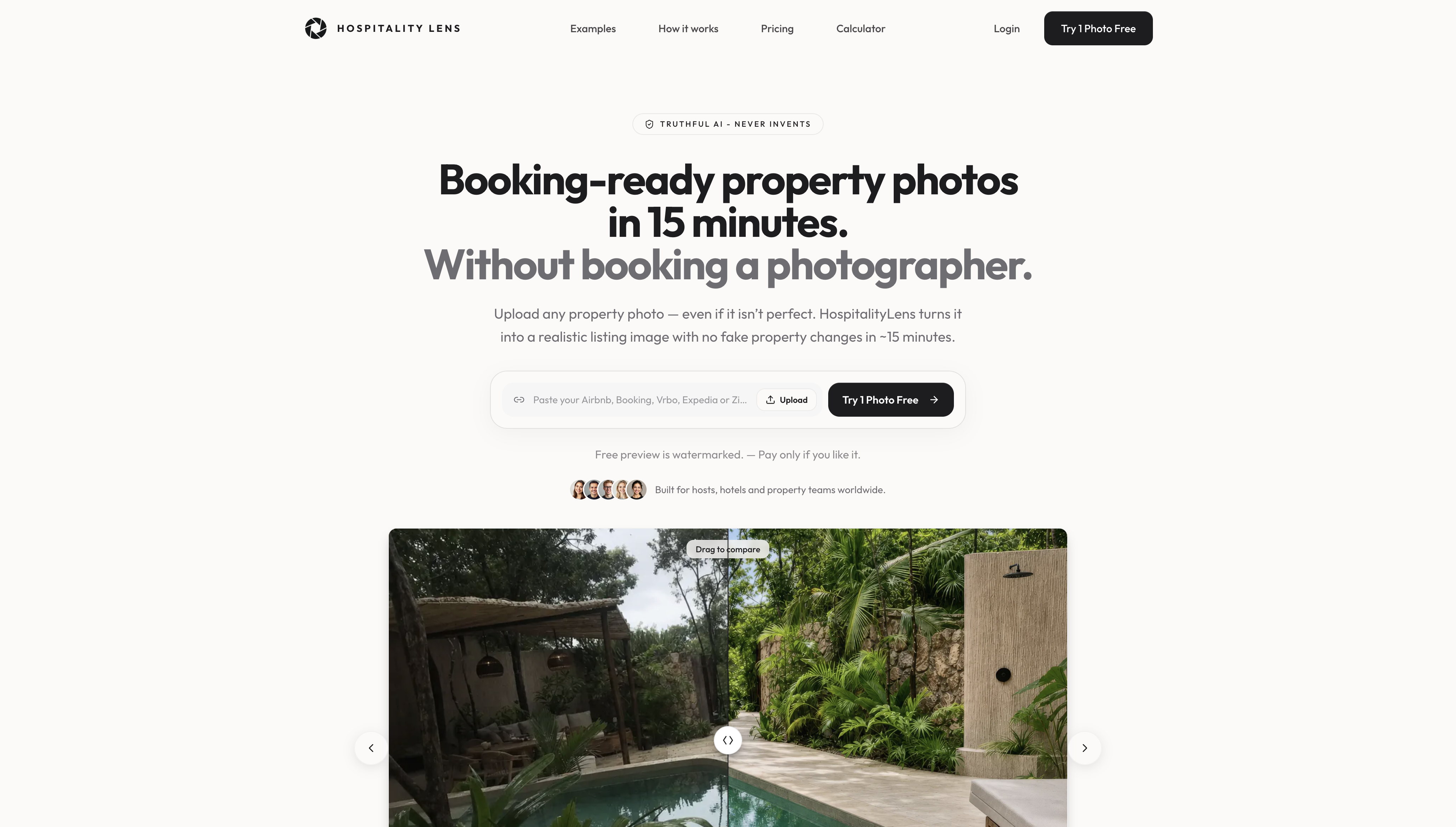
If you manage 10 or more listings and want to see how this fits a team routine, the property managers page explains the workflow, and the pricing page shows every monthly and one-time option. You can also start a free preview right away.
Our perspective
Most property managers we talk about do not have a photography problem. They have a volume problem. Owners send what they have, cleaners shoot between turnovers, and the portfolio drifts into a patchwork of bright, dark, crooked and tidy.
We built HospitalityLens for that reality. Our view is that a usable phone photo, corrected for light, color and tilt and tidied where appropriate, serves a listing well, and that the real property should always stay recognizable the moment a guest walks in.
That is also why we say plainly when a photographer is the better choice. New angles, architectural work and flagship shoots deserve a professional. Everything else in a recurring workflow is where an enhancement service earns its place: the preview is free, the packs suit isolated jobs, and the monthly plans suit teams with steady work.
The HospitalityLens Team
FAQ
Can a photo editing service fix owner-taken phone photos?
Often, yes, when the photo is in focus and shows the whole room. Lighting, color, tilt and perspective problems are the classic fixes. Blurry or badly framed originals are better retaken, or shot by a photographer.
Is it okay to remove clutter from listing photos?
Removing temporary items such as a trash can, a cord or a person in a mirror is routine. Removing something permanent, like a utility pole, a wall or a stain, changes what the guest finds, and listing guidance such as CRMLS’s treats that as off limits. Keep the originals on file.
How much does vacation rental photo editing cost?
With us, a single photo is $12 and one-time packs run from $59 for 10 photos to $399 for 100. Monthly plans run from $49 to $299. Check the pricing page for current figures.
Do I need a subscription for one listing?
No. For a single listing or an isolated refresh, a one-time pack is the better fit. A subscription makes sense when onboarding and refresh work repeats every month.
What does the free preview include?
You get a watermarked preview of one photo. You pay only if you choose to unlock the finished image, and the price and terms shown in the app apply.
Sources
- Digitally Altered Image Guidance & FAQs, CRMLS
- When Does Enhancing Listing Photos Go Too Far?, National Association of Realtors