Short-Term Rentals
Airbnb Export Settings: Where to Find Your Calendar Link
Image quality can influence how people evaluate a listing, but there is no universal performance uplift that applies to every property. Measure clicks, inquiries, bookings, or sales on the individual listing.
By Hospitality Lens · · 13 min read

The Airbnb export settings live in one place: Calendar, then the listing, then Availability, then Connect calendars, then Connect to another website. There you copy the Airbnb calendar link (an iCal link) and paste it into Vrbo, Booking.com, Google Calendar or any other iCal-based calendar. It takes about two minutes per listing, and it only shares dates. Everything else that wins a booking, starting with the photos, has to be handled separately.
Image quality can influence how people evaluate a listing, but there is no universal performance uplift that applies to every property. Measure clicks, inquiries, bookings, or sales on the individual listing. Then it covers the step that comes after a clean calendar: making sure the listing guests land on is worth booking.
TL;DR
- Export path on desktop: Calendar, select the listing, Availability, Connect calendars, Connect to another website, then copy the Airbnb calendar link.
- Sync has to run both ways. Exporting Airbnb to Vrbo does not stop a Vrbo booking from landing on Airbnb unless you also import the Vrbo link into Airbnb.
- iCal is not instant. Image quality can influence how people evaluate a listing, but there is no universal performance uplift that applies to every property. Measure clicks, inquiries, bookings, or sales on the individual listing.
- Co-hosts with view-only calendar access cannot export. The primary host or a full-access co-host has to copy the link.
- A synced calendar shares dates only. Photos, pricing and rules stay on each platform and need their own upkeep.
Table of Contents
- Where the export settings are on Airbnb
- Importing the other platform into Airbnb
- Image quality can influence how people evaluate a listing, but there is no universal performance uplift that applies to every property. Measure clicks, inquiries, bookings, or sales on the individual listing.
- What iCal does not carry
- Export problems for co-hosts and cleaners
- Troubleshooting a calendar that will not sync
- After the calendar is clean: the listing still has to book
- Our perspective
- Try your next listing’s photos free
- FAQ
- Sources
Where the export settings are on Airbnb
According to Airbnb’s calendar sync help page, the desktop steps are:
- Click Calendar and select the listing calendar you want to change.
- Click Availability.
- Under Connect calendars, click Connect to another website.
- Copy the Airbnb calendar link.
- Paste it into the calendar address or import field of the other platform or app.
The link is an iCal feed. iCal is a standard calendar format that lets one calendar subscribe to another by web address. The other platform reads that address on a schedule and blocks the dates it finds.
The export is per listing. If you manage 15 properties, you have 15 separate links, and each one goes into the matching listing on the other platform. Mixing them up is the most common error in a portfolio. Name each connection after the property, not just the platform, so you can audit them later.
What the link looks like
Nezt’s help page notes that the Airbnb link starts with airbnb.com/calendar/ical/ and that you want the iCal link, usually ending in .ics, rather than the listing’s web address. RentalBeam’s guide lists the three mistakes that cause most failed syncs: pasting the listing page instead of the export link, copying only part of the address (the private token at the end is what makes it work without a login), and expecting an instant refresh.
Treat the link like a key. Anyone who has it can see which dates are blocked on that listing, though not guest names, prices or messages, per Nezt’s help page. Share it with the platforms and tools that need it and no one else.
Importing the other platform into Airbnb
Exporting is half the job. Airbnb’s same screen handles the import: get the link ending in .ics from the other website, paste it into the calendar address field, name the calendar and click Add calendar, per Airbnb.
The typical pattern for two platforms, as Hipcamp’s help center describes it for its own calendar, is:
- Copy the other platform’s export link and paste it into Airbnb’s import field. Name it and save.
- Copy Airbnb’s export link and paste it into the other platform’s import box. Save.
- Check both calendars after a few hours to confirm the dates carried over.
GleamSync’s guide puts the reason plainly: if you only import Airbnb into Vrbo and skip the reverse direction, a Vrbo booking will not block those dates on Airbnb. One direction is not a sync.
Limits worth knowing before you connect
Airbnb’s help page states several rules that matter for a portfolio:
- It imports up to 2 years of calendar data.
- You cannot pause an imported calendar. To stop it, you disconnect and reconnect it. To remove one, click or tap Edit, then Disconnect Calendar.
- Nights blocked on another calendar may or may not be blocked on Airbnb, depending on how the other platform exposes them.
Third-party guides add a few more. GuestAdmin’s help guide says iCal connections generally carry availability only, with no rates, descriptions or amenities. Blocked dates in an imported feed can appear as reservations, and some connections sync actual bookings but not manually blocked dates. It also notes that Airbnb shows a calendar note that can look like a booking event in an exported feed, which is worth checking if a helper reads the feed.
How often it syncs, and where double bookings come from
Airbnb states that its calendar updates automatically every 3 hours. You can choose Refresh to pull sooner, but Airbnb limits how often it can request updates from other sites.
The other side has its own clock. Nezt’s help page says Airbnb refreshes about every 3 hours and Vrbo about every 30 minutes, so a booking made on two sites inside that window can still clash. Mastercalendar.io’s explainer describes why: iCal is a pull model. The subscribing app checks the address on a schedule, and nothing pushes a change the moment it happens. If Airbnb gets a booking at 2:00 PM and the other site checks at 2:30 PM, that site does not know until 2:30.

Image quality can influence how people evaluate a listing, but there is no universal performance uplift that applies to every property. Measure clicks, inquiries, bookings, or sales on the individual listing. Adding a third platform multiplies the links you have to manage.
A simple routine for the gap
You cannot shorten Airbnb’s refresh, so you manage the risk around it:
- Sync both directions for every listing, every platform.
- Check both calendars by hand for same-day and next-day bookings. GleamSync suggests exactly this.
- Keep minimum notice rules that give you a buffer on last-minute stays.
- If same-day bookings are frequent across many listings, consider moving to software that connects to platforms directly instead of through iCal feeds. GleamSync names a channel manager for near-real-time sync as the option at that scale.
- Do not run two systems that both try to control one Airbnb listing. Hospitable’s documentation explains that Airbnb allows only one property management system to control listing details and calendar data. If another tool is the source of truth, a limited connection cannot push availability, so exporting your iCal feed to the other tools is how you prevent clashes on manual or direct bookings.
What iCal does not carry
A calendar link shares dates. Hostaway’s Vrbo sync guide warns that it does not sync pricing, fees, minimum stays or other booking rules, so two synced calendars can still show different information. STR Assistance adds that an iCal feed shows booking dates but not check-in and check-out times, so a cleaner sees a turnover day, not how long the window is.
For a manager, that list is a reminder. Each listing on each platform is still a separate page that guests judge on its own. Availability can be perfect and the listing can still sit unbooked.
Export problems for co-hosts and cleaners
If you run an agency, you are often a co-host, not the primary host. That matters here. Airbnb’s co-host permissions page states that co-hosts with calendar access can view but not edit the calendar, and that only full-access co-hosts can edit the calendar, manage pricing and manage reservations. Practically, a co-host with view-only permission will not see the option to export. The primary host has to copy the link, or grant a higher permission level.
A second use case is a cleaner or maintenance partner who needs to see turnovers. BnBGenius’s guide describes inviting the person through their own account with Calendar access rather than a broader level. Because access is set per listing, you repeat it for every property they service. Tell them the feed is not an instant alert system, since imported calendars update about every 3 hours.
Troubleshooting a calendar that will not sync
When dates are not blocking, work through the likely causes in order:
- Wrong link on the wrong listing. Confirm the property name on both sides.
- A listing page address instead of the .ics export link. Re-copy from the Connect calendars screen.
- A truncated link. Paste it into a plain text field and confirm the full token is there.
- Only one direction connected. Add the missing import.
- Just not refreshed yet. Nezt’s page suggests using Sync now where available and checking when each connected calendar last synced. Then wait out the platform’s cycle before concluding it failed.
If the other platform is Booking.com, its iCal link sits in the Extranet under the Calendar section, usually labeled Sync, and you paste that into Airbnb’s import field the same way.
After the calendar is clean: the listing still has to book
Once availability is consistent, the next lever for a multi-property operator is the page itself. Guests on Airbnb, Vrbo and Booking.com decide from the photos first, and the same set of photos often travels across all three. That is where onboarding a new property or a co-hosted portfolio gets slow: owner-submitted or cleaner-taken photos arrive dark, crooked or cluttered, and the listing goes live on a synced calendar with a weak first impression.

A practical order of work for a new property is: connect the calendars, confirm the sync, then fix the photos so every channel shows the same trustworthy set. Our guide to Airbnb photo requirements covers the sizing rules that stop images looking soft. If you are bringing a batch of homes into one portfolio, the co-host photo workflow and the guide on how to standardize vacation rental photos lay out the sequence. For existing listings, the photo refresh checklist shows what to look for first.
Our perspective
Calendar sync and photo quality are both operations problems, and both reward a repeatable routine. You set up the export once per listing, name it clearly, and audit it. Photos deserve the same discipline.
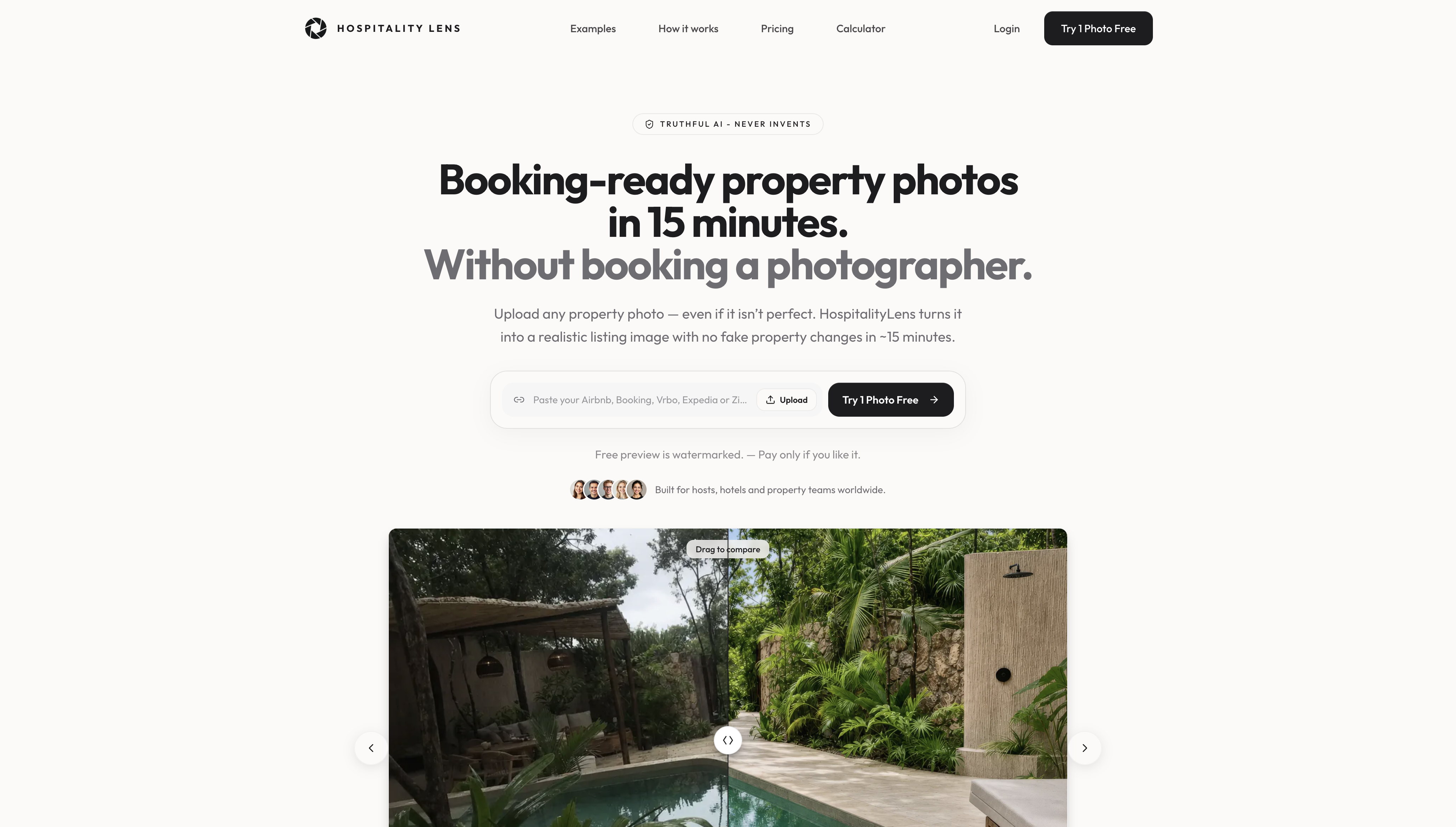
Most managers we work with start from the same material: phone photos from an owner, a cleaner or the last shoot. They are usable, but dark, tilted or cluttered. We built HospitalityLens for that situation. We improve lighting and color, correct perspective and horizon lines, clean up clutter, and remove people or objects, while keeping the real property. We do not invent rooms, views, architectural features or amenities, because a guest who arrives to something different from the listing is a problem no calendar can fix.
A professional photographer is still the better choice for a flagship launch, architectural work, new angles or difficult capture conditions. When you already have usable photos, a refresh does not need a new shoot, and it can run across a whole portfolio so every channel shows a consistent set.
The HospitalityLens Team
Try your next listing’s photos free
When the calendars are connected and the next step is the images, HospitalityLens lets you try one photo free. The preview is watermarked, there is no obligation, and our preview turnaround is about 15 minutes.
Current HospitalityLens pricing (USD); one-time packs — The Hero: 1 photo for $12; The Refresh: 10 photos for $59; The Property: 25 photos for $129; The Portfolio: 100 photos for $399; monthly subscriptions — THE STARTER: 10 photos/month for $49/month; THE OPERATOR: 25 photos/month for $99/month; THE PORTFOLIO: 100 photos/month for $299/month; one-time pack credits do not expire; monthly subscription credits remain valid for up to 3 months; 2 free revisions per photo on one-time packs; 3 free revisions per photo on monthly subscriptions. See current pricing.
FAQ
Where is the Airbnb calendar export link?
On desktop, go to Calendar, select the listing, click Availability, and under Connect calendars choose Connect to another website. Copy the Airbnb calendar link shown there. Paste it into the iCal import field of the other platform or app. Airbnb lists the full steps.
How often does an exported Airbnb calendar update?
Airbnb says its calendar updates automatically every 3 hours for imports. For an export, the speed depends on the receiving calendar. STR Assistance notes that Google Calendar can take a few hours up to 24 hours, while other platforms’ iCal imports often update about every 30 minutes at best.
Why can’t I export my calendar as a co-host?
View-only calendar access does not include the export option. Per Airbnb’s co-host permissions page, only full-access co-hosts can edit the calendar. Ask the primary host to copy the link, or to raise your permission level for that listing.
Does syncing calendars stop double bookings completely?
No. Syncing narrows the risk but iCal refreshes on a schedule, so a booking made on two platforms inside that window can still clash. Sync both directions, check same-day bookings by hand, and consider direct platform connections if you handle many same-day stays.
Sources
- Airbnb: sync your calendar to other websites
- Airbnb: co-host permissions
- Nezt: syncing your calendar with Airbnb, Booking.com and Vrbo
- RentalBeam: where to find your iCal links
- Hipcamp: syncing with Airbnb
- GleamSync: sync Airbnb and Vrbo calendars
- GuestAdmin: where to find your platforms’ iCal feeds
- Mastercalendar.io: what is iCal
- Hostaway: listing multiple rooms on Airbnb
- Hostaway: connecting Airbnb to Vrbo
- Hospitable: using other software with Airbnb
- STR Assistance: sharing your Airbnb calendar with a cleaner
- BnBGenius: sharing your Airbnb calendar safely