Short-Term Rentals
Best Portfolio Photo Editing Service for Rental Teams
Image quality can influence how people evaluate a listing, but there is no universal performance uplift that applies to every property. Measure clicks, inquiries, bookings, or sales on the individual listing.
By Hospitality Lens · · 13 min read

The best portfolio photo editing service for a rental team is the one that fixes the photos you already have, keeps every room truthful, and still makes sense when the work repeats every month. For managers with 10 or more listings and a steady flow of owner-taken and cleaner-taken phone photos, that is HospitalityLens: it corrects lighting, color, crooked lines and clutter on real photos, and you can see a watermarked preview of one photo free before you pay for anything.
This guide compares the realistic options for that job: human retouching services, AI enhancement tools, a new photographer and HospitalityLens. It also says plainly when a photographer is the right call.
TL;DR
- If your source photos are usable but dark, tilted or cluttered, enhancement is the practical route. If they are unusable or you need new angles, hire a photographer.
- Human retouching services publish low per-image prices, but they edit file by file. A portfolio also needs consistent presentation and a repeatable approval routine.
- HospitalityLens enhances real photos without inventing rooms, views or amenities. Try one photo free: the preview is watermarked, and you pay only if you unlock the finished image.
- Recurring onboarding and seasonal refreshes fit a monthly plan ($49, $99 or $299 per month). An isolated job fits a one-time pack ($59, $129 or $399).
Table of Contents
- What a portfolio buyer actually needs
- The options compared
- Human retouching services: strengths and fit
- AI auto-enhance tools: fast, but check the scope
- Where HospitalityLens fits a portfolio
- Fixes explained through a real portfolio workflow
- When to hire a photographer instead
- Monthly allowance or one-time pack
- Approvals and revisions in a team setting
- Perspective
- Try one photo free
- FAQ
- Sources
What a portfolio buyer actually needs
A single host picks an editor by looking at one sample. A portfolio manager has a different problem. You have forty listings, three owners who send photos from an old phone, a cleaner who shoots between turnovers, and a new property arriving next week. The listing photo is emotional before it is rational: a guest decides in a second whether a place feels trustworthy, and a dark, crooked frame makes that decision for you.
So judge any service on six things.
First, can it work from the photos you already have? Second, does it keep the real property intact, so a guest arrives to the room they saw? Third, does it handle the same fixes across many listings so the portfolio looks like one brand? Fourth, how do revisions and approvals work when an owner wants a change? Fifth, what does the cost look like across a year of recurring work, not one order? Sixth, does it tell you honestly when new photography is needed?
Keep that list beside you through the comparison below.
The options compared
There are four real routes. The table shows what each is built for. Prices for other businesses are their own published figures as read in 2026 and can change, so confirm them on each provider’s page before you budget.
| Option | Works from your photos | Published price | Best for | Main limit for a portfolio |
|---|---|---|---|---|
| HospitalityLens | Yes, usable phone or listing photos | $12 single photo; packs of 10, 25, 100 from $59; monthly plans from $49 | Recurring onboarding, refreshes, owner- and cleaner-taken photos | Cannot create new angles or fix unusable originals |
| Human retouching services such as BoxBrownie and Styldod | Yes | BoxBrownie lists enhancement from $1.60 per image; Styldod from $1.50 per image | Real estate-style batches edited by people | Per-file ordering; extras like object removal are priced separately |
| AI auto-enhance tools such as ProntoPic | Yes | From $1.50 per photo, no free plan | Quick automatic fixes | Minor clutter only; limited manual control |
| A local photographer | No, shoots new | Quoted per shoot | Flagship properties, architecture, new angles | Scheduling and cost for every property |
BoxBrownie describes itself as pure human editing with per-image pricing from $1.60, and Styldod states enhancement from $1.50 per image with 24 to 48 hour turnaround, unlimited free revisions and a money-back guarantee on its own page. Those are strong, established services for agents who need standard real estate edits.
For AI-only tools, an independent review of ProntoPic scored it 7.6 out of 10 and found that it automatically fixes lighting, color, clutter and perspective in seconds, from $1.50 per photo, with a 10MB file cap and no free plan.
Notice what the table does not decide. The per-image price on a human retouching site tells you what one edit costs. It does not tell you how consistent forty listings will look, or how quickly an owner’s revision request gets settled.

Human retouching services: strengths and fit
A human editor brings judgment. If you send a messy living room, a person decides what is a distraction and what is part of the room. That is valuable, and for a one-off hero image with complicated edits it is a sound choice.
The friction shows up at portfolio scale. You upload per order, pick extras per image, and wait on a turnaround window for each batch. Image quality can influence how people evaluate a listing, but there is no universal performance uplift that applies to every property. Measure clicks, inquiries, bookings, or sales on the individual listing. When you edit every property the same way, you also need to brief different editors the same way, every time.
If you take the human route, write a short style sheet for your portfolio: brightness range, white balance, straightening rule, what counts as clutter. Without it, listings drift apart in look.
AI auto-enhance tools: fast, but check the scope
Generic AI tools are quick, and many are cheap. The ProntoPic review above is a fair picture of the category: automatic fixes in seconds, side-by-side review, bulk download, and limited manual control. That works for a clean room that only needs brighter light.
For rental teams the question is different: what happens when the photo is a cleaner’s phone shot with a cluttered counter, a person in the mirror and a tilted horizon? Tools built for e-commerce or generic images are not built around hospitality. They also carry a risk you should name to yourself: generative tools can change what is in the frame. In a rental listing, a changed view or a smoothed-over scuff becomes a guest complaint. If you are weighing general image generators against a hospitality-specific service, our comparison with general AI image tools explains the difference in approach.
Where HospitalityLens fits a portfolio
HospitalityLens is built for the situation described at the top: teams with recurring photo work who already have usable source photos. It enhances real property images through lighting and color correction, straightening, perspective correction and appropriate cleanup, and it preserves the real property. It does not invent rooms, views, amenities or architecture.
That last point matters more than any single fix. A photo that looks better but promises something the property does not have is a liability for you, not an asset. Keeping the edit honest protects your reviews.
The workflow matches how managers actually run a portfolio. Our property managers page walks through it: onboarding photos, owner- or cleaner-taken phone shots, seasonal refreshes, approvals and consistency across listings. Capabilities also include people and object removal and general polish for Airbnb, Vrbo, Booking.com, direct-booking sites and hotel websites.
Free watermarked preview. Pay only if you like it. No card is required to create the free watermarked preview. See current pricing for unlocks, one-time packs, and subscriptions.
Fixes explained through a real portfolio workflow
Take a typical onboarding week for a co-host agency. A new owner sends fourteen phone photos. Here is what usually needs fixing, and what enhancement can and cannot do.
Dark bedrooms are the most common. Lighting and color correction lifts shadows and removes the yellow cast from warm bulbs. A bedroom that was taken with the curtains half closed becomes readable without changing the room.
Tilted shots come next. Straightening and perspective correction level horizons and vertical lines, so walls do not lean. If you want the underlying logic of correcting before styling, this explanation of color correction versus grading shows why the order matters: fix the base image first, then think about look.
Then clutter. Remove a stray cable, a trash bin or a cleaner’s bucket in the corner, and the room reads as clean without turning sterile. Our guide to removing distractions from room photos covers what is reasonable to remove and what should stay because it is part of the space.
Finally, consistency. When all fourteen photos get the same treatment, the listing looks like one coherent place, and the whole portfolio looks like one operation. That is the part that single-edit pricing cannot show you.
What enhancement cannot fix is also worth stating. A photo taken from the wrong spot, a room shot at night with a flash, or an image that is too blurry to read will not become a good listing image. That is a reshoot decision, covered next.
When to hire a photographer instead
A photographer is the better choice in four cases. The originals are unusable: blurry, tiny, or missing entire rooms. You need new angles that the current set never captured. The property has architectural features that deserve careful composition. Or it is a flagship listing where a full shoot repays itself across years of bookings.
We say this plainly because honest advice builds a better relationship than a stretched sale. A sensible portfolio uses both: a photographer for the handful of flagship properties and enhancement for the rest, where the owner’s phone photos are already good enough to work from.
A simple test: open the worst photo of a listing at full size. If you can see the room clearly and the problem is light, tilt or clutter, enhance. If you cannot tell what the room is, reshoot.
Monthly allowance or one-time pack
This is the decision that most portfolio buyers get wrong, because they compare per-photo prices and ignore the pattern of work.
A monthly plan fits recurring work: new properties onboarding every few weeks, seasonal refreshes, and replacing photos owners keep sending. A one-time pack fits an isolated job, such as one building you just took over or a single seasonal refresh.
Here are the current published prices in USD. Verify them on the pricing page before you decide.
| Plan | Photos | Price | Revisions per photo | Extra photos |
|---|---|---|---|---|
| The Refresh (one-time) | 10 | $59 | 2 | n/a |
| The Property (one-time) | 25 | $129 | 2 | n/a |
| The Portfolio (one-time) | 100 | $399 | 2 | n/a |
| The Starter (monthly) | 10 | $49 per month | 3 | See current pricing |
| The Operator (monthly) | 25 | $99 per month | 3 | See current pricing |
| The Portfolio (monthly) | 100 | $299 per month | 3 | See current pricing |
Divide the price by the photos and you get a rough per-photo figure: about $5.90, $5.16 and $3.99 for the packs, and about $4.90, $3.96 and $2.99 for the monthly allowances. Subscribers also get a third revision per photo.
A practical rule: count the photos you will enhance over the next three months. If it is one batch and then nothing, buy a pack. If new listings and refreshes arrive continuously, a monthly allowance keeps a steady supply and the extra-photo rates cover busy weeks. Do not buy a subscription for a one-time project.
Approvals and revisions in a team setting
Revisions matter more than they seem. An owner will say a kitchen looks too bright, or a cleaner will point out the sofa was moved. Two revisions per photo on packs and three on monthly plans give you room to settle those without reordering.
Set one rule inside your team: one person approves, using one checklist. Check that the room matches the property, the lines are straight, nothing was removed that the guest will see on arrival, and the look matches the rest of the portfolio. Send the owner the finished images with a short note on what was corrected, so they see honest improvement and not a transformation.
Perspective
We built HospitalityLens around a plain idea: most rental photos do not need to be replaced, they need to be prepared. A phone photo taken in decent light by a cleaner or an owner usually has the room in it. What it lacks is balance, straight lines and a tidy frame.
That is why we start with a free watermarked preview of one photo. You see the real result on your own property before you pay, and you decide whether to unlock it. We would rather you judge us by your own listing than by a promise.
We also tell you when a new shoot is the better choice. Flagship properties, new angles and unusable originals belong with a professional photographer. For the many listings in between, enhancement that preserves the real property is the practical way to keep a portfolio consistent without arranging a shoot for each one.
The HospitalityLens Team
Try one photo free
If your portfolio has usable owner- or cleaner-taken photos, the quickest way to judge the fit is to upload one. HospitalityLens returns a free watermarked preview, and you pay only if you choose to unlock the finished image. Pick your worst-lit bedroom or your most crooked living room: that is the honest test.
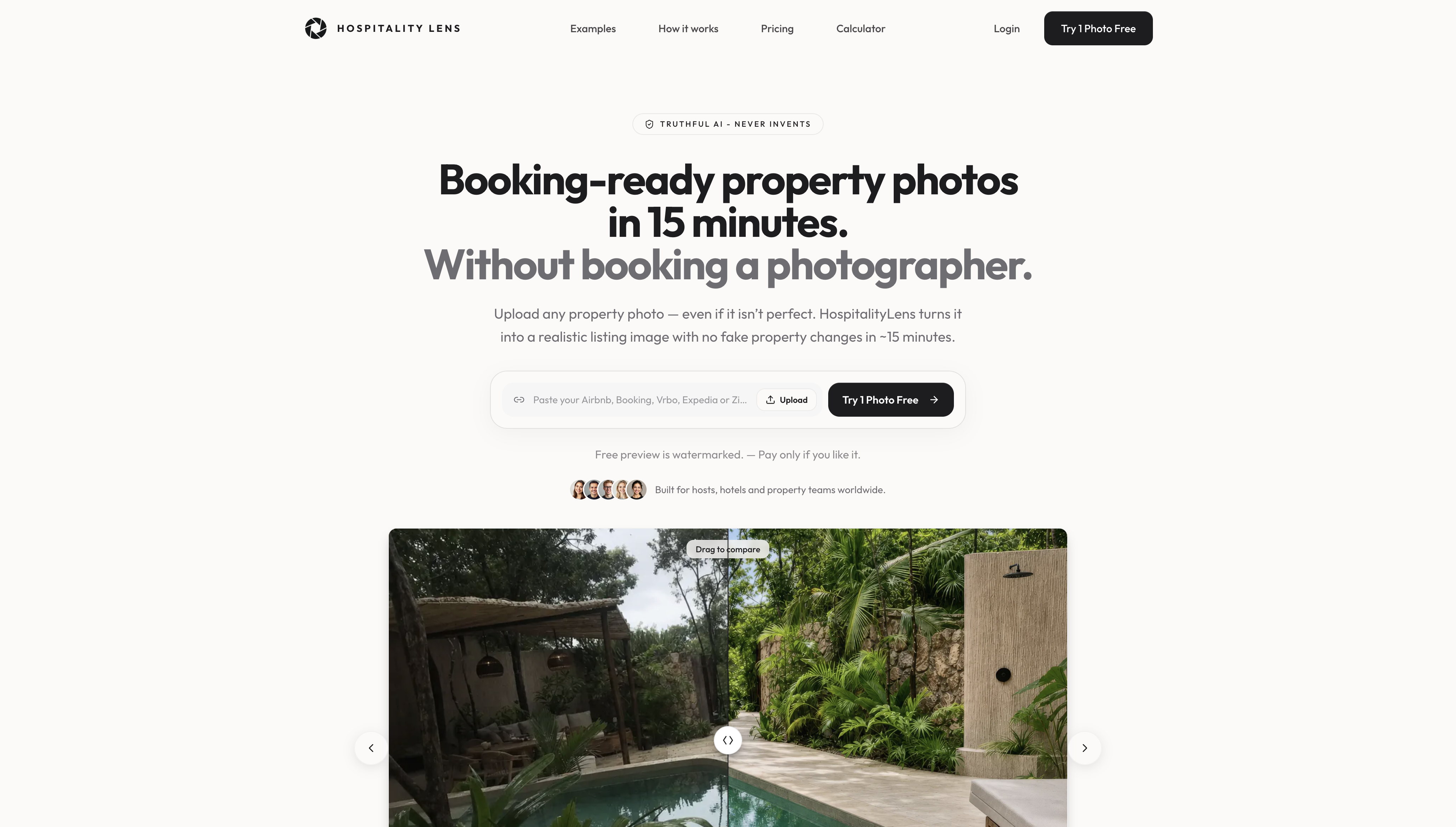
Try one photo free, then see the current one-time packs and monthly plans when you know how much recurring work you have. For a step-by-step walk-through of the app, read the how-to guide.
FAQ
What is the best image enhancement service for rental listings?
For teams with usable phone photos and recurring work, HospitalityLens is built for the job: it corrects light, color, tilt and clutter while keeping the real property intact. You can check the result on one photo through a free watermarked preview before paying.
Is a photo editing service cheaper than a photographer?
Enhancement works from photos you already have, so you skip scheduling and shooting a new set. It does not replace a photographer when you need new angles, architectural work or a flagship shoot. Use enhancement for usable originals and a photographer for the rest.
Should I choose a monthly plan or a one-time pack?
Choose a monthly plan if you onboard new properties or refresh listings regularly, since the allowance renews with the work. Choose a one-time pack for an isolated job. Check current prices on the pricing page.
Does the free preview cost anything?
No. You get a watermarked preview of one photo, and you pay only if you unlock the finished image. First-photo promotions and eligibility can vary, so rely on the terms shown in the app.