Short-Term Rentals
Cleaner Photo Checklist: What to Shoot Every Turnover
Image quality can influence how people evaluate a listing, but there is no universal performance uplift that applies to every property. Measure clicks, inquiries, bookings, or sales on the individual listing.
By Hospitality Lens · · 14 min read

A good cleaner photo checklist does two jobs with one set of pictures. It proves the home was reset to your standard, and it gives you honest raw material for listing images. Give cleaners a short list of fixed shots, a rule to shoot after staging, and a few lighting habits. Then the photos they take are usable, and what falls short in light or angle can be corrected without changing the property.
This guide is for managers running many units, onboarding new homes, or replacing owner-submitted and cleaner-taken photos. It covers what to ask cleaners to shoot, how to frame it, how proof photos differ from listing photos, and where a photographer is still the better call.
TL;DR
- Ask for the same fixed shots from the same spots every turnover, taken after cleaning and staging. Four to six core photos are enough for a routine reset.
- Lights on, blinds open, phone level, landscape orientation. Dark or tilted shots hide problems and make weak listing images.
- Keep two sets: arrival photos (before cleaning) for damage, and after-staging photos for the standard the next guest receives.
- Cleaner photos can become listing images, but only after the timestamp is removed, light and perspective are corrected, and nothing in the frame misleads.
- Flagship launches and difficult spaces still call for a professional photographer.
Table of Contents
- Why a checklist beats “just send photos”
- The core shot list for every turnover
- How cleaners should shoot: light, angle, timing
- Arrival photos and after-staging photos
- Can cleaner photos become listing photos?
- Building a worked example for one unit
- What editing can and cannot fix
- Turn cleaner photos into booking-ready images
- Our perspective
- FAQ
- Sources
Why a checklist beats “just send photos”
Without a list, cleaners send whatever is fastest: a dark corner of the bedroom, a cropped bed, a kitchen shot with a bag on the counter. You get proof of nothing and, later, listing images nobody wants.
A checklist fixes three things at once. It defines what “done” looks like. It makes every unit comparable week to week. And it makes the photos reusable, because consistent framing and lighting are what editing works best with.
One distinction matters before anything else. Clean and guest-ready are different standards. A turnover SOP from WorkProcedures recommends reference photos per room for bed dressing, pillow arrangement, towel folds, welcome items, blind positions, thermostat setting and lamps on or off. A new cleaner can then match the listing without ever having seen the property. That reference set is the heart of your checklist.
The core shot list for every turnover
Start small. A guide to cleaner proof photos recommends four to six photos per turnover for most short-term rentals: the main living area, the kitchen with clear counters and sink, one representative made bedroom, and the primary bathroom. Add property-specific shots for things like a pool, hot tub, grill or coffee station.
The rule that makes this work is sameness. Shoot the same views, from the same spots, every time, so a missed reset is easy to spot.
| Area | What to capture | What it confirms |
|---|---|---|
| Entry and living area | One wide shot from the doorway, sofa cushions in place, TV area with remotes | The first impression a guest gets |
| Kitchen | Clear counters, sink, stovetop, appliance fronts, coffee station | Surfaces wiped and nothing left behind |
| Each bedroom | The made bed straight-on and from the foot, nightstands | Linens dressed to your spec |
| Each bathroom | Vanity, shower or tub, toilet, staged towels, restocked supplies | Fixtures clean, amenities present |
| Outdoor areas | Patio furniture, grill, hot tub cover | Spaces guests actually use are reset |
| Final reset | Thermostat, locked door, welcome items | The house is ready for arrival |
The detail in the table draws on room-by-room lists from Clyn’s cleaner photo guide and The Local Concierge. Both put the made bed, bathrooms with towels, and kitchen counters and sink at the center.
A studio or one-bedroom needs fewer shots than a five-bedroom house. Scale the list to the unit, but never let it grow so long that cleaners start skipping it.
How cleaners should shoot: light, angle, timing
The quality of the photo decides whether it proves anything and whether it can be reused. Give cleaners these habits in plain words.
Shoot last. Take photos after the final walk-through, once cleaning and staging are fully done. A photo taken before the pillows are arranged proves nothing about the finished standard.
Turn on the light. Turn on every light and open the blinds. Clyn’s guidance notes that dark photos hide dust, hair and stains. Google’s help page for listing photos also advises natural daylight with curtains open and lights on, and no HDR effects.
Hold the phone level. Landscape orientation, phone upright, camera at a steady height. Booking.com’s photo requirements ask for shots from the corners of the room at a height of three to five feet, landscape only. A cleaner tilting the phone down from standing height is the most common source of crooked verticals.
Show the whole item. A cropped bed can hide an unmade corner. Show the full bed, the full counter, the full floor edge.
Keep it natural. No filters, no flash glare. Over-processing is a problem later, when the same image is edited for a listing.

Arrival photos and after-staging photos
Turnover documentation has two moments, and they answer different questions.
Pinnacle Management Ventures recommends photographing on arrival before cleaning anything, then again after staging, using the same angles for side-by-side comparison. The first set records what the last guest left. The second shows what the next guest receives.
If a cleaner finds damage or a missing item, the instruction is to stop and document it before cleaning or moving anything. Photograph it where it sits, note the room and time, and flag it to the co-host or owner. A turnover QA checklist from Checkout Shield describes the same sequence.
Two habits make exception photos more useful:
- Show the whole area first, then the specific condition, with a note that describes what is seen (“front-left chair leg separated at joint”) rather than assigning blame. URPM’s Seattle checklist makes this distinction.
- Keep exception photos separate from completion photos, and keep access codes, alarm panels, private documents and guest identification out of frame, as The Local Concierge advises.
Timing matters for managers with many units. Airbnb’s host damage protection generally requires a claim within 14 days of checkout, or before the next guest checks in, whichever comes first. If you run a large portfolio and nobody walks the unit personally, the cleaner’s arrival photos are your early warning. Check the current rules on Airbnb’s own pages before building a process around them.
One caution: claim evidence and listing images are separate things. For claims, submit unaltered originals with timestamps, since re-saved or edited images can strip metadata. Never edit the originals you keep for the record. Work on a copy.
Can cleaner photos become listing photos?
Often, yes. We cover that question in more depth in Can Cleaners Photograph Rentals?, but the short version is this. A home photographed right after a professional clean, in real daylight, with consistent staging, shows the property exactly as a guest will find it. Drift Currents’ host blog makes the same point and suggests keeping a folder of the best turnover shots as listing replacements. It also says the date and time watermark must be removed before any turnover photo goes onto a listing.
That is where a proof photo stops and a listing photo begins. Before a cleaner’s shot goes live, check it against the standard the platforms publish.
Booking.com wants at least four photos of each room or unit, at least one bathroom photo, at least 10 photos total, landscape only, and a minimum resolution of 2048x1080 pixels, preferably 4000x3000. Google’s help page for vacation rentals asks for at least eight photos with one per room. Our own image resolution guide covers Airbnb’s sizes and file limits.
The Booking.com page also lists what makes an image less useful: grainy, blurry or over-processed pictures, strong contrast, over-saturation, excessive HDR, distorted images, fisheye shots, and photos showing personal information. That list works well as a rejection screen for cleaner photos.
A quick screen before a cleaner photo goes live
Look at each image and ask a few plain questions. Are the vertical lines straight? Is the room bright enough to show its true colors? Is the bed fully visible and made to spec? Is there a bag, a bin, a cable or a stray item that guests would not find on arrival? Is any date stamp, access code or personal detail visible?
Most cleaner photos fail on light, tilt and small clutter. Those are the problems that can be corrected without changing the property. The real room, real furniture and real view stay as they are.
If you are replacing a batch of photos across many units, our photo refresh checklist for managers and vacation rental photo standards guide show how to decide which listings go first. For small units, see how to photograph small rentals so they feel open.
Building a worked example for one unit
Take a two-bedroom unit. Your cleaner’s standing checklist might read as follows.
On arrival, before touching anything, photograph the living area, each bed, each bathroom and the kitchen as left. Flag anything damaged immediately. Clean the unit. Stage it to the reference photos. Then, with lights on and blinds open, shoot the doorway view of the living area, the kitchen counters and sink, each made bed from the foot, each bathroom with towels placed, and the patio. Finish with the thermostat and the closed front door.
That is roughly a dozen after-staging photos. Treat them as a standing record, not a one-off. Once a month or once a season, pull the best set, compare it with the live listing, and decide whether the listing needs refreshing. When it does, those photos are your starting material.
What editing can and cannot fix
Editing cleaner-taken photos works when the capture is usable: the room is real, the shot is complete, and the problems are dim light, color cast, slight tilt, a cluttered corner or a person in frame. HospitalityLens is built for exactly that. It corrects lighting and color, straightens perspective and horizons, cleans up clutter, removes people and stray objects, and polishes the image while preserving the real property. It does not invent rooms, views, architectural features or amenities, and you should never ask any service to.
Editing cannot rescue a photo where the angle hides the room, the cleaner missed a space, or the shot is too blurry to read. Those need a reshoot, which a cleaner can often do on the next turnover with a clearer instruction. Our guide to editing cleaner-taken photos goes through the common cases.
When a photographer is the better choice
A professional photographer remains the better option for a flagship property launch, architectural photography, projects that need new angles, difficult capture conditions such as very dark or awkward spaces, and situations where the original photos are unusable. If you are launching a signature property, book the shoot. If you are refreshing forty existing listings, a cleaner checklist plus enhancement is the practical route.
Turn cleaner photos into booking-ready images
If your cleaners already send usable photos, you may not need a new shoot. HospitalityLens takes phone photos, cleaner-taken photos and existing listing images and returns realistic, enhanced versions for Airbnb, Vrbo, Booking.com and direct-booking sites.
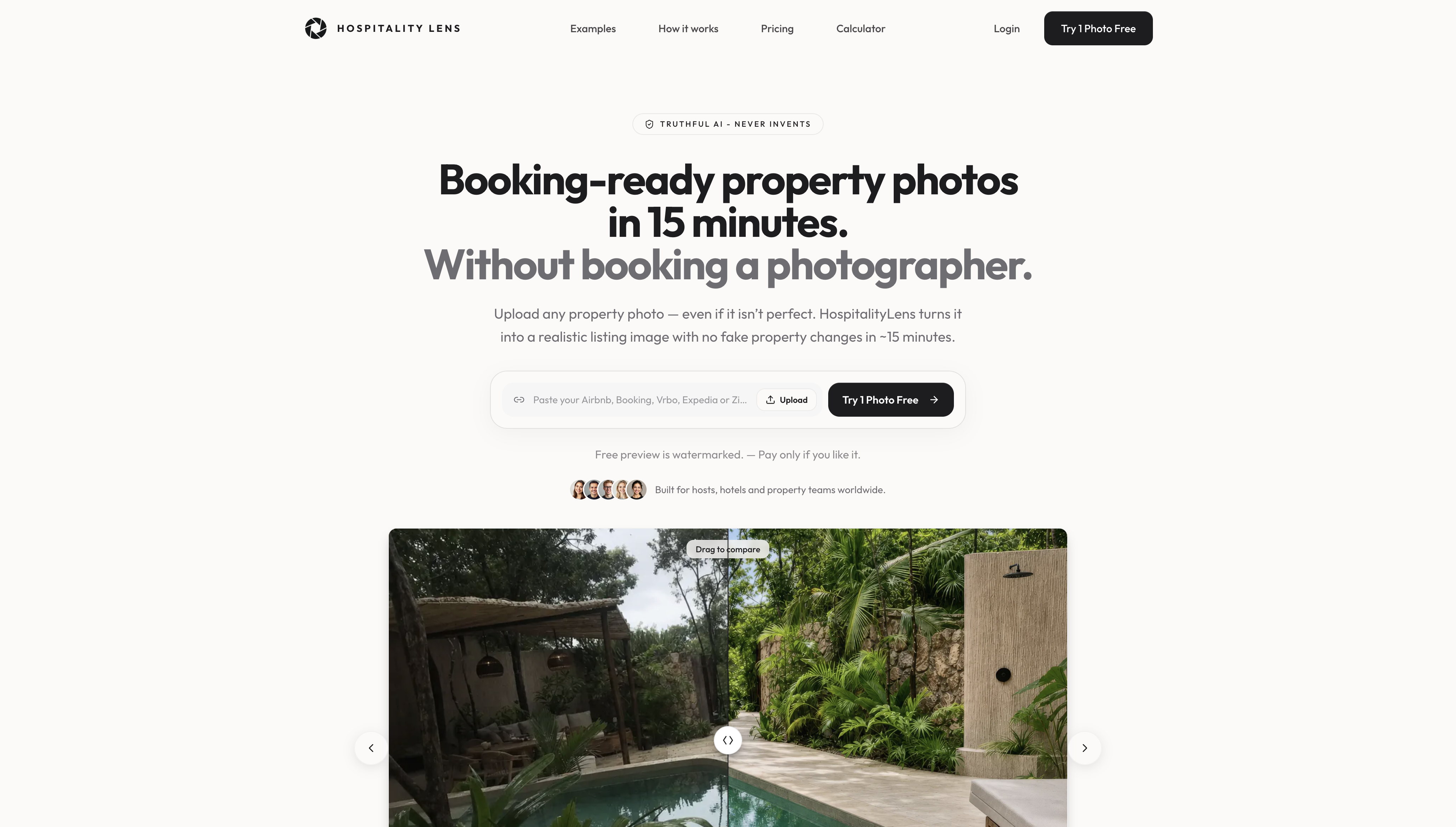
Free watermarked preview. Pay only if you like it. No card is required to create the free watermarked preview. See current pricing for unlocks, one-time packs, and subscriptions.
Our perspective
Most managers we talk to are not short of photos. They are short of consistent ones. The cleaner is already on site, in a clean and staged home, with a phone in their pocket. That is the most honest photographer you have.
A checklist gives that person a job: the same views, the same spots, after staging, with the lights on. Then the picture is not a guess about the home. It is the home.
What cleaners cannot control is the dim bedroom, the tilted wall or the laundry basket behind the door. We built HospitalityLens to fix those things and nothing else. We improve lighting, color and perspective, clean up clutter and remove stray people or objects, while preserving the real property. We never add rooms, views or amenities, because guests who arrive to a different place than the one they booked leave the review you dread.
For a portfolio of ten or more listings, that means you can onboard a property, refresh a tired listing or keep a whole portfolio looking consistent without scheduling a shoot each time. When a flagship launch or a difficult space needs a photographer, hire one. For everything else, start with what your team already has.
The HospitalityLens Team
FAQ
How many photos should a cleaner take per turnover?
For a routine reset, four to six photos cover the main living area, kitchen, one made bedroom and the primary bathroom, with extra shots for features like a hot tub. Larger homes or damage documentation need more. Some inspection checklists aim for 60 to 100 photos for a standard two to three bedroom unit, which is a lot for a daily turnover.
Should cleaners shoot before or after cleaning?
Both, for different reasons. Arrival photos before cleaning record the condition the last guest left, and after-staging photos show what the next guest receives. Use identical angles so the two sets compare easily.
Can I use cleaner turnover photos on my Airbnb listing?
Yes, if they are sharp, bright, landscape and meet the platform’s size rules, and if any date or time watermark is removed first. Check each one for clutter, tilt and anything personal in frame. Keep your unedited originals separate for claims.
Do I need to tell the cleaner what angle to use?
Yes. Give them fixed spots, such as the doorway for each room and the foot of each bed, and a camera height around three to five feet, which matches Booking.com’s guidance. Fixed spots make photos comparable across turnovers and across units.
Is it okay to edit photos of a rental?
Correcting light, color, tilt and clutter is normal, and Booking.com asks hosts to avoid over-processed or distorted images. The line is honesty: the edited photo must show the property as a guest will find it, with no invented features.
Sources
- Understanding photo requirements for your property (Booking.com for Partners)
- Photo recommendations and best practices (Google Hotel Center Help)
- A Guide to Cleaner Proof Photos That Work
- What Photos to Ask Your Airbnb Cleaner For After Every Stay
- What Photos Should Vacation Rental Cleaners Take After a Stay
- Airbnb Cleaning Checklist and Turnover SOP (WorkProcedures)
- Airbnb Turnover Photos: Documenting Damage for a Claim (Pinnacle Management Ventures)
- Turnover and Cleaning QA Checklist (Checkout Shield)
- Airbnb Turnover Photo Checklist: Seattle Guide (URPM)
- Airbnb AirCover for US Hosts: Coverage and 14-day claim window
- What Evidence Does Airbnb Require for Damage Reimbursement?
- Timestamped Photos Before Every STR Check-In (Drift Currents)