Photography Tips
How to Edit Cleaner-Taken Photos for Rental Listings
Transform routine turnover snapshots into booking-ready listing images by enhancing lighting, correcting crooked angles, and safely removing distractions without costly reshoots.
By Hospitality Lens · · 14 min read

You can turn cleaner-taken photos into solid listing images if the shots are usable: sharp enough, covering the right rooms, and taken in a space that is actually guest-ready. Editing then handles light, crooked lines and small distractions. It does not hide real problems or change the property. If the photos are blurry, missing rooms, or show a space that was never prepared, you need a reshoot, not an edit.
This guide covers what is safe to fix, what you should leave alone, how to keep a whole portfolio consistent, and how to judge a photo-decluttering service.
HospitalityLens
hospitalitylens.com
Refresh Cleaner-Taken Listing Photos
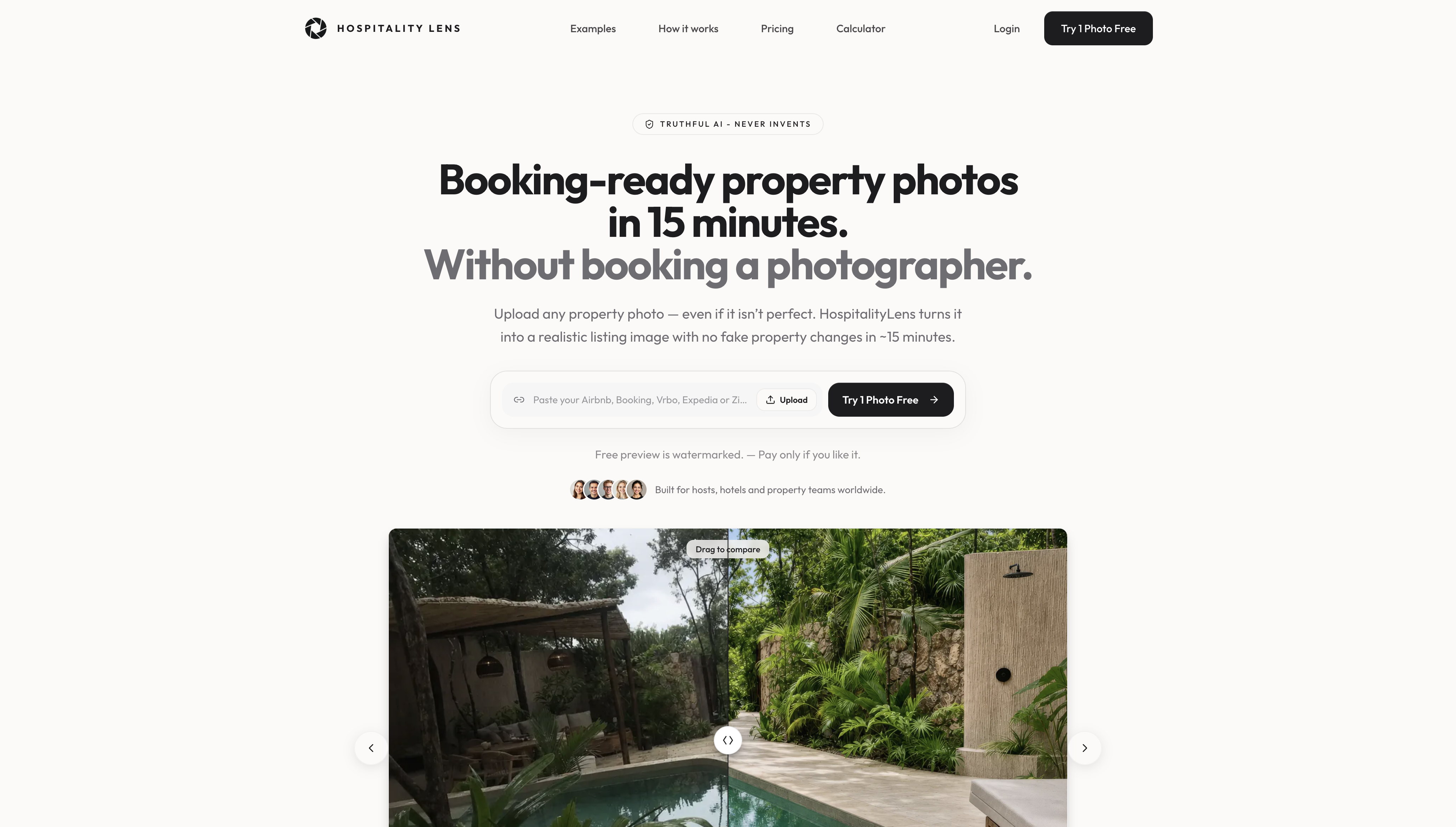
HospitalityLens corrects lighting, perspective, and small distractions in usable cleaner-taken photos while preserving the real property.
Try it on one photoTL;DR
- Edit cleaner photos for light, color, straight lines, and small removable distractions such as a stray cord, a trash bin, or a passing person.
- Leave permanent features, flaws, and anything a guest would see on arrival exactly as they are.
- Write a one-page editing standard so every listing in your portfolio follows the same rules.
- Judge a service by its limits: does it refuse to invent rooms, views, or amenities, and does it show a preview before you pay?
- Book a photographer when the originals are unusable, the property is a flagship, or you need angles nobody has captured.
Table of Contents
Why cleaner-taken photos are worth saving
Cleaners are already in the unit, they know how it should look, and they are there right after a turnover. That makes them a fast, cheap source of photos for a new onboarding, a seasonal refresh, or a listing that has gone stale.
The trouble is that cleaners are not photographers, and nobody asks them to be. Their phone shots tend to be dark, tilted, and taken from the doorway. They also catch what a cleaner stops seeing: a cord by the nightstand, a bin in the corner, a half-open closet.
Most of these problems are fixable. A few are not. The skill is knowing which is which before you spend time or money.
Fix the room before you fix the photo
Editing works best on a clean source. One real-estate workflow guide puts it simply: a clean room is easier to edit, photograph, and understand. That is a good reason to give your cleaners a short photo checklist, because ten seconds of tidying saves a lot of retouching.
Zillow’s rental photo advice lists the basics: make the bed, clear cords and countertop appliances, close the toilet lid, and open the blinds. Use natural light where you can, and add indoor lamps if the room is still dim.
Airbnb’s own hosting guidance adds camera habits that matter even more for phone shots. It recommends turning off the flash, shooting horizontally, using gridlines, and holding the camera straight rather than tilted. Gridlines alone prevent most of the crooked-room problems that later need correcting.
This is also where guest trust starts. Hospitality marketers who work on getting independent hotels found online make the same point from another angle: truthful, helpful information for guests is what makes a listing worth choosing, and photos are the first piece of it.

What you can safely edit in a cleaner’s photo
The test is simple, and it comes from the real-estate media world: if someone standing in the room would not see what the photo shows, the edit is misrepresentation. Everything below passes it, because it makes the photo look more like the room feels in person.
Light and color
Phone photos taken in a dim room look gray and muddy. Raising exposure, balancing white tones so walls look the color they really are, and recovering a blown-out window are all normal repairs. Our guide on how to brighten interior listing photos well walks through where the line sits.
The limit is restraint. Zillow cautions that excessive brightness, contrast, or filters can suggest a manager is hiding something. If the walls look whiter than they are, or the room glows, guests notice at check-in.
Crooked lines and perspective
Tilted horizons and leaning walls are the most common cleaner-photo flaw. Keeping the camera level and correcting the lens profile fixes distorted vertical lines. Do it with care: a UK property-marketing piece quotes an industry voice who warns that edits must be executed with technical competence so surrounding architecture and materials are not bent or damaged. If a doorframe curves after you straighten a shot, the fix has gone too far. More detail is in how to straighten rental photos without a reshoot.
Temporary clutter and distractions
This is the part people mean when they search for a decluttering service. Items that are not part of the stay are fair game: cords, a laundry basket, cleaning supplies left on a counter, a trash bin, a stray towel, a personal item left by a cleaner, a reflection of the person holding the phone, or someone who walked through the frame.
The rule of thumb is that the item would be gone when a guest arrives. If the bin is always in that corner, it is part of the room. For room-by-room detail, see how to clean up listing room photos properly, what to fix and leave in bedrooms, and bathroom photo cleanup.
What you should never edit out
This list matters more than the one above. A guest who arrives to a different place than the photos showed writes the review you do not want.
The HAR professional association’s advice is to leave permanent items, fixtures, and problems that are not easily remedied as they are. For a rental, that translates into a clear set of things:
- Stains on carpet, walls, or ceilings that will still be there on arrival
- Scuffs, cracks, worn flooring, and dated fixtures
- Power lines, a neighboring building, or a busy road outside the window
- Smaller rooms, lower ceilings, or less space than the angle suggests
- Any amenity that is missing, such as a view, a pool, or a second bathroom
The same goes for adding things. Do not add furniture, plants, art, or a sunnier sky. Staging a room digitally or generating a view is not enhancement, it is a different image of a different place. Airbnb notes that detailed photos help guests decide whether a listing meets their needs and avoid surprises, and that is exactly what those edits would undo.
If a flaw bothers you, fix it in the real unit. Repaint, replace, or repair, then photograph again. If you cannot, show it honestly and let the rest of the photos do their job.
A quick way to sort the fixes
| Flaw in the photo |
Edit it? |
Why |
| Dark, gray, or uneven light |
Yes, lightly |
Matches what a guest sees with the lights on |
| Tilted walls or horizon |
Yes |
Corrects the camera, not the room |
| Cord, bin, cleaning supplies |
Yes |
Gone by the time a guest arrives |
| Person or reflection in frame |
Yes |
Not part of the property |
| Stain, scuff, or worn floor |
No |
Still there at check-in |
| Power lines or neighboring wall |
No |
Part of the real surroundings |
| Empty corner or bare wall |
No, do not add items |
Adding furniture changes the room |
| Missing view or amenity |
Never |
Misleading |
Keeping a whole portfolio consistent
A single clean photo is easy. Fifty listings photographed by twelve cleaners is the real problem. One unit looks warm and golden, the next looks blue and cold, and a third has been shot from the ceiling. Guests browsing your management company’s listings notice, even if they could not say why.
A few habits fix this without much cost.
Start with a written standard. One real-estate media lead recommends that a company write a one-page editing standard for its photographers to follow. Do the same for cleaners and editors. Say what may be removed, what may not, and how bright is too bright.

Next, standardize the shots. Airbnb suggests photographing every guest-accessible room from multiple perspectives, mixing wide, mid-range, and close-up images. Turn that into a shot list: one wide shot per room from the corner, one detail shot, and one of any feature guests ask about, such as the coffee setup or the workspace.
Then apply the same correction approach across the set. Consistent white balance and a similar level of brightness do more for a portfolio than any filter. Our property photo enhancement best practices go through this in more depth, and the host’s guide to professional listing images covers the shot list.
Finally, check the technical side before you upload. Blurry thumbnails often come from low resolution, and our page on Airbnb photo requirements covers the sizing questions.
When existing photos are good enough, and when they are not
Here is the honest sorting rule we use.
The photos are good enough to edit when the room is tidy, in focus, and reasonably lit, and when every room guests can use appears at least once. The problems are surface problems: dim, tilted, a little cluttered. That is the typical owner-submitted or cleaner-taken set, and it is where editing is a sensible alternative to a new shoot.
You need a photographer when any of these is true:
- The originals are blurry, too dark to recover, or shot through glare
- Rooms or key features are missing and need new angles
- The space was not prepared, with unmade beds or personal belongings everywhere
- It is a flagship launch, a luxury property, or one that depends on architecture
- Conditions are difficult, such as a small dark room that needs lighting equipment
There is no shame in that call. A professional shoot does things editing cannot, because it captures new information. Editing can only improve information that already exists in the file. If you need a local pro, our property photographer directory is a place to start.
How to choose a photo-decluttering service
Plenty of tools will remove an object. The real differences show up in what a service will refuse to do and how you can check its work. Compare any option, from a self-serve app to a managed editing service, on these points.
Truthfulness rules. Ask in writing whether it adds or generates furniture, views, or features. A service built for rentals should say no, and mean it. The same applies to removing fixed features.
A preview before payment. You should see a real result on one of your own photos before you commit. Watch for a watermark on the preview, which is normal and protects the editor’s work.
Turnaround you can plan around. Onboarding a property or refreshing a season is a deadline job. Ask how long a preview takes and how long a full batch takes.
Revisions. Some edits need a second pass. Find out how many are included and whether a revision costs extra.
Pricing that scales. A price per image is fine for a handful of listings. If you manage a portfolio, compare per-image rates, packs, and subscriptions against your actual monthly volume.
Output for your channels. Confirm the files work for Airbnb, Vrbo, Booking.com, and your own site, and that you can use them commercially.
Consistency. Ask whether results will match across fifty units, not just one showcase example.
Image quality can influence how people evaluate a listing, but there is no universal performance uplift that applies to every property. Measure clicks, inquiries, bookings, or sales on the individual listing. No editor controls pricing, reviews, or the market.
Our perspective
We built HospitalityLens for operators who already have photos and do not want to schedule another shoot just to make them presentable. Most of our customers are not looking for perfection. They need a cleaner-taken set that is honest, bright, straight, and consistent with the rest of the portfolio.
That is why we hold a firm line on what we change. We improve lighting and color, correct perspective and horizon, clean up clutter, and remove people or objects. We do not invent rooms, views, amenities, or architectural features. A listing photo is emotional before it is rational, and that first reaction only helps you if the stay matches it.
We also say plainly when a photographer is the better choice: flagship launches, architectural work, new angles, difficult conditions, or originals that cannot be used. For the many cases in between, such as a refresh, an onboarding, or an underperforming listing with usable shots, enhancing what you have is a practical alternative to a new photoshoot.
The HospitalityLens Team
Try it on one photo
If you manage listings with cleaner-taken or owner-submitted photos, try one photo free. You get a watermarked preview, typically in about 15 minutes, with no obligation, so you can judge the result on your own property before you pay for anything.
Current HospitalityLens pricing (USD); one-time packs — The Hero: 1 photo for $12; The Refresh: 10 photos for $59; The Property: 25 photos for $129; The Portfolio: 100 photos for $399; monthly subscriptions — THE STARTER: 10 photos/month for $49/month; THE OPERATOR: 25 photos/month for $99/month; THE PORTFOLIO: 100 photos/month for $299/month; one-time pack credits do not expire; monthly subscription credits remain valid for up to 3 months; 2 free revisions per photo on one-time packs; 3 free revisions per photo on monthly subscriptions. See current pricing.
FAQ
Can I use my cleaner’s phone photos on Airbnb?
Yes, if they are sharp, show each guest-accessible room, and depict the unit as guests will find it. Ask cleaners to shoot horizontally with the flash off and gridlines on, as Airbnb advises. Then correct light and straight lines before you upload.
Is it okay to remove clutter from listing photos?
Removing temporary items that will not be there at check-in, such as cords, bins, or cleaning supplies, is generally a fair edit. Removing fixtures, stains, damage, or anything permanent is not. A useful check is whether a guest standing in the room would see what the photo shows.
How many edits are too many?
If the photo no longer looks like the room, you have gone too far. Heavy brightness, contrast, or filters can make a manager look like they are hiding something. Aim for a photo that looks like the room on a good, well-lit day.
Does HospitalityLens add furniture or change views?
No. We do not invent rooms, views, architectural features, or amenities, and we do not do virtual staging. We work from your real photos and keep the property true to life.
When should I hire a photographer instead?
Hire one when the originals are unusable, you need new angles or missing rooms, the property is a flagship, or the lighting conditions are difficult. Editing improves existing photos. It cannot capture what was never photographed.
Sources
Recommended