Photography Tips
Source Photo Suitability Guide for Listings
Learn how to evaluate existing property images to enhance imperfect shots, avoid expensive reshoots, and publish professional listings faster.
By Hospitality Lens · · 6 min read
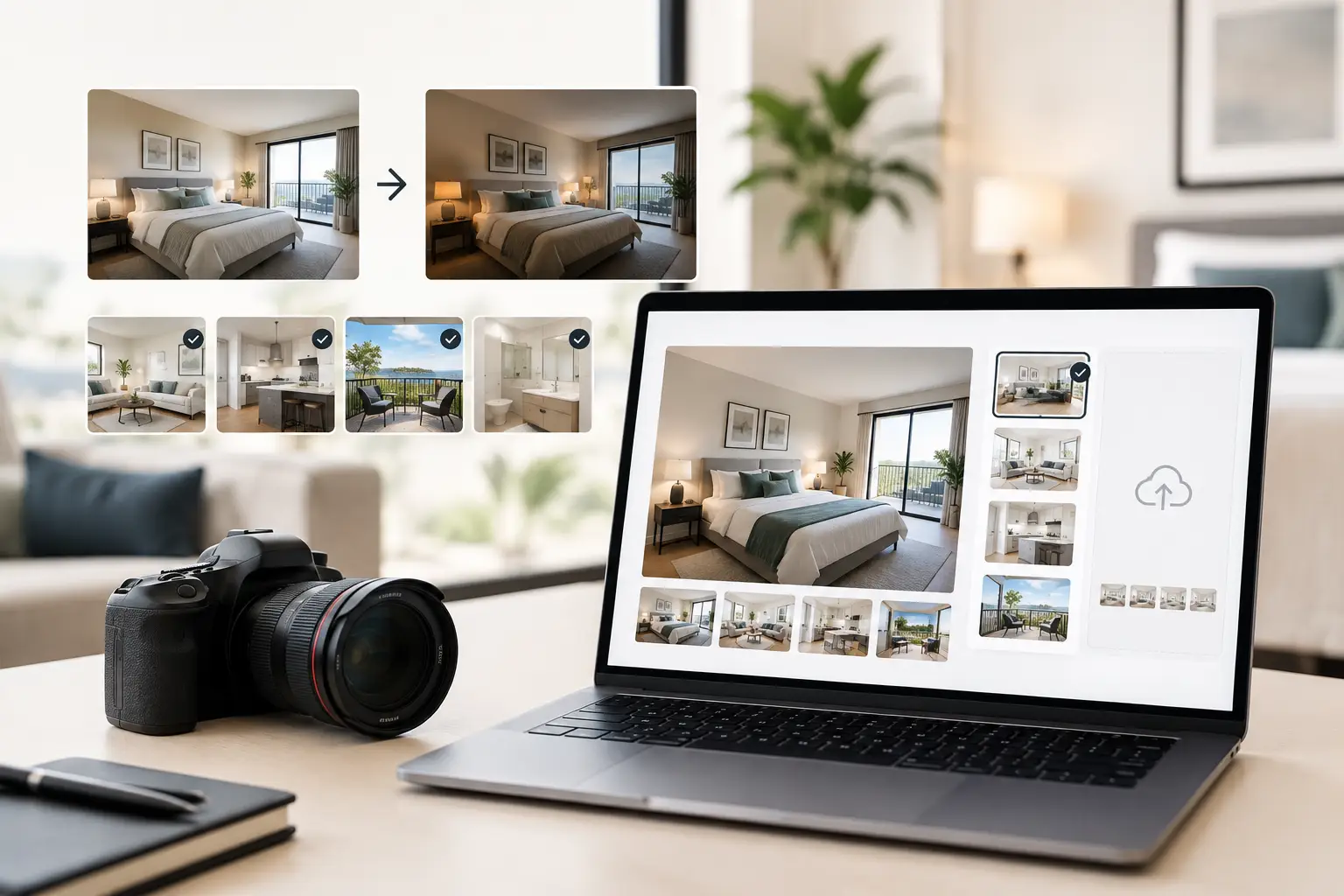
A dim phone photo of a well-designed living room is not necessarily a lost cause. Neither is an owner-supplied bedroom shot with a tilted horizon or a cleaner-taken kitchen image with a few distracting items left on the counter. This source photo suitability guide helps property teams decide whether an existing image can become a truthful, professional-looking property photo - or whether the room needs a new photoshoot.
For operators managing multiple listings, that distinction saves time and prevents poor decisions. AI property photo enhancement can correct what the camera captured imperfectly. It cannot responsibly recover details that were never captured, reveal a hidden view, or turn an unsuitable image into an accurate representation of a property.
What makes a source photo suitable?
A suitable source image has the essential visual information already present. The room, its layout, key features, and available light need to be visible enough that enhancement can clarify the image rather than guess at it.
Think of enhancement as careful post-production, not reconstruction. Realistic lighting and perspective correction can make a room feel more open, balanced, and polished. Clutter cleanup can reduce distractions. But the original image must still show an honest, usable version of the space.
A good source photo does not need to look professional before editing. It may come from a phone, an owner, a cleaner, or a prior listing. It does need to be sharp enough, adequately framed, and representative of the room a guest or buyer will encounter.
The four essentials to check first
Before sending a photo for enhancement, assess four things:
- Focus and resolution: Furnishings, room edges, and major features should be reasonably sharp. Severe motion blur, heavy compression, or a tiny screenshot leaves too little detail to refine.
- Room visibility: The image should show the room's actual form. If a dark corner, window view, or bathroom layout is entirely unreadable, editing cannot accurately fill it in.
- Framing: The camera should capture a useful portion of the room without cropping out its defining feature. A bedroom photo that misses the bed, for example, is rarely a strong listing image.
- Truthfulness: The image must depict the property as it is. Enhancement can remove temporary clutter or correct color, but it should not add amenities, views, architecture, or furnishings that are not there.
If those essentials are present, the photo is often a good candidate for a listing refresh without a new photoshoot.
Photos that usually respond well to enhancement
Phone photos taken in decent natural light are often more usable than teams assume. A slight underexposure, a warm color cast from indoor bulbs, uneven window light, or converging vertical lines are common problems with workable solutions.
For example, a living room photographed from a corner may look dark outside the window area and overly yellow near a lamp. If furniture, flooring, and window details remain visible, truthful photo enhancement can balance the light and color while keeping the room recognizable. The result should look like the same space on a better day, not a different property.
Likewise, an owner photo of a bathroom may have a tilted horizon, visible cleaning supplies, and an unflattering overhead-light cast. If the room is in focus and the vanity, shower, and finishes are clear, it can often become a clean, booking-ready listing image.
Existing listing images can be especially useful for portfolio consistency. A management company may inherit photos taken across several years, with different cameras and editing styles. Correcting exposure, color balance, and perspective across usable images can create a more coherent gallery without forcing every property into a full reshoot cycle.
Seasonal updates are another practical use case. If the property is unchanged but outdoor light, landscaping, or a few decorative details need attention, existing images may provide enough material for selective updates. Whether that is appropriate depends on how much of the image still represents the property accurately.
When source photos are not suitable
There is a point where editing becomes the wrong tool. A professional photographer is the better choice when the current images do not provide a clear, credible visual record of the property.
Heavily blurred photos are the clearest example. If the camera moved and the bed, artwork, and room lines are all soft, the missing detail cannot be restored reliably. The same applies to images that are extremely dark, with large areas rendered as near-black, or badly overexposed, with windows and light surfaces reduced to blank white.
Poor composition can also make a photo unsuitable. A close-up that shows only half a small bedroom cannot establish the room's layout. A kitchen shot taken from the doorway may hide the appliances and work surfaces that make it useful. In these situations, no amount of polishing changes the fact that the image does not do the listing's job.
Use a new photoshoot when you need a complete visual story: new construction, major renovations, distinctive architecture, premium design details, large hotels with many room types, or properties with exceptional views. A photographer can choose the right time of day, bring appropriate equipment, compose each space intentionally, and capture angles that do not exist in your current library.
That is not a failure of AI property photo enhancement. It is simply the right division of labor. A property photographer alternative is most valuable when usable source images exist and the commercial need is speed, consistency, or a practical refresh.
A practical review process for property teams
Start by reviewing images at full size, not only in a property management system thumbnail view. Thumbnails can hide blur, compression artifacts, and blown highlights that become obvious in a listing gallery.
Then group images into three categories: ready to enhance, possible but uncertain, and reshoot needed. The first category includes photos with clear rooms and correctable flaws. The second may include challenging window light, slightly weak framing, or modest softness. The third includes images that fail to show the property accurately or clearly enough.
For a new-property onboarding, review the full gallery rather than choosing one promising image. A single polished living room will not solve a weak listing if the bedrooms, bathrooms, exterior, and arrival experience are still poorly documented. Conversely, if most rooms are usable, targeted editing may be the fastest path to professional-looking property photos.
It also helps to prioritize images by commercial purpose. Lead photos, living rooms, primary bedrooms, kitchens, bathrooms, and exterior shots generally deserve the closest review because they establish first impressions and help guests understand the stay. Secondary images matter too, but they should not consume your entire refresh budget before the core gallery is credible.
Set realistic expectations for the edit
A strong enhancement request is specific about what is distracting and what must remain unchanged. Ask for brighter but natural interiors, straighter verticals, cleaner counters, corrected white balance, or removal of an incidental person. Avoid requests that would alter the property itself.
The best outcome is restrained. Floors should still look like the real floors. Window views should remain the real views. A compact room should not be made to look artificially oversized. This discipline protects listing credibility and gives operators a consistent standard across the portfolio: present each property at its best, without fake rooms, views, amenities, or property features.
HospitalityLens is built for this middle ground. It can turn usable owner photos to booking-ready images through truthful lighting and color correction, perspective adjustment, clutter cleanup, and overall visual polish. If you are unsure whether a particular image qualifies, try one photo free. The preview is watermarked, and you only pay for the completed, watermark-free image if the result works for your listing.
The useful question is not whether every photo can be fixed. It is whether the image already contains an honest, clear view of the space that deserves a better presentation. When it does, a careful refresh can make your next listing update far more practical than starting over with a camera crew.