Hotels
Commercial Use Photo Enhancement for Hospitality
Unlock increased reservations and higher conversion rates for your hospitality property with professional photo enhancements, even from phone photos.
By Hospitality Lens · · 10 min read
TL;DR:
- Professional photo enhancement improves hospitality listings by boosting reservations and conversion rates.
- Use purpose-built AI tools with commercial licensing to create authentic, high-quality images across multiple channels.
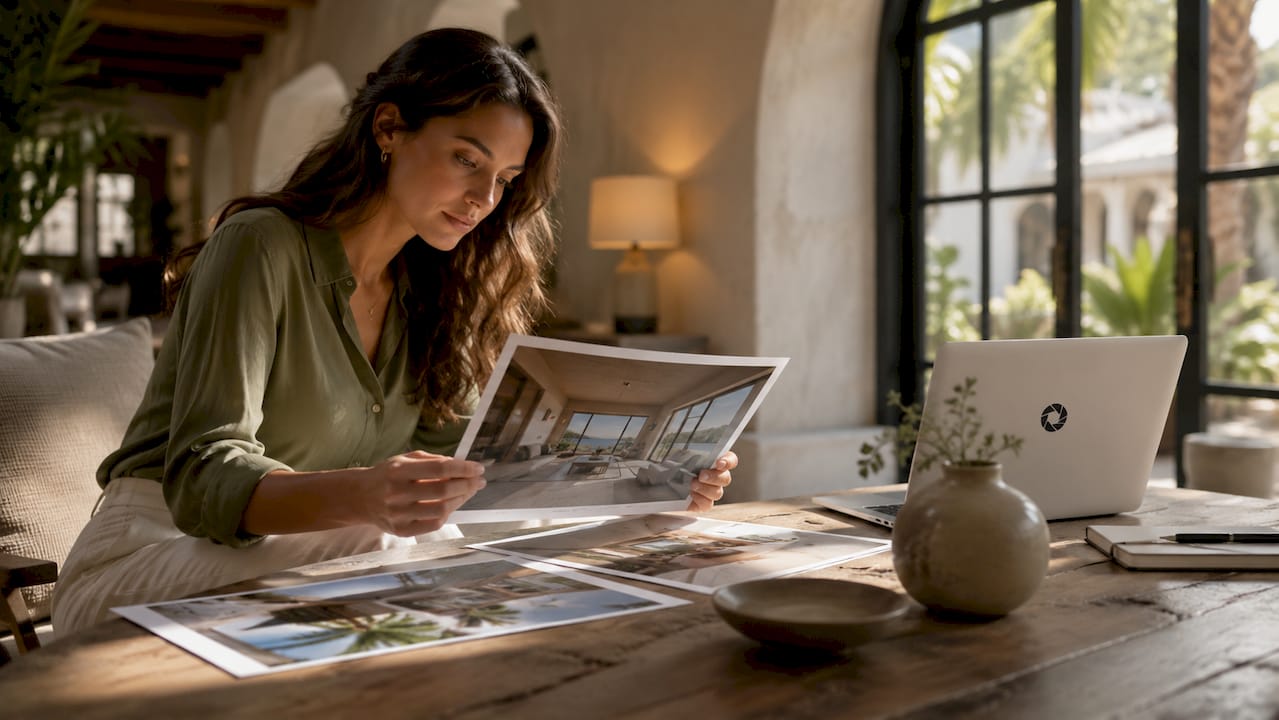
Commercial use photo enhancement for hospitality is the process of editing property photos to meet professional quality and licensing standards that allow those images to be used legally across OTAs, websites, social media, and print. The listing photo is the first decision point for most guests. Professional photography increases reservations by 32% on Booking.com, and listings with 40 or more photos convert at 4.1% compared to 1.8% for listings with fewer images. That gap is not a minor difference. It represents the distance between a property that fills its calendar and one that struggles to compete.
The industry term for what most hosts and property managers need is professional image enhancement, and it covers a specific set of corrections: lighting and color adjustment, perspective correction, clutter removal, and object or people removal. These are the corrections that move a phone photo from “good enough” to booking-ready listing image. Understanding which tool category fits your workflow is the first practical step.
Feature categories worth comparing
Photo editing tools for hospitality fall into three broad categories. Entry-level desktop software handles basic color and exposure adjustments but requires manual skill and time. Mid-range AI tools automate common corrections but often lack hospitality-specific workflows or commercial licensing. Purpose-built hospitality platforms, like HospitalityLens, combine AI-driven corrections with full commercial usage rights included in every package.
The table below compares feature categories relevant to hospitality photo editing, not specific vendor names.
| Feature category |
Entry-level tools |
AI hospitality platforms |
| Lighting and color correction |
Manual, skill-dependent |
Automated, consistent |
| Perspective correction |
Manual only |
AI-assisted |
| Clutter and object removal |
Limited or manual |
Purpose-built workflow |
| Commercial usage rights |
Rarely included |
Included by default |
| Turnaround time |
Hours to days |
Fast AI-driven delivery |
| OTA-ready output |
Not guaranteed |
Formatted for Booking.com, Airbnb |
AI photo enhancement tools in 2026 focus on realistic improvement without creating fake amenities or misleading guests. That distinction matters legally and practically. A photo that misrepresents a room generates negative reviews and erodes trust faster than a mediocre photo ever would.
Pro Tip: Before selecting any tool, confirm that the license it provides covers commercial use across all your intended channels, including OTAs, your own website, and paid advertising. Many general-purpose tools grant personal use only.
How to enhance hospitality photos for commercial use step by step
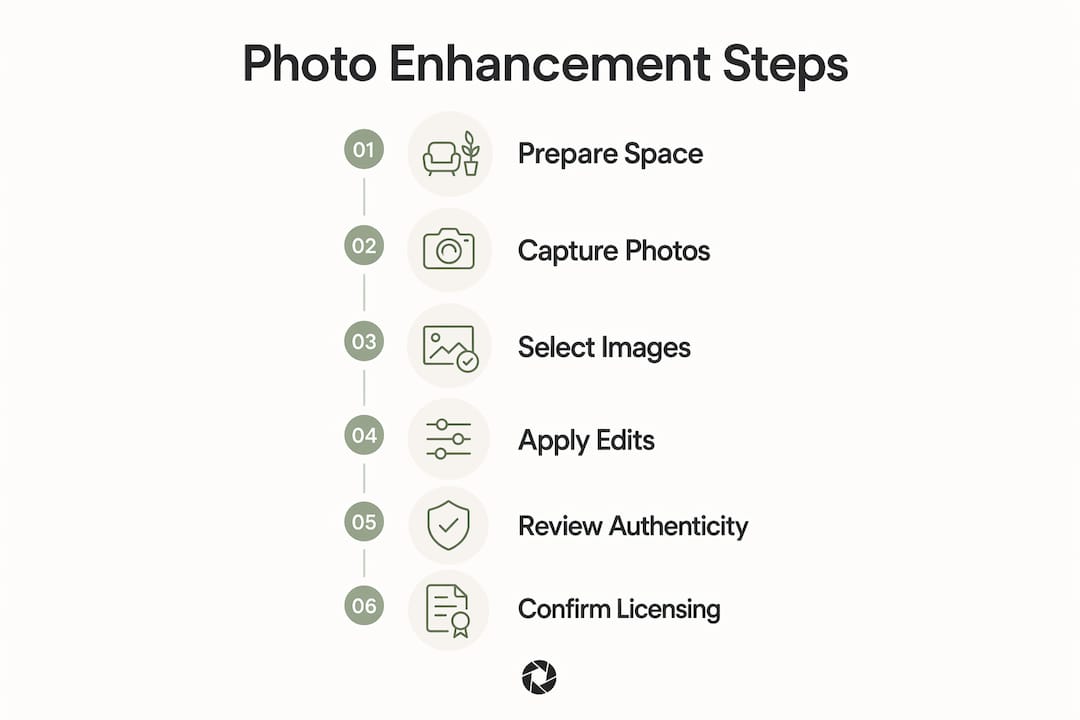
The process works best when you treat it as a sequence, not a single edit. Each step builds on the one before it, and skipping steps creates problems that are harder to fix later.
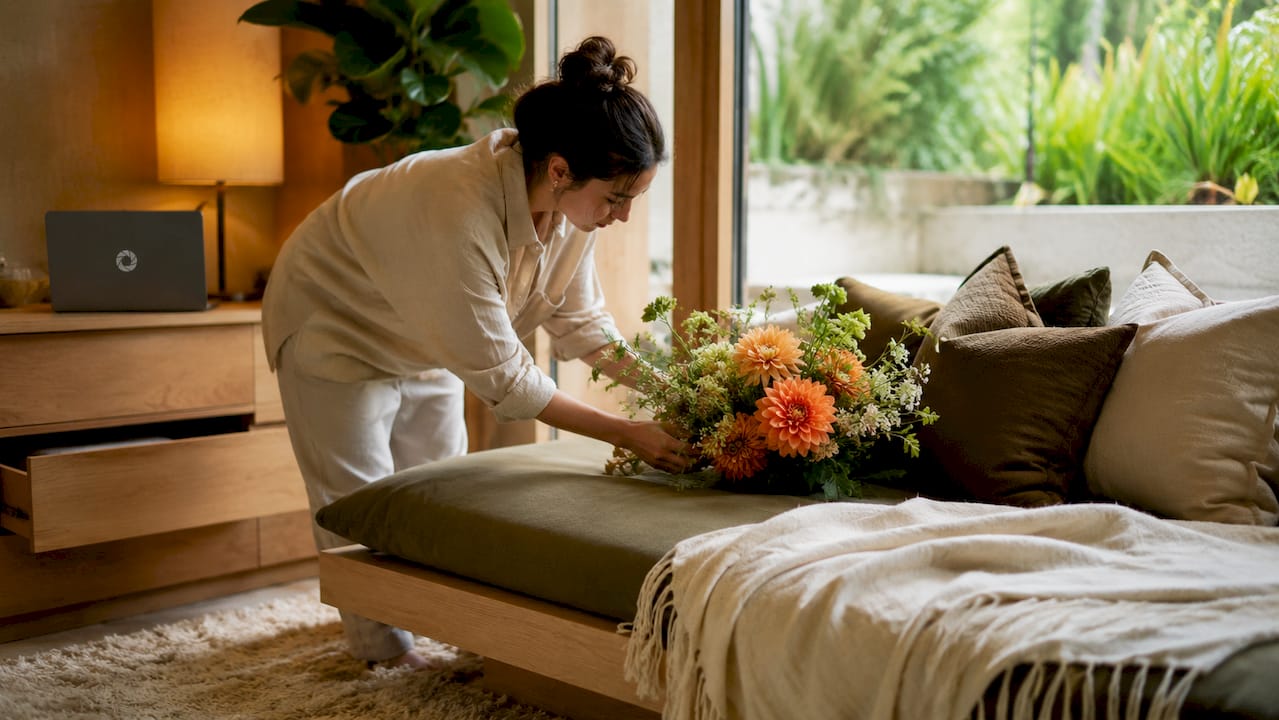
Step 1: Prepare the space before you shoot. Remove personal items, straighten furniture, and open blinds to let in natural light. Wide-angle shots at 16–24mm with corner-to-corner room views perform best on OTAs. A tidy bed and visible natural daylight are the two most consistent signals of quality in hospitality photography.
Step 2: Shoot with enhancement in mind. You do not need a professional camera. A modern smartphone in good light produces a workable file. Shoot from a corner of the room, keep the camera level, and take multiple angles of each space. Exterior shots of pools and key amenities increase guest engagement, so include them.
Step 3: Select your best raw images. Choose photos that show the space clearly, even if the lighting is imperfect. Enhancement corrects exposure, color cast, and minor perspective issues. It cannot fix a blurry image or a shot taken from a poor angle.
Current HospitalityLens pricing (USD); one-time packs — The Hero: 1 photo for $12; The Refresh: 10 photos for $59; The Property: 25 photos for $129; The Portfolio: 100 photos for $399; monthly subscriptions — THE STARTER: 10 photos/month for $49/month; THE OPERATOR: 25 photos/month for $99/month; THE PORTFOLIO: 100 photos/month for $299/month; one-time pack credits do not expire; monthly subscription credits remain valid for up to 3 months; 2 free revisions per photo on one-time packs; 3 free revisions per photo on monthly subscriptions. See current pricing.
Step 5: Review for authenticity. The goal is a photo that looks like your property on its best day, not a different property. Check that walls, furniture, and room proportions match reality. Guests who arrive and find a room that matches its photos leave better reviews.
Step 6: Confirm commercial licensing before publishing. HospitalityLens photo packages include full commercial licensing for multi-channel use at no extra fee. Confirm this in writing before uploading images to any paid advertising platform.
Pro Tip: Keep your original unedited files. If an OTA requests a different crop or resolution, you can re-export from the original rather than re-editing a compressed version.
Common mistakes in commercial photo enhancement for hospitality
Over-editing is the most common and most damaging mistake. A room that looks brighter and cleaner than it actually is sets an expectation that the physical space cannot meet. That mismatch produces negative reviews, which reduce OTA ranking through lower click-through rates and algorithm penalties.
Licensing warning: Using photos enhanced by a general-purpose AI tool on a commercial OTA listing or in paid advertising without explicit commercial rights is a licensing violation. Many tools grant personal or editorial use only. Always read the license terms before publishing. If the tool does not specify commercial use, assume it is not permitted.
Ignoring OTA-specific photo requirements is the second common mistake. Booking.com and Airbnb each have minimum resolution standards, aspect ratio preferences, and content guidelines. A photo that looks excellent on your website may be rejected or displayed poorly on an OTA if it does not meet those specs.
Uploading too few photos is a measurable problem. Listings with 40 or more photos convert at more than double the rate of listings with fewer images. Property managers often stop at 10 to 15 photos and leave significant conversion potential unused.
Pro Tip: After enhancement, run each image through the OTA’s photo upload tool in a test listing before publishing. This catches resolution issues, color profile mismatches, and cropping problems before they affect your live listing.
How to use enhanced photos across hospitality marketing channels
A professionally enhanced photo library is an asset, not a one-time upload. The same images that improve your Booking.com listing can work across your website, social media, email campaigns, and print materials, provided your license covers those channels.
Click-through rate is the primary signal OTA algorithms use to rank property listings. Better photos improve CTR, which improves ranking, which generates more impressions and more bookings. A 1% increase in OTA conversion rate translates to roughly $20,000 in additional annual revenue for a property with $2 million in annual bookings. That figure makes the cost of professional enhancement straightforward to justify.
The table below summarizes commercial use rights and typical channel applications.
| Channel |
Commercial license required |
Typical use |
| OTA listings (Booking.com, Airbnb) |
Yes |
Primary listing photos, thumbnail |
| Hotel website |
Yes |
Gallery, homepage hero image |
| Social media (paid ads) |
Yes |
Facebook, Instagram advertising |
| Social media (organic posts) |
Yes |
Feed posts, stories |
| Print (brochures, signage) |
Yes |
Collateral, in-room materials |
| Email marketing |
Yes |
Newsletter, promotional campaigns |
Photo libraries last 3–5 years before they need refreshing. Outdated photos create a gap between guest expectations and the actual property, which drives negative reviews. Schedule a photo review every three years and update images after any renovation or significant change to the space.
Key Takeaways
Commercial use photo enhancement for hospitality is the most direct, cost-effective way to improve OTA conversion rates, listing visibility, and guest trust before a single booking is made.
| Point |
Details |
| Photo quality drives conversion |
Listings with 40+ photos convert at 4.1% vs. 1.8%, a difference that compounds into significant revenue. |
| Commercial licensing is non-negotiable |
Always confirm images carry explicit commercial rights before publishing on OTAs or paid channels. |
| Enhancement, not fabrication |
Effective hospitality photo editing improves what exists; it never invents amenities or misrepresents the space. |
| Refresh every 3–5 years |
Outdated photos generate mismatched expectations and negative reviews that hurt OTA ranking. |
| AI tools save time and cost |
Purpose-built platforms deliver lighting, color, and perspective corrections without a photoshoot. |
What I’ve learned about photo enhancement and honest marketing
The conversation around AI photo tools in hospitality tends to split into two camps. One side treats enhancement as a way to make a property look as good as possible, full stop. The other side worries that any editing is deceptive. Both positions miss the point.
The real question is whether the photo accurately represents what a guest will experience. A dark, poorly lit photo of a clean, well-maintained room is not honest. It is just a bad photo. Correcting the exposure and removing a stray suitcase from the corner does not misrepresent the room. It shows the room as it actually is when it is ready for a guest.
Where I see properties get into trouble is when enhancement crosses into invention. Widening a room digitally, adding furniture that is not there, or replacing a cloudy sky with a perfect blue one creates a promise the property cannot keep. That is not a photo quality problem. It is a trust problem, and it shows up in reviews.
The commercial licensing piece is the part most hosts underestimate. I have seen properties use beautifully enhanced photos across their entire marketing mix, only to discover they were using a license that covered personal use only. The financial and legal exposure from that mistake is real. If you are publishing photos on Booking.com, running Instagram ads, or printing brochures, you need commercial rights in writing.
My practical advice: treat your photo library as a business asset with a maintenance schedule. Enhance it honestly, license it correctly, and refresh it every few years. That approach produces better reviews, better ranking, and better revenue than any single “perfect” photo ever will.
— Greg
HospitalityLens makes commercial photo enhancement straightforward
Property managers and hosts who need booking-ready photos without scheduling a photoshoot can upload their existing images directly to HospitalityLens. The platform handles lighting correction, color adjustment, perspective straightening, clutter cleanup, and people or object removal using AI-driven processing.
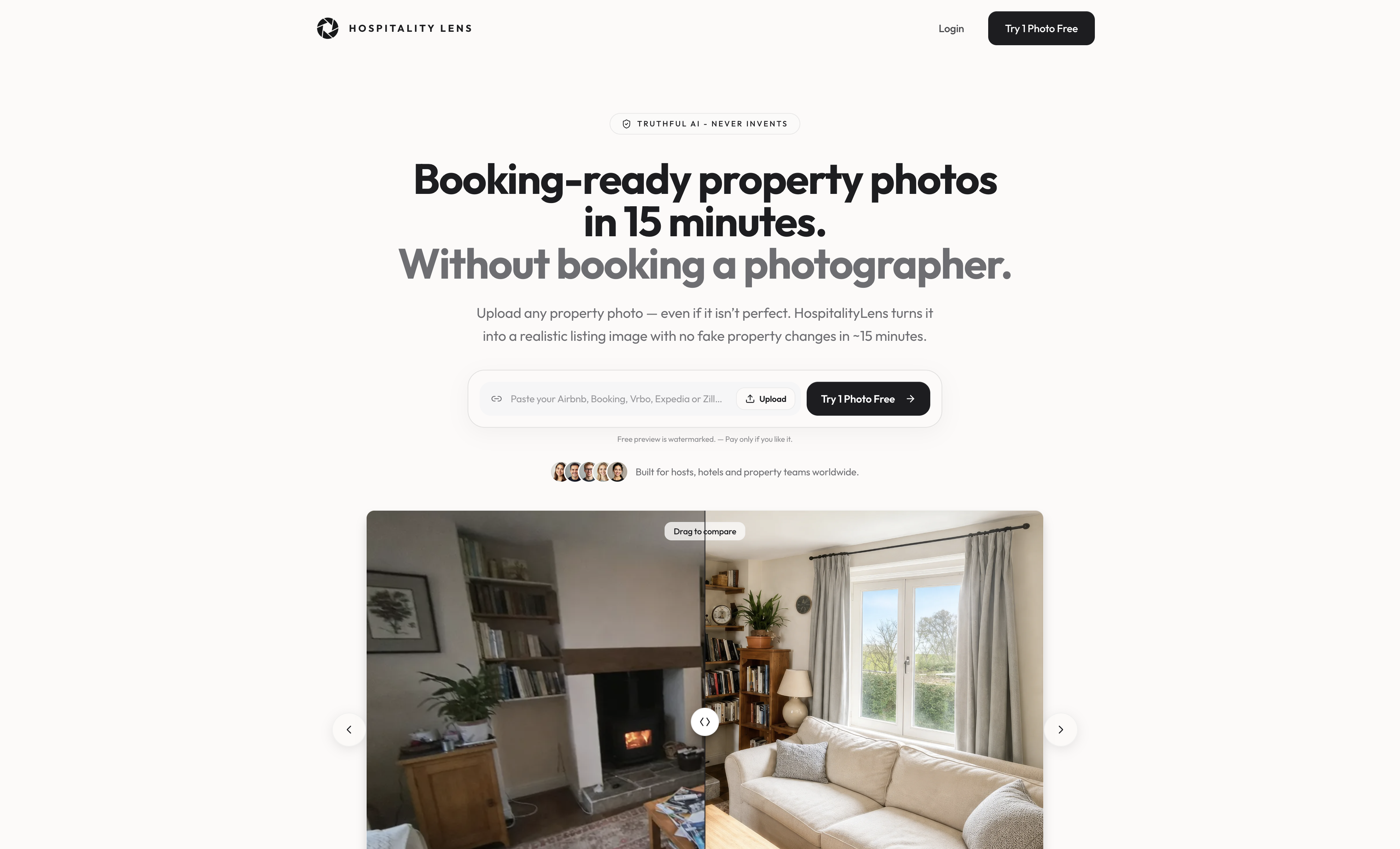
Every HospitalityLens package includes full commercial usage rights for OTAs, websites, social media, and print, with no extra licensing fees. The turnaround is fast, the pricing is transparent, and a satisfaction guarantee backs every order. You can try one photo free to see the results before committing to a full library enhancement.
FAQ
What is commercial use photo enhancement for hospitality?
Commercial use photo enhancement for hospitality is the process of editing property photos to professional quality standards and securing the licensing rights to publish those images on OTAs, websites, paid advertising, and print materials.
Do I need a professional photographer to get commercial-quality photos?
A professional shoot is not required. HospitalityLens accepts phone photos and existing listing images, applying AI corrections for lighting, color, perspective, and clutter without an on-site photographer.
What commercial license do I need for OTA listings?
OTA listings, paid social ads, and print materials all require explicit commercial usage rights. Personal or editorial licenses do not cover these channels. Confirm commercial rights in writing before publishing.
How often should I update my hospitality photo library?
Photo libraries should be refreshed every 3–5 years, or sooner after any renovation. Outdated photos create a gap between guest expectations and the actual property, which generates negative reviews and reduces OTA ranking.
How many photos does a hospitality listing need to maximize conversions?
Listings with 40 or more photos convert at 4.1%, compared to 1.8% for listings with fewer images. Aim for at least 40 photos covering all room types, amenities, and exterior spaces.
Recommended