Real Estate
Top 4 Professional Photos for Real Estate Alternatives 2026
Boost your property listings with top alternatives for professional real estate photos, attracting more buyers and renters with stunning visuals.
By Hospitality Lens · · 14 min read
Booking-ready property photos can turn stale overnight, but relying on scheduled shoots keeps your listings locked to a slow, expensive process. Many traditional photographers charge per session, gate edits behind upcharges, or require advance booking, which limits rapid updates. This comparison details real estate photo editing services so hosts, hotel managers, and property teams can match one to their listings for fast, trustworthy improvements.
Table of Contents
HospitalityLens
At a Glance
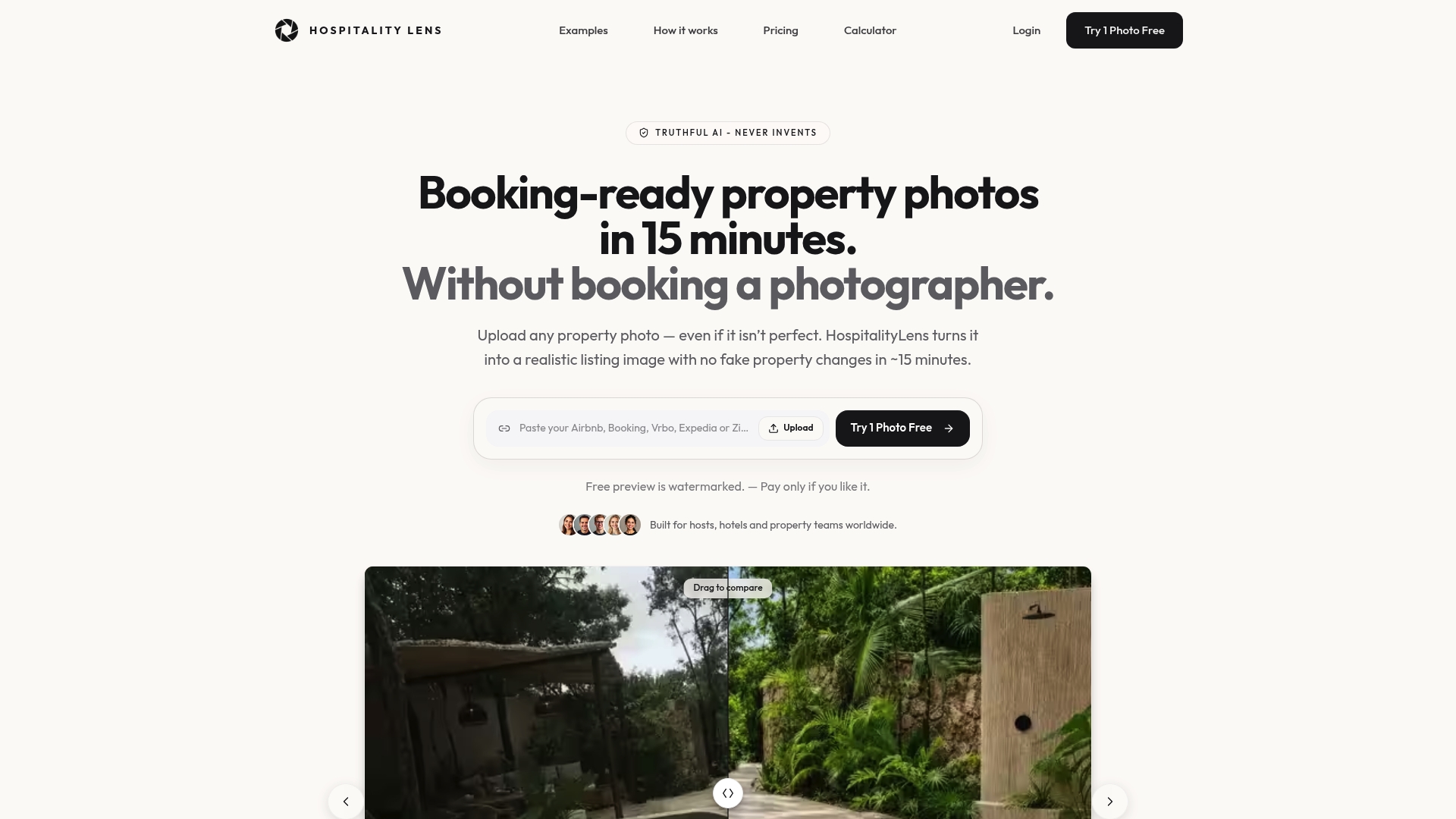
HospitalityLens reports 15 minutes as the typical turnaround for an AI-enhanced property photo. You can upload any existing room photo, even if dark or cluttered, and get a realistic, booking-ready image. A free watermarked preview is available, and payment happens only if you like the results.
Core Features
The service applies lighting and color corrections, perspective correction, clutter cleanup, and people or object removal while keeping the property authentic. It delivers a polished image meant for Airbnb, Booking, Vrbo, Expedia, Zillow, and direct property sites. Enhanced photos include commercial usage rights and a trial that requires no credit card for the first try.
Key Differentiator
That fast turnaround lets hosts update listings between bookings, so they are not booking a separate photoshoot. HospitalityLens focuses on truthful improvement, so photos look brighter and cleaner while preserving architecture and atmosphere. The result is a practical alternative when a traditional photographer is impractical or too costly for routine updates.
Pros
Fast enhancement saves time and avoids coordinating a professional photoshoot, which keeps listings current. The free watermarked preview lets you judge the edit before paying, which lowers risk for tight budgets. Global availability and the claim of magazine-grade results make it suitable for individual hosts and property teams needing quick visual refreshes.
Cons
- Pricing is rather premium.
Who It’s For
Hosts, hotel managers, and property teams who need quick, professional-looking listing photos without a scheduled shoot will find this useful. It fits small portfolios and teams that must refresh images often across multiple platforms. Property owners who prefer truthful edits rather than staged or virtual staging will appreciate the approach.
Unique Value Proposition
The standout feature is the free watermarked preview with pay-only-if-you-like terms. That lets you test edits on live listings with no upfront card charge for the initial trial. For hosts juggling turnover and tight budgets, this shifts photo updates from a planned expense to an on-demand tool.
Real World Use Case
A short-term rental host uploads a set of tired smartphone photos late afternoon. Using HospitalityLens, the host receives enhanced images in about the time between guest turnovers and updates the Airbnb listing the same day. The listing then shows clearer lighting and fewer distracting objects.
Pricing
Current HospitalityLens pricing (USD); one-time packs — The Hero: 1 photo for $12; The Refresh: 10 photos for $59; The Property: 25 photos for $129; The Portfolio: 100 photos for $399; monthly subscriptions — THE STARTER: 10 photos/month for $49/month; THE OPERATOR: 25 photos/month for $99/month; THE PORTFOLIO: 100 photos/month for $299/month; one-time pack credits do not expire; monthly subscription credits remain valid for up to 3 months; 2 free revisions per photo on one-time packs; 3 free revisions per photo on monthly subscriptions. See current pricing.
Website: https://hospitalitylens.com
Autoenhance.ai
At a Glance
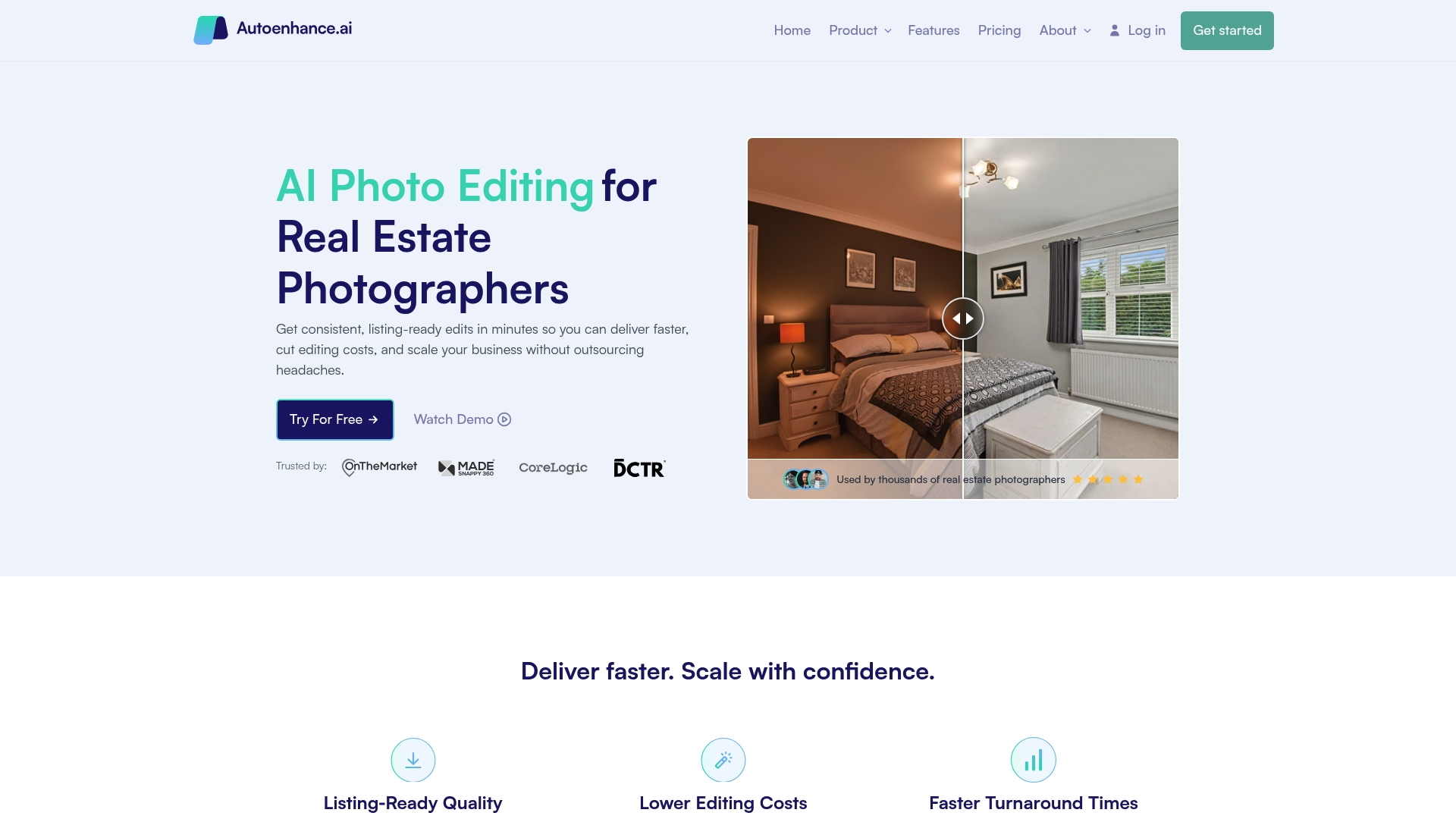
Autoenhance.ai reports being trusted by thousands of photographers and agencies globally. The vendor advertises listing-ready edits delivered in minutes. The product centers on automated editing for real estate photos, including HDR merging, perspective correction, and sky replacement.
Core Features
The platform combines a web app and an API to handle both manual batches and automated pipelines. It performs HDR merging, sky replacement, and perspective correction while applying white balance and color correction for natural tones. The system also supports RAW uploads, image relighting, automatic privacy blurring, and 360 image enhancements for complete property coverage.
Key Differentiator
Autoenhance.ai focuses on real estate specific automation rather than broad consumer editing. It targets photographers, agencies, and PropTech teams that need predictable, high-volume outputs via an API or bulk web uploads. That narrow focus favors scale and consistency over detailed hand retouching workflows.
Pros
The service speeds photo delivery by automating repetitive editing tasks and reducing time spent on exposure and alignment fixes. It cuts outsourcing costs with a pay-per-image option and bulk processing capabilities, which helps agencies manage multiple listings. The interface pairs a simple web app with an API, so photographers can use manual preference selection or embed edits into existing pipelines.
Cons
-
Dependent on internet access and vendor processing queues. Offline or slow networks will delay delivery.
-
Offers less granular manual control than traditional photo editors. Complex, high-end retouching may still require a human editor.
-
Buyers should run a short trial to confirm the automated style matches a client or brand. Results may need custom preference tweaks.
When It May Not Fit
If your workflow demands pixel-level retouching or bespoke color grading, this product may feel restrictive. Teams that require offline editing or local assets only will find the internet dependency limiting. Hosts or sole proprietors who prefer one-off, hands-on edits might prefer a studio or individual retoucher instead.
Notable Integrations
Autoenhance.ai provides an API for custom workflow automation and a web app for manual batch editing. The API supports bulk uploads and programmatic calls for fast turnaround inside listing platforms. The web app lets photographers preview edits and set preferences before finalizing images.
Who It’s For
This product suits real estate photographers who run high-volume shoots and need consistent outputs. Agencies that manage many listings and PropTech platforms seeking embedded enhancement workflows will also benefit. Independent hosts with occasional edits may find the scale and API features more than they need.
Real World Use Case
A real estate photographer uploads a 50-photo shoot, selects sky replacement and perspective correction, and triggers a bulk API job. The edited images return to the photographer for a quick quality check and immediate delivery to the client. This workflow shortens turnaround for agencies handling tight listing deadlines.
Pricing
Autoenhance.ai offers paid plans plus a free trial and a pay-per-image option. Pricing details and volume discounts are listed on the vendor website. Prospective buyers should review the pricing page and test the free trial to match their editing preferences.
Website: https://autoenhance.ai
Apply Design
At a Glance
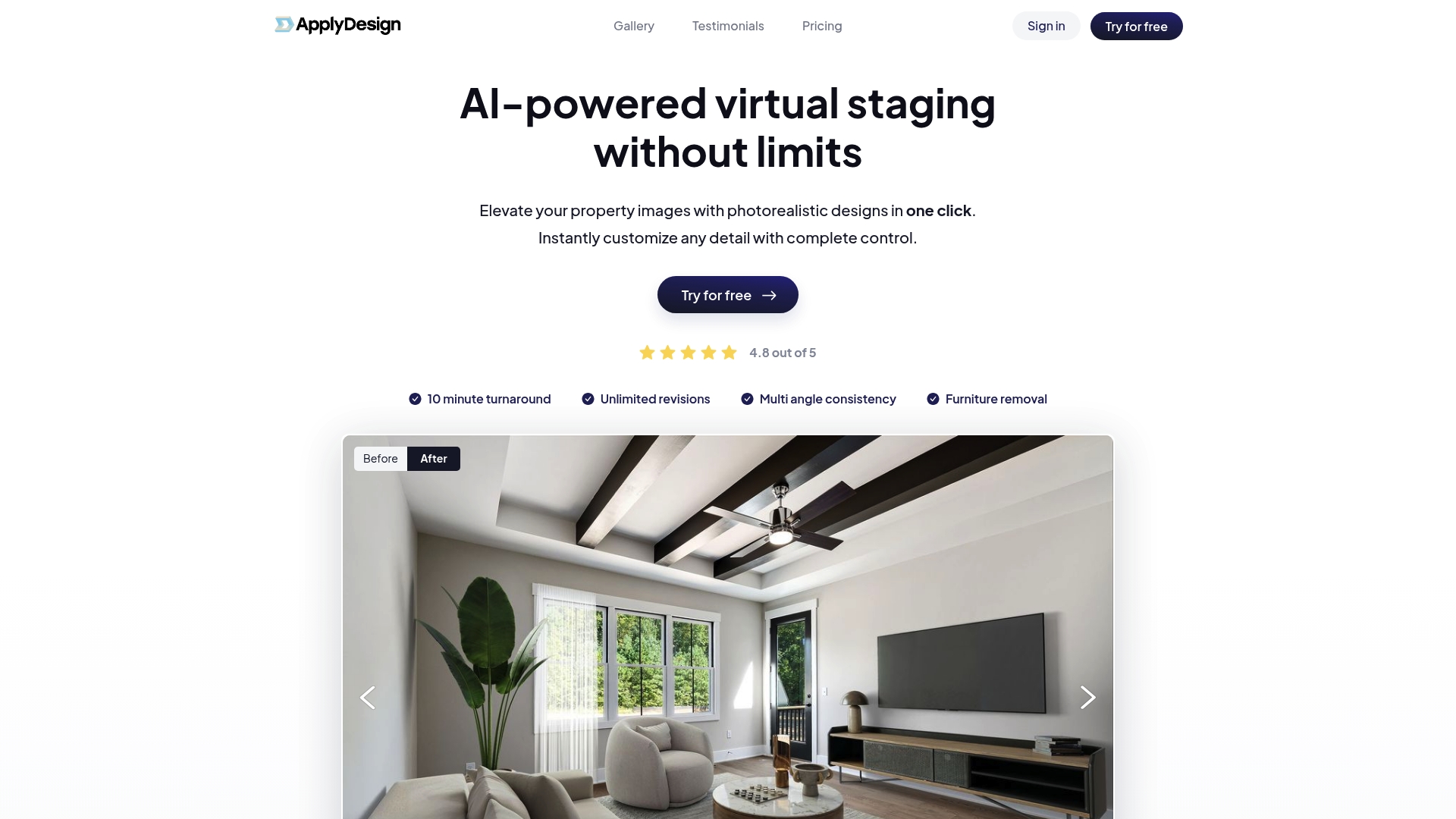
Apply Design’s marketing materials state photorealistic images are rendered within 10 minutes. The vendor also advertises unlimited revisions and support for 2D and 360 images. This makes quick turnarounds plausible for agents who need many listing visuals fast.
Core Features
Apply Design offers AI virtual staging with a single click that adds styled furniture or removes existing items while keeping room proportions intact. The service claims consistent staging across multiple angles and supports both conventional 2D photos and 360 images. Users can request unlimited revisions and choose real time style adjustments.
Key Differentiator
The platform’s primary claim is one click virtual staging combined with rapid image rendering and unlimited revisions. That timeframe claim and the revision policy position Apply Design as a volume friendly option for teams that must refresh many listings quickly. The emphasis is on speed plus iterative control for each image.
Pros
Fast rendering and iterative editing reduce turnaround friction for agencies preparing multiple listings. Apply Design’s marketing materials state a 4.8 out of 5 customer rating, which suggests favorable client response to quality and service. Pricing starts as low as $7 per image for DIY staging and scales to full service at about $10.5 per image, making the offering accessible for agents and stagers on tight budgets.
Cons
-
Specific third party reviews are not available, so independent performance verification is limited.
-
Public detail on integrations with listing platforms or photo management tools is sparse.
-
Pricing can change with purchase volume, so final cost depends on image counts and service level.
Who It’s For
Real estate agents, photographers, interior designers, and home stagers who need quick, styled listing photos will find Apply Design relevant. It fits teams that prefer an on demand, edit heavy workflow and those who value budget friendly per image pricing. It also suits photo vendors that handle 360 content.
Real World Use Case
A listing agent stages ten empty apartment images the morning after inspection and uploads them to Apply Design. The agent receives photorealistic staged versions in about the time the agent completes other listing tasks. The agent requests minor style tweaks and uses the unlimited revisions to match branding before publishing.
Website: https://applydesign.io
ProperShot
At a Glance
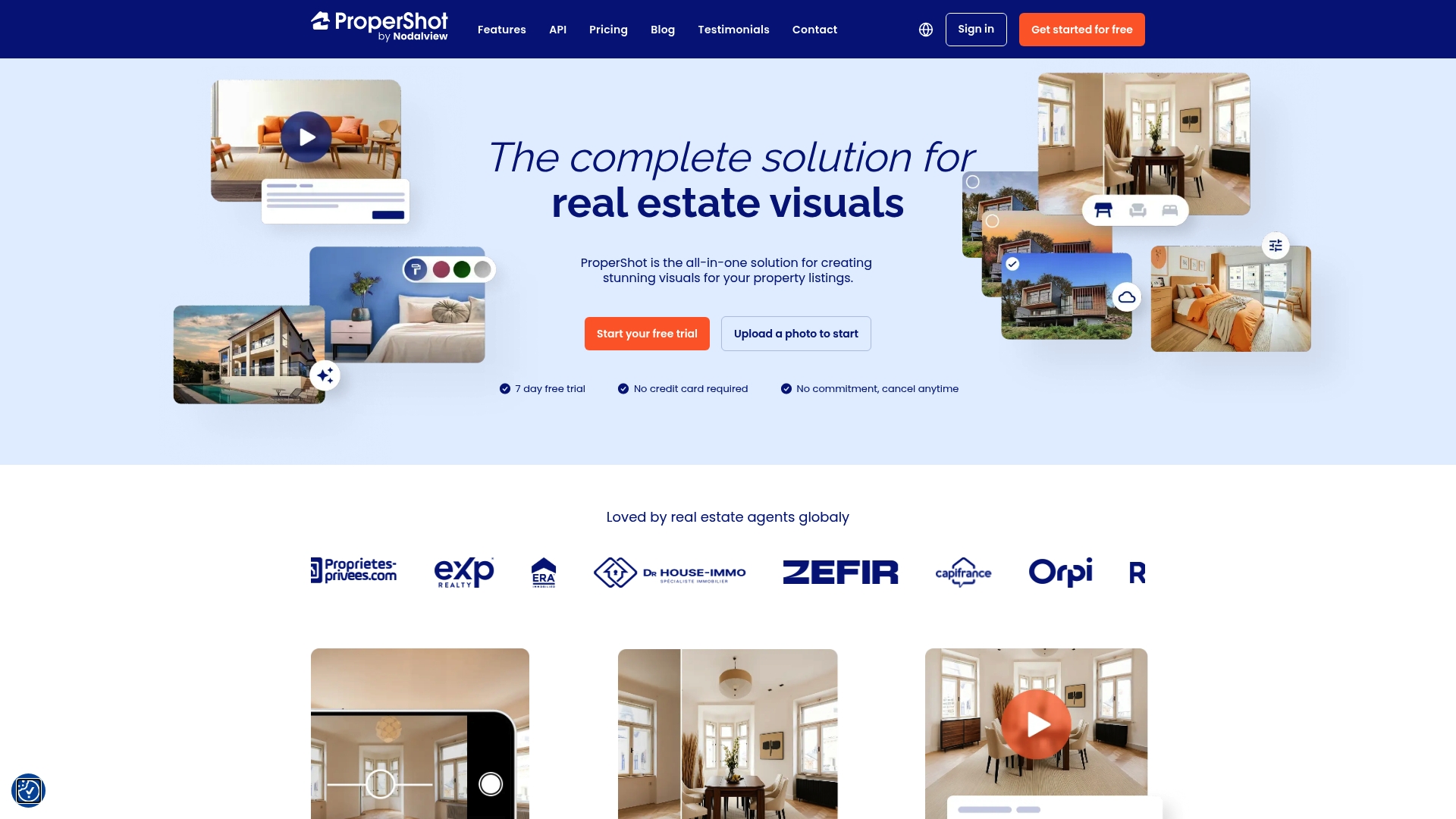
ProperShot added 360° tours and 2D floor plan generation after joining Nodalview, extending its toolbox beyond single photos. The platform offers a seven-day free trial and paid plans that list starting prices in euros. Mobile capture, quick AI edits, and promotional video tools aim to shorten time from visit to live listing.
Core Features
ProperShot combines smartphone capture with web editing and automated enhancements, so agents can shoot on site and finish images later. The suite includes virtual staging, sky replacement technology, HDR and perspective correction, video creation, virtual tours, and smart links with analytics. The tools target listing-ready output rather than heavy manual retouching.
Key Differentiator
ProperShot focuses on real estate professionals who need an all in one visual workflow and no graphic design skill set. The platform emphasizes mobile plus web access and built in AI features so you can capture, edit, stage, and publish property visuals from a single account.
Pros
ProperShot has a clear strength in workflow simplicity. Agents can shoot photos on a phone and apply automatic image enhancement, perspective correction, and sky replacement without switching tools. The video promotion and tour features make it practical to produce listing assets and short promo clips quickly, and the free trial lets teams evaluate fit before committing.
Cons
-
Limited third party review data means independent assessments of long term reliability or edge case behavior are scarce.
-
The vendor does not publish deep details about maximum AI customization or advanced manual editing controls.
-
Pricing could feel steep for solo agents or very small agencies depending on their budget and volume needs.
When It May Not Fit
If your team demands granular manual edits or high end compositing, ProperShot may not meet that need. Large brokerages requiring enterprise integrations or custom workflow automation should check integration capabilities elsewhere. Also, agencies on a tight monthly spend may find the entry prices higher than minimal DIY options.
Who It’s For
ProperShot fits real estate agents and small to mid sized agencies that prioritize speed and simplicity when creating listing visuals. It works well for teams that want mobile capture, automated enhancement, virtual staging, and basic analytics without hiring a photographer or learning advanced editing.
Real World Use Case
A listing agent visits a mid price home, shoots rooms on a smartphone, and uploads the set to ProperShot. The agent applies automatic enhancement, inserts virtual staging in an empty room, exports a 30 second promo video, and shares the smart link in the listing and social channels to track engagement.
Pricing
ProperShot offers a seven day free trial. Paid plans start at 79€/month for the Discovery plan and 139€/month for the Pro plan. Both paid tiers advertise unlimited properties with varying feature sets.
Website: https://propershot.com
Comparison of alternatives
HospitalityLens delivers speed and authenticity for real estate photo enhancement, setting a high standard compared to alternative tools.
High-Volume Editing and Efficiency
Autoenhance.ai shines in scenarios requiring high-volume photo editing paired with integrations in existing workflows. With its advanced API support, bulk upload capacity, and automation features, this service stands out as a scalable solution for agencies handling extensive property portfolios. However, its reliance on internet connectivity and stricter focus on automated editing may limit flexibility for smaller or individualized operators.
The Appeal of Virtual Staging
Current HospitalityLens pricing (USD); one-time packs — The Hero: 1 photo for $12; The Refresh: 10 photos for $59; The Property: 25 photos for $129; The Portfolio: 100 photos for $399; monthly subscriptions — THE STARTER: 10 photos/month for $49/month; THE OPERATOR: 25 photos/month for $99/month; THE PORTFOLIO: 100 photos/month for $299/month; one-time pack credits do not expire; monthly subscription credits remain valid for up to 3 months; 2 free revisions per photo on one-time packs; 3 free revisions per photo on monthly subscriptions. See current pricing.
Best fit
-
Need rapid turnaround with realistic enhancements: HospitalityLens is ideal for hosts seeking fast and trustworthy edits without needing a scheduled photoshoot.
-
Require high-volume editing with advanced API features: Autoenhance.ai provides key advantages for agencies relying on automated pipelines and scalable processes.
-
Seek budget-friendly virtual staging: Apply Design offers a cost-effective and swift solution for enhancing empty property photographs.
-
Favor integrated workflow simplicity: ProperShot enables agents to shoot, edit, and publish property visuals within one cohesive platform.
Our pick
HospitalityLens remains the preferred choice for hosts and real estate photographers who need quick and authentic photo edits that retain the real essence of the property. Its unique provision of a free, trial-based model ensures users can verify the quality before committing financially. While Autoenhance.ai or Apply Design might suit specific bulk or staged workflows, HospitalityLens excels for those prioritizing honest visual enhancements and flexible use.
Professional real estate photo editing services differ in their features, makes them suitable for various user needs and scenarios.
Current HospitalityLens pricing (USD); one-time packs — The Hero: 1 photo for $12; The Refresh: 10 photos for $59; The Property: 25 photos for $129; The Portfolio: 100 photos for $399; monthly subscriptions — THE STARTER: 10 photos/month for $49/month; THE OPERATOR: 25 photos/month for $99/month; THE PORTFOLIO: 100 photos/month for $299/month; one-time pack credits do not expire; monthly subscription credits remain valid for up to 3 months; 2 free revisions per photo on one-time packs; 3 free revisions per photo on monthly subscriptions. See current pricing.
Struggling to Find Professional Photos for Real Estate That Are Realistic and Booking-Ready
Professional photos for real estate often come with the challenge of costly photoshoots and slow turnaround times. HospitalityLens offers a truthful enhancement solution tailored for Airbnb hosts, hotel managers, real estate agents, and property owners who want better listing photos without booking a separate photographer. The service improves lighting, color, and perspective while cleaning up clutter and removing people or objects. It keeps your images authentic and ready to attract bookings faster.
See how HospitalityLens helps you get polished property photos in about 15 minutes. You can upload existing or even smartphone photos and preview the changes with no upfront charge. For a practical, budget-friendly way to refresh listing images, visit HospitalityLens and try a free preview to improve how your property appears across Airbnb, Booking.com, and your real estate listings.
FAQ
What makes HospitalityLens a strong option for professional photo enhancement?
HospitalityLens offers quick AI-powered photo enhancements that produce booking-ready images in about 15 minutes. It applies lighting corrections, perspective adjustments, and clutter removal while keeping the property’s authenticity intact. You can expect polished images without needing a scheduled photoshoot.
How does Autoenhance.ai compare to HospitalityLens for real estate photo editing?
Autoenhance.ai is trusted by thousands of photographers for its automated enhancements, including HDR merging and sky replacement, which can be beneficial for high-volume outputs. HospitalityLens, however, shines in providing quick, realistic edits without requiring extensive automation, making it a better fit for individual hosts who want truthful improvements for their listings.
Does HospitalityLens offer pricing details for its services?
HospitalityLens operates on a pay-only-if-you-like basis, providing a free watermarked preview first. The specific costs for full enhancement are not listed on the site, so you will need to check for pricing upon using the service.
Can I use Apply Design for professional photo staging instead of HospitalityLens?
Apply Design offers one-click virtual staging with unlimited revisions, which is advantageous for users looking for rapid styling. However, if you prioritize truthful enhancements without the staged look, HospitalityLens is geared toward providing more realistic photo edits suitable for authentic listings.
What features does HospitalityLens provide for property photo editing?
HospitalityLens supports a wide range of enhancements, including lighting adjustments, clutter cleanup, and people or object removal, all in about 15 minutes. This makes it a valuable tool for property hosts who need timely and effective photo updates.
Recommended